
Laptop Skin Decal for 2026 MacBook Neo 13 Model A3404
4.5Editor score
Ultra-thin protective layer
Precise cut for new model
Residue-free installation process
Protecting your new MacBook Neo requires the right skin that offers durability without adding bulk. A good wrap should fit precisely, resist scratches, and maintain the sleek look you love from Apple.
We analyzed ten top-rated skins specifically designed for the 2026 MacBook Neo models. Our comparison focuses on material quality, installation ease, and how well each product shields your laptop from daily wear.
Each pick below highlights unique features like full-body coverage or minimalist designs. Note that product availability and pricing can change, so verify details before making your final purchase decision today.
4.5Editor score

4.6Editor score
5.0Editor score
As an Amazon Associate we earn from qualifying purchases.
This side-by-side comparison highlights the key specifications and features of the top skins available for the 2026 MacBook Neo. Use this table to quickly identify which product offers the best coverage and aesthetic for your needs.
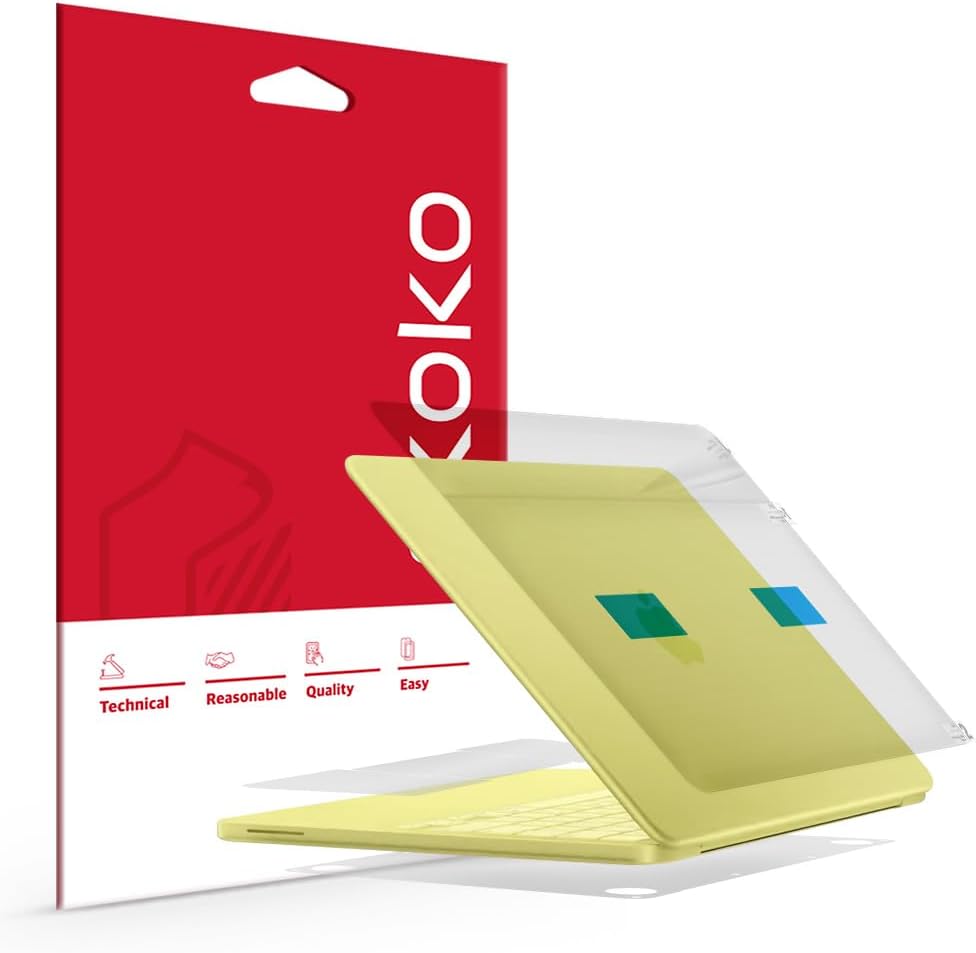


This decal stands out as the most budget-friendly option for protecting your MacBook Neo. It is designed specifically for the new A3404 model to ensure a precise fit without excess material.
We may earn a commission when you buy through this link, at no additional cost to you.
Made from ultra-thin premium material, this skin offers effective protection against daily wear like scratches and smudges. Its light weight ensures it does not add any bulk to your setup.
The main trade-off is the lack of detailed customer reviews or ratings at this time. However, the product description highlights easy installation and no sticky residue left behind.
This is an ideal pick for students or professionals seeking basic protection on a tight budget. It provides essential coverage while keeping your laptop slim for travel.
Designed exclusively for the 2026 MacBook Neo 13 model to ensure seamless edges.
Simple peel and stick process with no leftover adhesive or bubbles.
We may earn a commission when you buy through this link, at no additional cost to you.
This skin receives our Editor's Choice award for its excellent balance of protection and aesthetics. It features a frosted transparent finish that keeps your laptop looking sleek and minimalist.
We may earn a commission when you buy through this link, at no additional cost to you.
The anti-fingerprint coating is a major strength, keeping the surface clean during daily office or school use. Its precise cut ensures ports and edges are covered perfectly without lifting.
Installation is effortless with air release technology that prevents bubbles during application. You can remove it cleanly later without worrying about damaging the underlying laptop surface.
Choose this skin if you want reliable protection without compromising the original feel of your device. It is ideal for those who value a clean and professional look.
Premium matte vinyl resists smudges and dust effectively.
Ultra-thin design adds no weight or thickness to the laptop.
We may earn a commission when you buy through this link, at no additional cost to you.
This product offers the most comprehensive protection available by covering every vulnerable surface of your MacBook Neo. It includes skins for the top, bottom, palm rest, and trackpad in one kit.
We may earn a commission when you buy through this link, at no additional cost to you.
Manufactured in South Korea, it uses a premium thin film design that maintains the laptop's sleek profile. The matte finish blends seamlessly with the device while adding a better grip.
Some users note challenges with alignment during the multi-piece installation process. Despite this, the enhanced grip and full coverage provide significant value against scratches and drops.
If you want to protect every inch of your device from daily wear, this kit is a strong contender. Just take your time during application for the best result.
Includes skins for top, bottom, palm rest, and trackpad.
Adds tactile texture to reduce accidental slips and drops.
We may earn a commission when you buy through this link, at no additional cost to you.
This skin targets the areas most prone to wear like the palm rest and trackpad. It is ideal for users who want protection without altering the entire look of their laptop.
We may earn a commission when you buy through this link, at no additional cost to you.
Crafted from nearly invisible premium vinyl, it restores the original color while shielding against water and scratches. The custom mold ensures a seamless fit for the specific A3404 model.
With a strong rating of 4.6 stars, users appreciate its effectiveness in keeping the wrist rest clean. It is a cost-effective solution for daily protection without bulk.
Select this option if you primarily need to protect the typing and touch areas. It pairs well with other covers for a complete protective setup.
Covers palm rest and trackpad to prevent scuffs and dirt.
Rated 4.6 stars for reliable everyday performance.
We may earn a commission when you buy through this link, at no additional cost to you.
This decal offers a basic frosted clear finish to keep your laptop looking clean and professional. It is designed to resist dust and fingerprints effectively without changing the color.
We may earn a commission when you buy through this link, at no additional cost to you.
Users generally find it easy to apply with bubble-free technology that ensures a smooth finish. It is lightweight enough to slide easily into any bag without adding weight.
While the rating suggests some users faced issues with durability or adhesion, many still find it useful for basic needs. It is a simple upgrade for those wanting a matte texture.
Consider this if you want a low-cost way to reduce fingerprints and smudges. It serves well as a temporary or lightweight protective layer.
Easy peel and stick with air release for clean application.
Micro-thin design retains the sleek slim texture of your laptop.
We may earn a commission when you buy through this link, at no additional cost to you.
MightySkins is a trusted brand known for high-quality protective wraps. This shadow concrete design provides a sleek and understated matte finish that looks professional in any setting.
We may earn a commission when you buy through this link, at no additional cost to you.
Crafted in the USA, it uses premium 3M vinyl that shields against scratches and dust. The adhesive allows for easy application without leaving sticky residue behind.
Note that this version covers only the top lid of the laptop. It is best for users who want to change the look of the lid without full coverage.
If you value brand quality and a polished aesthetic, this skin is worth the investment. It is a great choice for professional environments.
Trusted MightySkins quality crafted in the USA.
Clean smooth look perfect for a professional appearance.
We may earn a commission when you buy through this link, at no additional cost to you.
This set offers full-size protection for your MacBook Neo using premium 3M vinyl. It includes multiple pieces to cover the lid, palm rest, and other key areas effectively.
We may earn a commission when you buy through this link, at no additional cost to you.
The custom mold uses real machine copying to ensure a perfect fit around logos and edges. It promises a long lifespan of over seven years while maintaining touchpad sensitivity.
Users appreciate the silver finish which matches the original device color. While there are more pieces to apply, the protection it offers is substantial.
Choose this for a durable full-body solution that lasts years. It is a great fit for daily use and travel protection.
Customized design with arc-shaped cutting holes for logo sections.
Under reasonable protection lifespan can reach over 7 years.
We may earn a commission when you buy through this link, at no additional cost to you.
This skin offers a classic silver finish that keeps your laptop looking like new. It is designed to be ultra-thin while providing a layer of protection against scratches and dust.
We may earn a commission when you buy through this link, at no additional cost to you.
The installation process is described as bubble-free and residue-free which simplifies setup. It is lightweight enough to keep the laptop slim for daily travel and commuting.
While the average rating is moderate, many users like the simple aesthetic upgrade. It works well for those who want a fresh look without bold colors.
If you prefer a standard look with some extra protection, this is a suitable choice. It is best for light use and style maintenance.
Classic solid silver finish that upgrades plain laptops.
Safely removable without sticky residue or damage to laptop.
We may earn a commission when you buy through this link, at no additional cost to you.
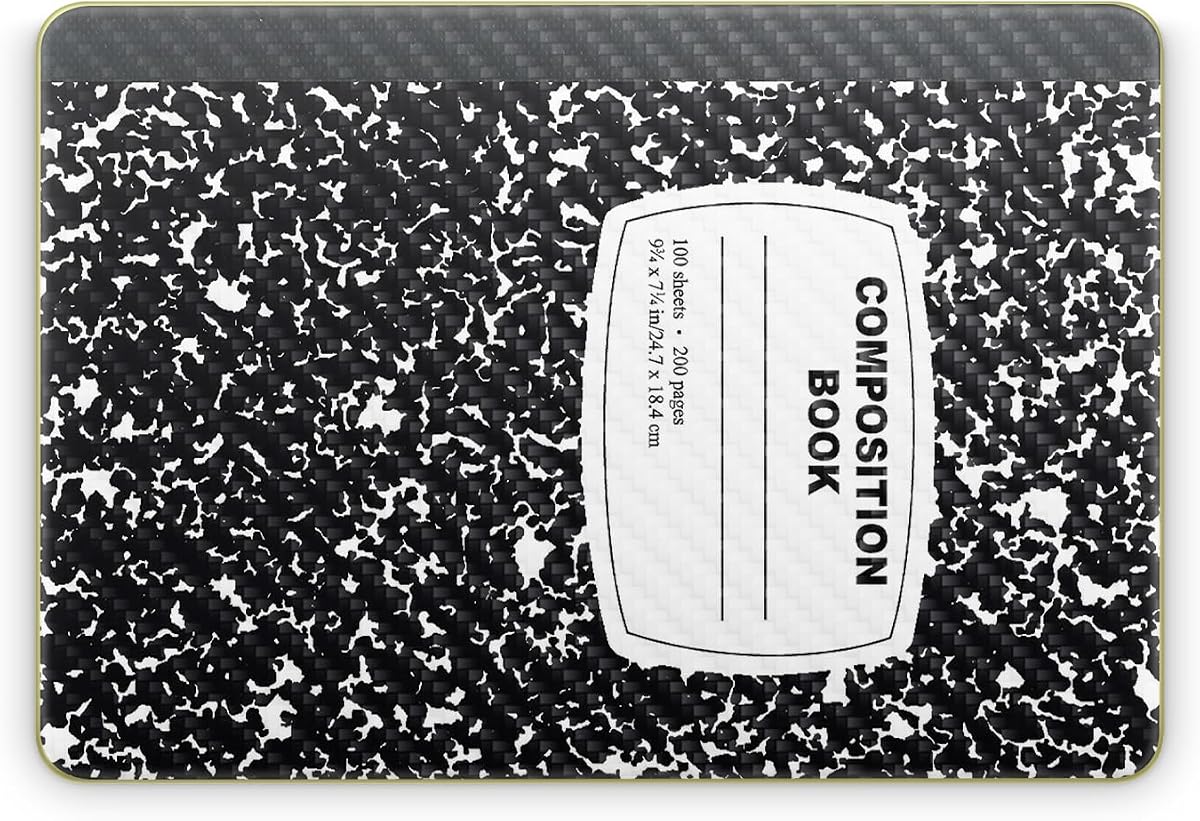
This premium skin offers a rugged and refined carbon fiber texture that stands out. It is crafted by MightySkins and is perfect for those who want a bold modern look.
We may earn a commission when you buy through this link, at no additional cost to you.
The stain-resistant vinyl is durable and keeps your device looking new. It shields against scratches and daily wear without adding bulk to your laptop bag.
Installation is straightforward thanks to low-grip air release adhesive. It is designed for precision ensuring a flawless fit every time you apply it.
Select this premium option if you want a high-quality and durable cover. It is ideal for professionals who value aesthetics and protection.
Delivers a high-tech look with unmatched durability.
Crafted in the USA with exceptional attention to detail.
We may earn a commission when you buy through this link, at no additional cost to you.
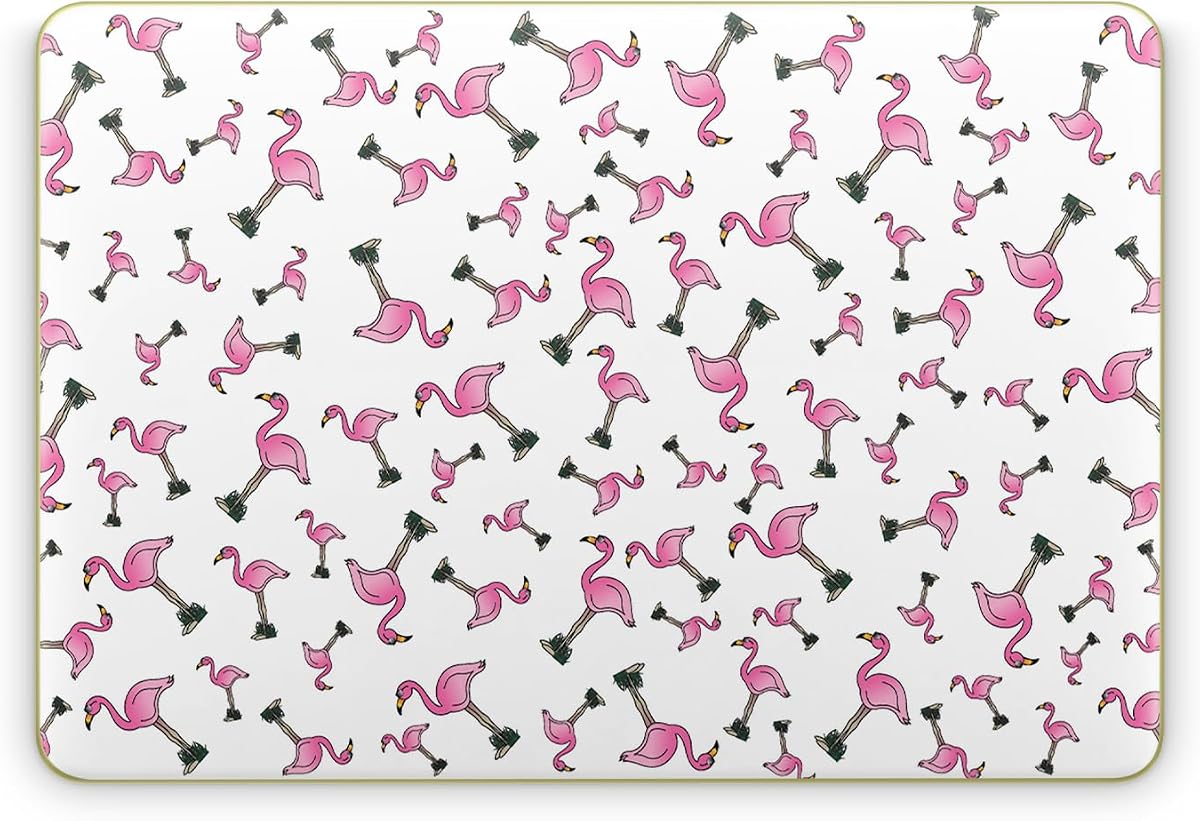
This skin adds a burst of color with its cool flamingo pattern. It is perfect for those who want to express their personality while keeping their laptop protected.
We may earn a commission when you buy through this link, at no additional cost to you.
Made from premium 3M vinyl it ensures durability and a smooth finish. The design is easy to apply and can be removed cleanly when you want a change.
Crafted in the USA it offers the same high standards as other MightySkins products. It is a great way to refresh the look of your device.
Choose this if you love bold patterns and need reliable protection. It is a fun and stylish option for any user.
Bold flamingo pattern upgrades plain laptops perfectly.
Effortless switch up your style with clean removal.
We may earn a commission when you buy through this link, at no additional cost to you.
Selecting the right skin involves checking material, fit, and coverage. Below are key factors to help you choose the best wrap for your MacBook Neo.
Look for skins made from premium vinyl like 3M which offer durability and stain resistance. High-quality materials resist scratches and smudges better than cheaper alternatives.
Prioritize skins with oil repellent coatings to keep your device clean over time.
Ensure the product is tailored specifically for the 2026 MacBook Neo model A3404. Custom cuts for ports and edges prevent lifting and peeling during use.
Verify the product description confirms compatibility with your exact laptop model number.
Decide between top lid only covers or full-body sets that include palm rests and trackpads. Full-body protection offers better defense against daily wear and drops.
Lid only covers are easier to apply but leave other areas vulnerable to scratches.
Choose skins with air release adhesive to avoid bubbles during application. A residue-free removal process ensures you can change styles without damage later.
Products with low-grip adhesives make installation more forgiving for beginners.
Consider whether you want a transparent minimalist look or a bold design like carbon fiber or flamingo. Matte finishes reduce fingerprints while glossy ones offer shine.
Select colors and textures that match your professional or personal style.
Ultra-thin skins around 0.01mm or 90 microns keep your laptop light and portable. Avoid thick wraps that interfere with closing the lid or fitting in bags.
Zero bulk designs preserve the original feel and profile of your device.
Brands like MightySkins are known for quality and craftsmanship in the USA. Check reviews and ratings to gauge real user satisfaction before buying.
Trustworthy brands often provide better customer support and product consistency.
While budget options offer basic protection premium skins last longer and look better. Balance your budget with the expected lifespan of the product.
Higher rated products often justify their cost with better durability.
Start by cleaning your laptop surface with a soft dry cloth to remove dust and oils. Ensure the surface is completely dry before applying any skin to prevent bubbles.
Apply the skin slowly from one corner to the other using a card to smooth out air. This method ensures a flat and secure application across the entire surface.
Avoid using harsh chemicals on the skin as they may damage the vinyl finish. Wipe with a soft cloth to keep your wrap looking clean and professional.
Yes all products in this guide are tailored for the 2026 MacBook Neo 13 A3404 model. Always check the product description to ensure exact model compatibility before purchase.
No quality skins are designed to be ultra-thin and do not reduce touchpad sensitivity. Look for options explicitly stating they maintain touchpad function for best results.
Use skins with low-grip air release adhesive which peel off cleanly. Gently lift a corner and peel slowly at an angle to remove it without leaving sticky residue.
No you should not wash vinyl skins directly. Instead wipe the surface with a soft dry cloth to remove dust and smudges safely.
No most skins are designed to be ultra-thin at about 0.01mm. This thickness ensures the lid closes smoothly without any interference or bulging.
Yes several options in this guide offer full-body coverage including top bottom palm rest and trackpad. Check product specs for 4-piece sets if you need total protection.
Not if you choose skins with air release adhesive and bubble-free installation. Follow the included instructions and take your time to smooth out any air.
We have reviewed the top 10 skins for the 2026 MacBook Neo ranging from budget decals to premium vinyl wraps. Each option provides unique benefits for protection and style.
Prioritize fit and material quality to ensure long-lasting protection without adding bulk. Choose a design that reflects your personal style or professional needs.
Remember to verify model compatibility and check current prices before buying. These skins are an affordable way to protect and personalize your new laptop.