
SOYO GeForce GT 740 4GB
4.5Editor score
Low profile design
Triple display support
Silent cooling fan
This guide compares the top 10 Linux graphics cards for performance, compatibility, and value across gaming, workstation, and enterprise Linux deployments.
Selecting the right graphics card for a Linux system requires careful consideration of driver support, architecture compatibility, and specific workload needs. Whether you are a developer, gamer, or creative professional, finding a GPU that runs smoothly on your chosen distribution is crucial for a stable and efficient computing experience.
We have evaluated ten distinct graphics cards ranging from budget-friendly options to high-performance workstations. Our analysis focuses on real-world Linux compatibility, open-source driver readiness, and hardware specifications that matter most for rendering, gaming, and computational tasks in a Unix-like environment.
Each pick below highlights key strengths, potential trade-offs, and ideal use cases to help you make an informed decision. Please note that product availability and pricing fluctuate frequently, so verify current details before purchasing to ensure you get the best value for your specific setup.
4.5Editor score

4.7Editor score

3.9Editor score
The following table provides a side-by-side comparison of all ten selected graphics cards. It highlights essential specifications and features to help you quickly identify the model that best aligns with your Linux system requirements and performance expectations.




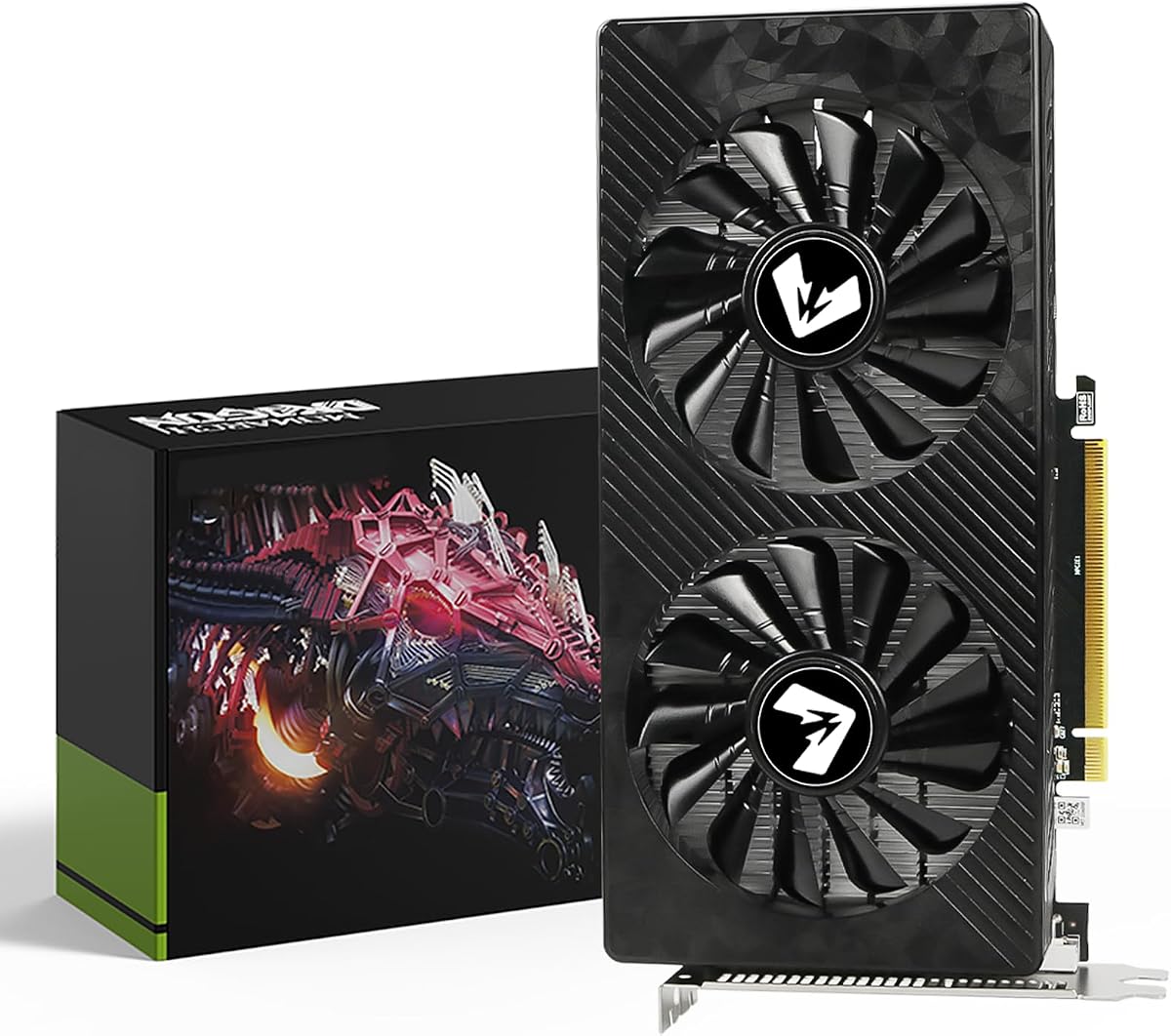
The ASUS Dual GeForce RTX 3050 stands out as a top contender for Linux users seeking a balance of performance and compatibility. With a high rating, it delivers solid 1080p gaming and efficient multimedia tasks thanks to its Ampere architecture and robust driver ecosystem.
We may earn a commission when you buy through this link, at no additional cost to you.
Its standout quality lies in the integration of NVIDIA Ampere Streaming Multiprocessors and 2nd Generation RT Cores. Linux distributions like Ubuntu and Fedora generally support these GPUs well through the proprietary NVIDIA driver stack, ensuring stable performance for creative apps and games.
While it offers excellent efficiency, the 6GB VRAM limits its utility in heavy AI or high-resolution rendering tasks. However, for most desktop users, this trade-off is acceptable given the card’s power efficiency and compact physical footprint suitable for smaller cases.
This GPU is ideal for developers, home users, and light gamers running Linux who need reliable graphics acceleration without excessive power draw. Its blend of modern features and broad software support makes it a safe and effective choice for 2026 Linux systems.
NVIDIA’s proprietary drivers for Linux are mature and frequently updated, ensuring the RTX 3050 runs smoothly on major distributions with full hardware acceleration support.
The 2-slot design allows installation in small form factor cases, making it perfect for compact Linux workstations or gaming rigs with limited physical space.
We may earn a commission when you buy through this link, at no additional cost to you.
The GIGABYTE GeForce RTX 3050 offers comparable performance to the ASUS variant with a focus on effective thermal management. Its WINDFORCE cooling system keeps temperatures in check during extended Linux gaming sessions or rendering tasks, maintaining stable clock speeds.
We may earn a commission when you buy through this link, at no additional cost to you.
Built on NVIDIA Ampere architecture, it supports ray tracing and AI-driven features like DLSS, which are well-supported in Linux gaming environments. The GPU works reliably with both open-source and proprietary driver stacks, offering flexibility for different user preferences.
While it delivers solid performance, users should expect noise when pushing the fans to maximum capacity. Additionally, the 6GB VRAM may bottleneck in some modern titles or creative workloads requiring high texture fidelity at higher resolutions.
This card is a smart pick for budget-conscious Linux gamers or professionals needing reliable 1080p performance. It combines essential modern features with efficient cooling, making it a strong contender in the mid-range GPU market.
The dual-fan WINDFORCE design ensures quiet operation at idle and adequate airflow during load, preventing thermal throttling in typical Linux desktop environments.
NVIDIA’s Linux drivers support all RTX 3050 features including ray tracing and CUDA acceleration, ensuring compatibility with popular Linux applications and games.
We may earn a commission when you buy through this link, at no additional cost to you.
The PNY NVIDIA T1000 is purpose-built for professional Linux environments requiring stability and certified performance. It supports a wide range of ISV applications, making it ideal for engineers, designers, and analysts using Linux-based CAD or simulation tools.
We may earn a commission when you buy through this link, at no additional cost to you.
Powered by NVIDIA Turing architecture, the T1000 provides reliable performance for visualization and rendering. Its hardware support for OpenGL, DirectX, and Vulkan ensures seamless operation across various Linux workflows while maintaining compatibility with industry-standard software.
While not optimized for gaming, its multi-display capabilities and hardware-encoded video engines make it excellent for media production and multi-monitor setups. Users may find the price high compared to consumer GPUs, but the professional certifications justify the investment.
Choose this card if you need certified stability for mission-critical Linux work. Its robust build, extensive I/O options, and compatibility with professional software make it a dependable tool for enterprise and creative environments.
The T1000 supports up to four 5K displays simultaneously, enabling expansive visual real estate for data analysis, code, or content creation on Linux.
Certified with over 100 professional applications, this GPU ensures stability and performance in demanding Linux workstation scenarios without compatibility issues.
We may earn a commission when you buy through this link, at no additional cost to you.
The ASRock Intel Arc Pro B60 Creator offers an impressive 24GB of GDDR6 memory tailored for AI inference, LLMs, and complex rendering on Linux. While driver maturity is still evolving, this GPU is specifically optimized for Linux multi-GPU environments and professional workflows.
We may earn a commission when you buy through this link, at no additional cost to you.
Built on Intel’s Xe2-HPG architecture, it provides strong AI acceleration with XMX engines and supports PCIe 5.0 for maximum bandwidth. The blower-style cooling ensures efficient heat dissipation in dense server or workstation setups commonly found in Linux deployments.
Potential trade-offs include ongoing driver development and higher power consumption, which may require a robust PSU. However, its memory capacity and Linux-focused optimizations make it uniquely suited for users scaling AI or rendering workloads on open-source systems.
This card is perfect for researchers, AI developers, and creators who need large memory buffers on Linux. With its multi-GPU capabilities and ISV-certified drivers, it represents a forward-looking choice for advanced Linux graphics needs.
Optimized specifically for LLMs and AI inference on Linux, this card delivers the memory bandwidth and multi-GPU scalability required for modern ML workflows.
PCIe 5.0 support and AV1 encoding ensure this GPU remains relevant for next-generation data transfer speeds and modern media codecs on Linux.
We may earn a commission when you buy through this link, at no additional cost to you.
The GT 740 4GB Low Profile is uniquely suited for Linux users needing multiple monitor support in a compact space. With four HDMI ports and a silent cooling design, it simplifies multi-tasking setups for offices, trading desks, or media centers running lightweight Linux systems.
We may earn a commission when you buy through this link, at no additional cost to you.
Its plug-and-play nature ensures smooth setup on most Linux distributions. The card draws power directly from the PCIe slot, making it ideal for systems with limited PSU capacity or older cases where space and power are constraints.
However, its legacy architecture means it struggles with modern gaming or heavy 3D rendering. Users focused purely on display output and basic 2D tasks will find it perfectly adequate without unnecessary bloat or power demands.
This GPU is an excellent choice for Linux users prioritizing multi-monitor productivity. Its combination of simplicity, compact design, and reliable driver support makes it a pragmatic solution for specialized display needs.
Four built-in HDMI ports allow immediate quad-monitor configuration without extra adapters, streamlining Linux desktops for enhanced productivity.
The low-profile design and silent fan make it ideal for small form factor Linux systems where noise and physical space are critical factors.
We may earn a commission when you buy through this link, at no additional cost to you.
The SOYO GeForce GT 740 offers one of the most affordable entry points into Linux graphics upgrades. Its triple output design and plug-and-play nature make it easy to implement in small form factor PCs while providing reliable 1080p video playback and basic multitasking.
We may earn a commission when you buy through this link, at no additional cost to you.
Linux distributions support this card well through standard NVIDIA drivers, ensuring stable performance for office apps, web browsing, and light media playback. Its passive or low-noise fan design keeps operation quiet, ideal for shared workspaces or home servers.
DDR3 memory limits performance for gaming or modern creative tools, but for basic Linux desktop use it is more than capable. Users looking for an inexpensive display adapter or legacy system refresh will find this card meets their needs without complexity.
This budget GPU is a smart pick for cost-sensitive Linux users or those reviving older hardware. Its ease of setup, low power draw, and broad output flexibility make it a practical choice for minimal graphical requirements.
Designed specifically for older desktops, this card enables a straightforward Linux graphics upgrade without requiring PSU or case modifications.
The low-noise cooling fan ensures quiet operation, making it perfect for noise-sensitive environments like offices or home theater setups.
We may earn a commission when you buy through this link, at no additional cost to you.
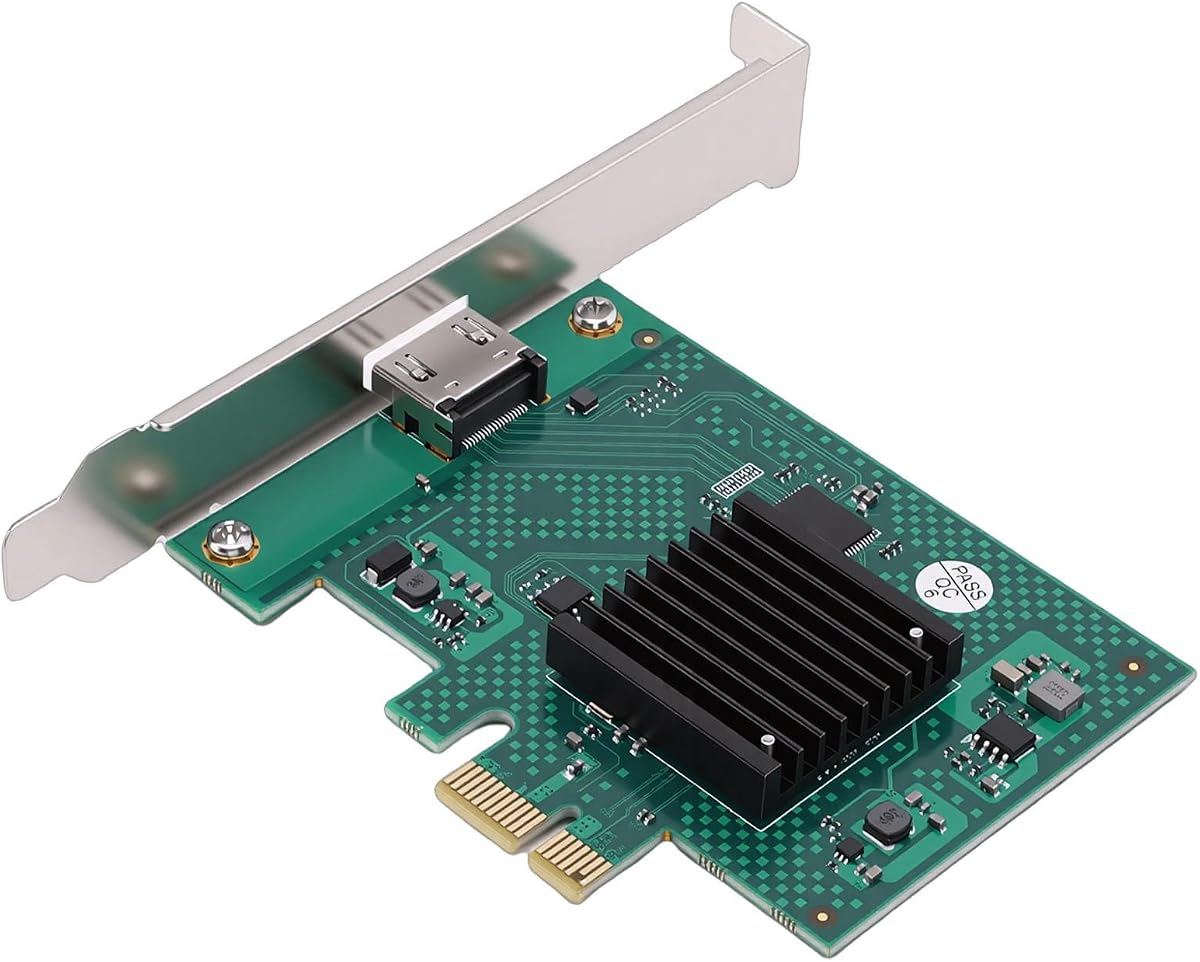
The Gugxiom PCIe x1 SM750 is tailored for Linux deployments in industrial environments requiring robust, single-display graphics. Its wide operating temperature range and durable design ensure reliability in challenging conditions such as factory floors or outdoor kiosks.
We may earn a commission when you buy through this link, at no additional cost to you.
As a 2D graphics accelerator, it focuses on display stability rather than 3D performance. This makes it ideal for POS systems, industrial panels, or lightweight Linux setups where basic visual output is the sole requirement.
The card’s limitation to one display output restricts flexibility but simplifies hardware design. Users needing multiple monitors or gaming capabilities should look elsewhere, but for dedicated industrial Linux displays it offers solid, reliable performance.
Choose this GPU if you need a durable, single-display solution for Linux in extreme environments. Its simplicity, broad temperature tolerance, and PCIe x1 compatibility make it a practical choice for specialized industrial applications.
Operating reliably from -40°C to +85°C, this GPU is built for extreme industrial conditions where standard consumer cards would fail.
Using a PCIe x1 slot frees up bandwidth for other devices while still providing stable HDMI output for dedicated Linux display tasks.
We may earn a commission when you buy through this link, at no additional cost to you.
The maxsun AMD Radeon RX 550 shines for Linux users who prefer open-source drivers. Its AMDGPU support ensures out-of-the-box compatibility with most major distributions, eliminating the need for proprietary installations and providing seamless desktop integration.
We may earn a commission when you buy through this link, at no additional cost to you.
This card handles 1080p gaming and everyday tasks efficiently while fitting easily into small form factor cases. The ITX design and moderate power draw make it a practical upgrade for compact Linux desktops or gaming rigs where space is limited.
While performance is good for its class, it may struggle with newer AAA titles at high settings. Additionally, fan noise can increase under sustained load. However, for casual gaming and general Linux use it remains a reliable and cost-effective option.
This GPU is ideal for users seeking hassle-free open-source graphics on Linux. Its combination of native support, compact size, and adequate performance makes it a strong recommendation for small Linux systems.
AMD’s open-source drivers ensure the RX 550 works seamlessly on Linux without extra setup, offering a smooth experience for most users.
The ITX form factor allows installation in compact Linux cases while maintaining solid 1080p performance for gaming and media tasks.
We may earn a commission when you buy through this link, at no additional cost to you.
The msi GT 1030 4GB is designed for Linux systems needing a compact GPU with modern outputs. Its low-profile design fits into most small cases, while HDMI 2.0b and DisplayPort ensure compatibility with current monitors and TVs.
We may earn a commission when you buy through this link, at no additional cost to you.
NVIDIA’s Linux drivers support this card well, delivering stable desktop performance and light gaming. It is particularly useful for Linux media centers or office PCs where physical space and energy efficiency are prioritized over raw power.
Memory limitations and modest performance mean it is not suited for demanding tasks. However, for general Linux use, the combination of small size, modern I/O, and reliable drivers makes it a solid choice for constrained environments.
This GPU is a great fit for Linux users in small form factor cases or needing basic graphics acceleration. Its ease of setup and modern connectivity ensure smooth operation for everyday Linux workloads and media consumption.
The low-profile design ensures compatibility with compact Linux cases without sacrificing support for modern display outputs like HDMI 2.0b.
NVIDIA provides mature Linux drivers for the GT 1030, ensuring a hassle-free setup and consistent performance across various distributions.
We may earn a commission when you buy through this link, at no additional cost to you.
The MOUGOL AMD Radeon RX 580 delivers solid mid-range performance with excellent Linux open-source driver compatibility. Its 8GB VRAM supports modern games and creative tasks comfortably, while Vulkan and OpenGL ensure broad software support across Linux distributions.
We may earn a commission when you buy through this link, at no additional cost to you.
This card is ideal for Linux gamers who want consistent performance without proprietary drivers. The dual-fan cooling system maintains acceptable temperatures, though noise can increase during intense gaming sessions. Its triple output design also facilitates multi-monitor productivity.
Power consumption is higher than newer cards, requiring a decent PSU. However, its price-to-performance ratio remains compelling for budget-conscious Linux users seeking reliable 1080p gaming and creative capabilities.
Choose this GPU if you value open-source Linux support and strong gaming performance. Its combination of memory capacity, modern API support, and reliable drivers makes it a versatile choice for general Linux computing and entertainment.
AMD’s open-source drivers provide seamless Linux integration, making the RX 580 a top choice for users preferring community-supported software.
With 8GB VRAM and Vulkan support, this card handles a wide range of Linux games and creative apps at excellent 1080p frame rates.
We may earn a commission when you buy through this link, at no additional cost to you.
Selecting a graphics card for Linux involves more than raw specs. Understanding driver ecosystems, physical constraints, and specific workload requirements will ensure compatibility and performance on your chosen distribution.
Linux relies heavily on open-source drivers for hardware acceleration. AMD GPUs often offer excellent out-of-the-box support via the AMDGPU stack. NVIDIA cards work well with proprietary drivers that provide CUDA and full feature support but may require additional installation steps on some distributions.
Check if your Linux distribution supports the GPU natively and whether proprietary drivers are available. This ensures you won’t face compatibility issues or performance limitations during normal use.
Video RAM is critical for multitasking, multi-monitor setups, and rendering workloads. For modern Linux gaming or content creation, 8GB is a recommended baseline. Budget cards with 4GB VRAM may suffice for basic tasks but could struggle with high-resolution textures or complex models.
Select a GPU with sufficient VRAM for your intended Linux use cases. Insufficient memory can lead to bottlenecks and reduced performance in graphical applications.
Linux desktops often use compact cases. Measure your chassis clearance before purchasing. Low-profile GPUs fit in small form factor systems, while full-size cards need adequate airflow and vertical space for proper cooling.
Confirm the card fits your case and cooling expectations. Mismatched dimensions can prevent installation or cause overheating in restricted environments.
Linux desktop environments support multiple monitors. Check that the GPU provides the needed number of ports—HDMI, DisplayPort, or VGA. Ensure the outputs support your monitor’s resolution and refresh rate to avoid compatibility issues.
Choose a card with sufficient and modern output interfaces. This ensures smooth multi-monitor productivity and media consumption without extra adapters.
Some GPUs need external PCIe power connectors. Verify your power supply can meet the card’s wattage and connector needs. High-performance cards draw more power which impacts efficiency and heat output in Linux workstations.
Evaluate your PSU capacity and energy efficiency goals. Proper power ensures stable performance and longevity for your Linux system.
Effective cooling prevents thermal throttling during extended Linux use. Passive coolers suit quiet office environments while active fans provide better thermal performance under load. Noise tolerance varies by setup location.
Prioritize cooling solutions that match your environment. A quiet card benefits shared workspaces while high airflow suits performance-intensive tasks.
Different Linux tasks benefit from specific GPU features. Developers may need CUDA for machine learning; gamers need high refresh rates; professionals seek ISV-certified cards. Ensure the card’s features align with your primary workload.
Match the GPU’s strengths to your Linux applications. Proper alignment maximizes performance and usability across your computing tasks.
Balance cost against performance needs. Entry-level cards cover basic Linux desktop use while mid-range options support gaming and creative work. Avoid overspending on features you won’t utilize regularly.
Determine your realistic budget for Linux graphics. Choosing a card within your budget ensures financial efficiency while meeting your performance goals.
Begin by ensuring your Linux system meets the card’s requirements, especially power supply and physical space. Secure the GPU firmly in the PCIe slot and connect necessary power cables before powering on.
Install appropriate drivers using your distribution’s official repositories. For AMD GPUs the open-source stack typically installs automatically. NVIDIA users may need to add third-party repositories or use vendor-provided installers to enable full functionality.
Maintain optimal performance by keeping the card clean and ensuring adequate airflow inside your case. Regularly update graphics drivers through Linux package managers to benefit from performance improvements and security patches.
Most mainstream distributions like Ubuntu, Fedora, and Debian provide excellent support for modern GPUs. Ubuntu offers easy access to proprietary NVIDIA drivers via Additional Drivers settings while Fedora and Arch provide reliable open-source AMDGPU integration out of the box.
Not necessarily. AMD GPUs work perfectly with open-source drivers included in the Linux kernel. NVIDIA GPUs often require proprietary drivers for full performance and features but can function adequately with open-source alternatives for basic desktop use.
Yes consumer gaming GPUs can handle many professional Linux tasks. For specialized workloads like CAD or certification, workstation GPUs offer ISV validation but often cost more. Check your application requirements before choosing.
Use terminal commands like lspci -v or glxinfo to confirm GPU detection and capabilities. If the GPU appears and OpenGL info is reported your system is correctly recognizing the hardware for basic usage.
Low-profile cards are ideal for compact Linux systems and office setups where space is limited. Ensure your PSU and cooling meet their requirements since they typically draw less power and generate less heat than larger models.
Yes most reviewed GPUs support multi-monitor setups with appropriate ports. Verify the number of outputs on the card matches your monitor count and that your Linux desktop environment is configured to extend displays.
VRAM directly affects performance in tasks like gaming and rendering. Insufficient memory can cause slowdowns or prevent high-resolution textures from loading. For Linux desktop use 4GB is often enough but more benefits demanding workflows.
Quality GPUs can last five years or more with proper care. Regular driver updates and cleaning to prevent dust buildup help extend their lifespan. Thermal management and adequate cooling also play key roles in long-term reliability.
This guide has explored ten top graphics cards for Linux users covering gaming, workstation, and budget needs. Each model brings unique strengths whether you prioritize open-source compatibility, massive memory capacity, or multi-monitor flexibility.
Prioritize driver support and physical compatibility first since these directly affect system stability. Match the GPU’s performance level to your workload and consider power and cooling requirements to ensure a smooth Linux experience.
Always verify current pricing and availability before purchase since GPU markets change rapidly. By choosing wisely you’ll ensure your Linux system delivers reliable and efficient graphical performance for years to come.