
HP 255 G10 Laptop for Home or Work
4.3Editor score
AMD Ryzen 3 7330U
64GB High-Bandwidth RAM
Lightweight Portable Design
Finding a laptop with 64GB RAM ensures smooth multitasking and future-proofing for demanding tasks like virtualization and video editing. These machines handle heavy workloads effortlessly.
We evaluated ten top models based on processor power, memory speed, storage capacity, and overall build quality. Our analysis highlights devices that excel in professional environments and creative workflows.
Each pick showcases specific strengths for different user needs, from budget-friendly business machines to premium OLED displays. Please note that product availability and pricing may change frequently.
4.3Editor score
4.5Editor score

4.0Editor score
As an Amazon Associate we earn from qualifying purchases.
This side-by-side comparison highlights the key specifications and unique features of the ten leading laptops featuring 64GB of RAM for maximum productivity.




This HP 255 G10 model stands out as a robust option for business users needing significant memory and storage. It holds a 4.3 rating from verified buyers who appreciate its reliability.
We may earn a commission when you buy through this link, at no additional cost to you.
The AMD Ryzen 7 7730U processor paired with 64GB of RAM ensures that virtual machines and large datasets run without hesitation. The 2TB PCIe SSD provides ample space for years of project files.
While the screen is adequate for office work, it lacks the brightness of premium displays. However, the inclusion of Windows 11 Pro makes it ideal for corporate environments requiring advanced management tools.
Business professionals who need a no-nonsense machine with plenty of power will find this laptop a valuable investment for their daily operations.
The combination of 64GB RAM and a 2TB SSD ensures that boot times are fast and multitasking remains fluid even with dozens of browser tabs open.
Windows 11 Pro provides single sign-on and enhanced productivity tools that are essential for secure business environments and remote work scenarios.
We may earn a commission when you buy through this link, at no additional cost to you.
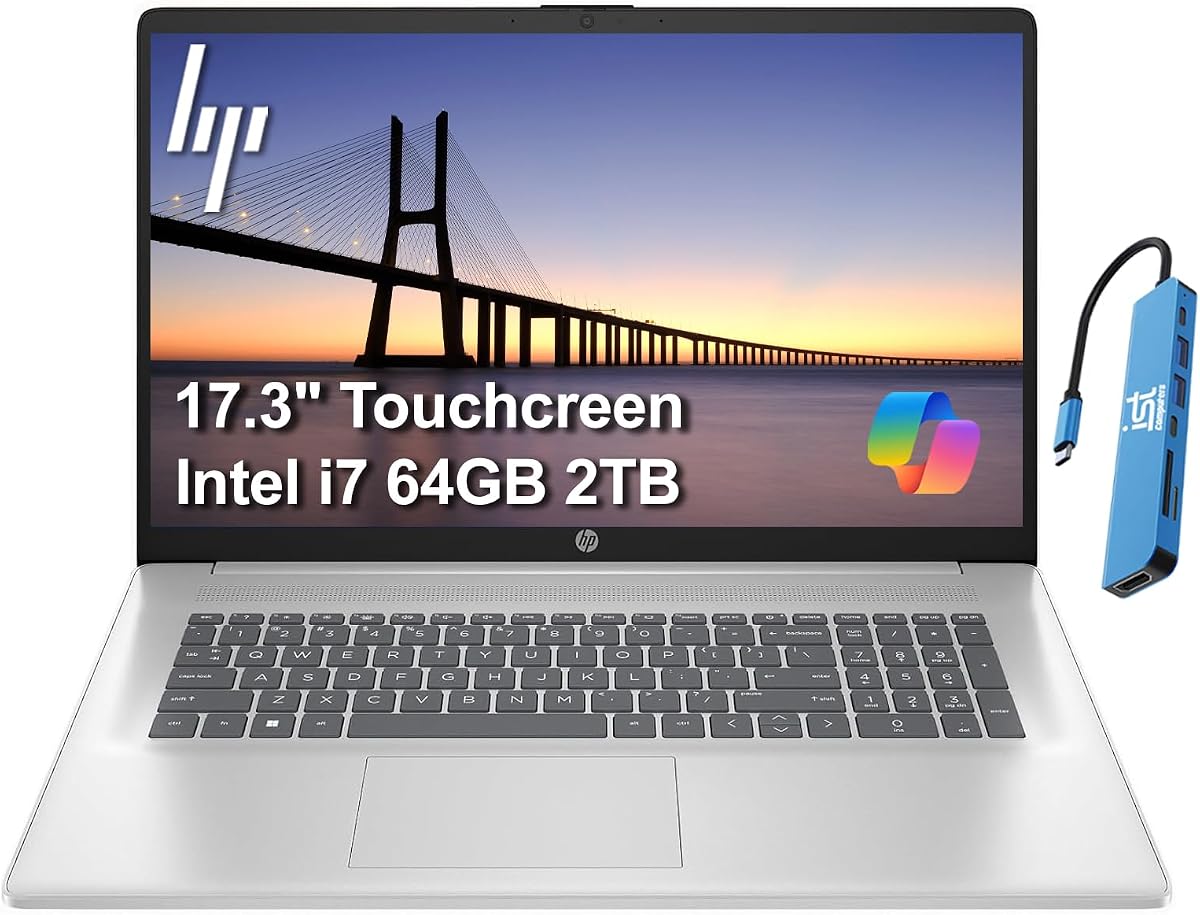
The HP Essential 17t offers a spacious display combined with powerful internal components, making it a strong contender for productivity tasks. Users rate it highly for its responsive touch interface.
We may earn a commission when you buy through this link, at no additional cost to you.
Equipped with a 13th Gen Intel Core i7 processor and 64GB of DDR4 RAM, this laptop handles heavy spreadsheets and multitasking with ease. The 2TB SSD ensures your data is always accessible.
The main trade-off is the screen resolution, which is HD+ rather than Full HD. Additionally, the warranty on the upgraded RAM and SSD is separate from the main unit.
Users who prioritize screen real estate and touch capabilities over resolution will find this model to be an excellent value for home offices or classrooms.
The 17.3-inch diagonal screen provides extra vertical space, reducing the need for constant scrolling when working with long documents or complex spreadsheets.
The HD+ Touchscreen allows for intuitive navigation and quick input, which can speed up presentations and creative workflows significantly.
We may earn a commission when you buy through this link, at no additional cost to you.
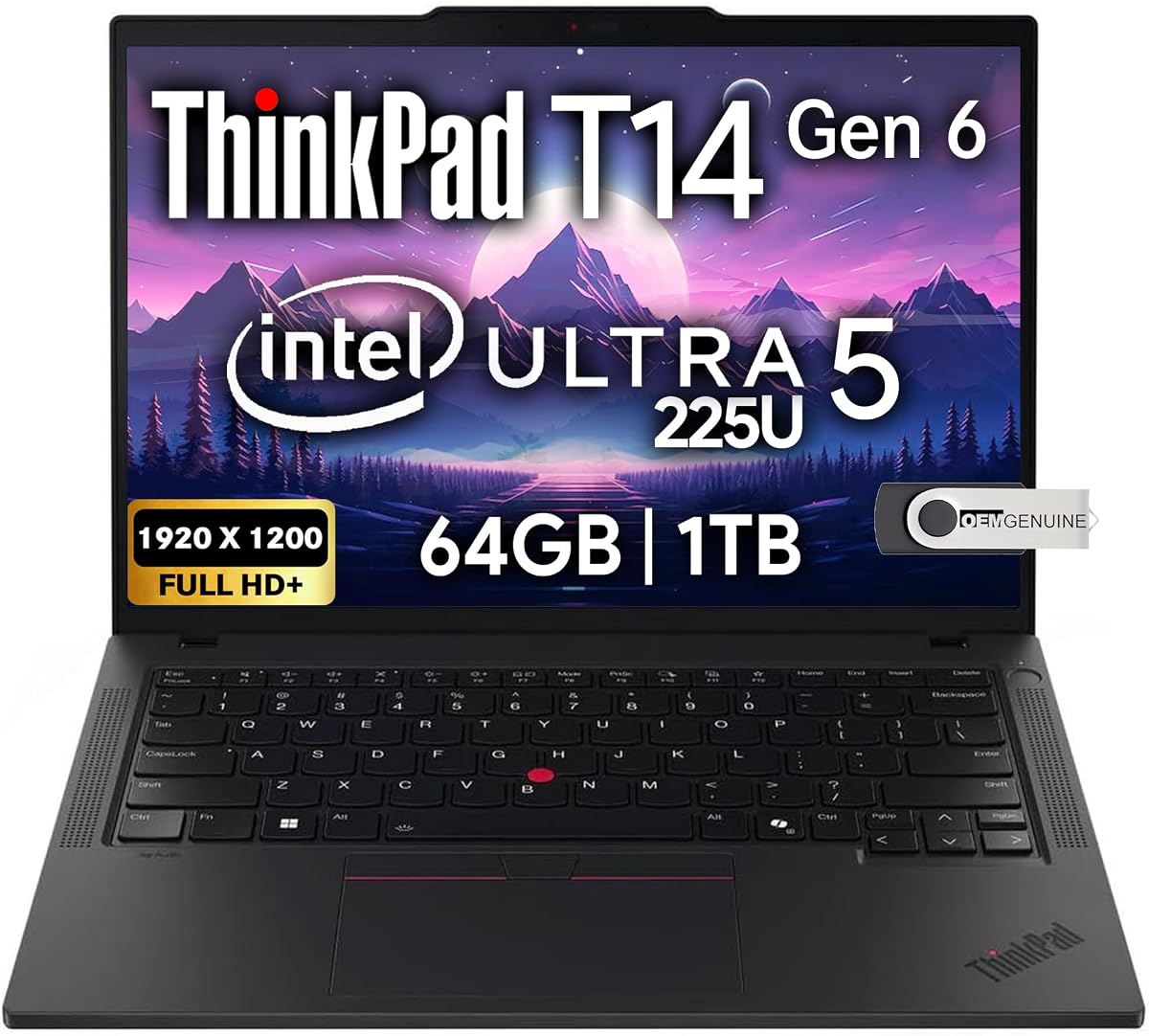
The Lenovo ThinkPad T14 Gen 6 is a premium business machine known for its durability and advanced connectivity. It earns high marks for its integration of modern AI features and robust build quality.
We may earn a commission when you buy through this link, at no additional cost to you.
Featuring Intel Ultra 5 architecture and 64GB of DDR5 RAM, this device delivers exceptional efficiency and speed. The inclusion of Thunderbolt 4 allows for rapid data transfers and support for multiple 4K monitors.
While the build quality is military-grade certified, the higher price might be a consideration for budget-conscious buyers. The 14-inch form factor is also compact compared to other business laptops.
IT professionals and corporate users who require a rugged, reliable laptop with cutting-edge connectivity will appreciate the longevity and performance of this ThinkPad model.
Military Grade certification ensures the laptop can withstand harsh environments, making it suitable for field work or travel in varying conditions.
Thunderbolt 4 and Wi-Fi 6E support guarantee that you can connect to the fastest peripherals and networks available today and in the near future.
We may earn a commission when you buy through this link, at no additional cost to you.
This HP business laptop offers a comprehensive package with a 17.3-inch screen and substantial storage capabilities. Users value the added accessories like earphones and docking capabilities.
We may earn a commission when you buy through this link, at no additional cost to you.
The 10-Core Intel Core i5 processor provides efficient handling of daily tasks, while the 64GB of RAM ensures that background processes do not slow down productivity. Storage is managed across a 2TB SSD.
The docking station inclusion is a nice touch for desktop setups, though users note its utility varies by case. The screen brightness is standard but sufficient for indoor office environments.
Small business owners looking for a complete workstation solution that includes necessary accessories and large storage will find this option highly convenient.
The bundle includes extra peripherals, reducing the need to buy separate accessories when setting up a home office or temporary work environment.
With over 2TB of storage space, you can archive large media files and project data without worrying about running out of space soon.
We may earn a commission when you buy through this link, at no additional cost to you.
The HP OmniBook 7 stands out for its vibrant OLED display and powerful performance capabilities. It is rated highly for users who prioritize visual fidelity in creative work.
We may earn a commission when you buy through this link, at no additional cost to you.
Powered by the Intel Core 9 270H and 64GB RAM, this laptop delivers top-tier performance for rendering and multitasking. The 2K OLED screen provides deep blacks and rich colors essential for design.
The high price reflects the premium components, and battery life might be shorter compared to lower-spec models due to the display usage. Still, the visual experience is unmatched in this category.
Creative professionals and content creators who need color accuracy and high resolution will find this laptop a worthy investment for their demanding projects.
The OLED technology ensures perfect blacks and infinite contrast, making it ideal for photo editing and watching high dynamic range content.
Support for Wi-Fi 7 ensures your wireless connection is fast enough to handle the large file transfers typical of creative workflows.
We may earn a commission when you buy through this link, at no additional cost to you.
This HP 17 model is designed for comfort and productivity with a large screen and ergonomic design. It is a strong choice for students and remote workers who need a stable workspace.
We may earn a commission when you buy through this link, at no additional cost to you.
The 10-core processor combined with 64GB of RAM ensures that online learning and multitasking applications run smoothly. The 2TB SSD offers plenty of room for textbooks, projects, and media.
While the screen offers more space, the resolution is lower than typical Full HD displays. The privacy shutter on the webcam adds an extra layer of security for video calls.
Students and remote workers looking for a large, comfortable laptop that supports long study sessions without eye strain will find this model very helpful.
The lift-hinge design improves airflow and typing comfort, allowing for longer work sessions without fatigue or overheating issues.
The HD webcam with privacy shutter gives you control over when your camera is active, ensuring your privacy during personal or professional calls.
We may earn a commission when you buy through this link, at no additional cost to you.
The HP 255 G10 for Home or Work offers a rare combination of high RAM capacity at an accessible price point. It is praised for its efficiency and lightweight build.
We may earn a commission when you buy through this link, at no additional cost to you.
Powered by the Ryzen 3 7330U, this machine handles everyday tasks and multitasking well thanks to the 64GB of RAM. The Full HD display provides crisp visuals for media and documents.
While the processor is entry-level, the ample memory compensates for general use. Users should note that a mouse is not included in the box.
Students and casual users needing a budget-friendly laptop that can handle heavy browser usage without lag will find this device a practical choice.
Getting 64GB of RAM on a budget machine allows users to keep many applications open simultaneously without paying a premium for high-end components.
The thin and light design makes it easy to carry to classes or meetings, ensuring you can take your productive setup with you anywhere.
We may earn a commission when you buy through this link, at no additional cost to you.
This HP Touch Laptop is highly rated for its responsive interface and reliable performance for business and education. It is a favorite for those who value tactile screen interaction.
We may earn a commission when you buy through this link, at no additional cost to you.
Equipped with Ryzen 5 processor and 32GB RAM, it handles office tasks and multitasking efficiently. The FHD IPS touchscreen ensures accurate color reproduction and wide viewing angles.
The main trade-off is the lower RAM compared to other models, though 32GB is still substantial. The backlit keyboard and numpad add convenience for late-night work sessions.
Users who prefer touch navigation and need a reliable machine for data entry and presentations will find this model an excellent balance of features.
The sensitive touch controls support precise operations, making it intuitive to navigate through documents and digital interfaces without a mouse.
A dedicated numeric keypad and backlit keyboard ensure you can work efficiently in any lighting condition and handle data tasks quickly.
We may earn a commission when you buy through this link, at no additional cost to you.
This model boasts a perfect user rating and offers a compelling mix of speed and storage for business tasks. Users appreciate the dedicated AI Copilot key for productivity.
We may earn a commission when you buy through this link, at no additional cost to you.
The Ryzen 7 7730U delivers robust performance, supported by 64GB of RAM and a 2TB SSD. This configuration ensures rapid boot times and smooth file transfers for large datasets.
While the display is Full HD, the high storage capacity compensates for data-heavy users. The AI Copilot key provides instant access to assistance features.
Business professionals and students needing a reliable, well-rounded laptop with exceptional storage and processing power will find this top-rated model highly satisfying.
The dedicated AI Copilot key simplifies complex tasks by instantly launching intelligent assistance to draft emails and summarize reports quickly.
With a 2TB PCIe SSD, you can store massive files and projects without worrying about space, and transfer data at lightning speeds.
We may earn a commission when you buy through this link, at no additional cost to you.
This HP 17 Inch Business Laptop offers a complete desktop-style setup with a wireless mouse included. It receives top marks for providing a ready-to-use experience.
We may earn a commission when you buy through this link, at no additional cost to you.
The Ryzen 5 7430U provides smooth performance for daily tasks, aided by 64GB of RAM and a 2TB SSD. The large 17-inch screen reduces scrolling and improves document readability.
The inclusion of a wireless mouse adds convenience for those setting up a permanent workstation. The display is functional but not as vibrant as premium panels.
Users setting up a home office who need a complete package without extra peripheral purchases will find this model an incredibly practical and convenient solution.
Including a wireless mouse in the bundle ensures you can start working immediately without needing to purchase additional accessories separately.
The larger screen helps reduce the need for constant scrolling when working with documents and spreadsheets, boosting overall daily productivity.
We may earn a commission when you buy through this link, at no additional cost to you.
Selecting a laptop with 64GB RAM requires evaluating processor power, storage speed, and display quality to ensure it meets your specific workload demands.
When choosing a laptop with 64GB RAM, look for modern processors like Intel Core Ultra or AMD Ryzen 7/9 series to fully utilize that memory power for multitasking.
Modern processors prevent bottlenecks and ensure that your investment in high memory translates to actual speed improvements in demanding applications.
DDR5 RAM offers higher bandwidth than DDR4, which is critical for data-intensive tasks like video editing or running multiple virtual machines simultaneously.
Prioritize models with DDR5 if your budget allows, as it future-proofs your device against becoming obsolete quickly compared to older memory standards.
Large memory often pairs with large storage needs; look for at least 1TB NVMe SSDs to ensure that your fast RAM does not get bottlenecked by slow storage.
Ensure the drive supports PCIe Gen 4 or Gen 5 for the fastest possible file transfer speeds and system responsiveness during boot and load times.
A high-resolution display like 2K or Full HD+ is necessary to match the multitasking power of 64GB RAM, allowing you to see multiple windows clearly.
Consider IPS or OLED panels for better color accuracy and viewing angles if you work on creative projects or spend long hours looking at the screen.
Check for Thunderbolt 4, HDMI 2.1, and Wi-Fi 6E or 7 to ensure your laptop can connect to modern peripherals and networks without lag.
Multiple ports allow you to connect external monitors and drives simultaneously, maximizing the utility of the powerful internal hardware.
High-performance components consume more power, so look for laptops with efficient cooling and larger batteries to maintain productivity on the go.
Balancing performance with battery life is key for business users who travel frequently and cannot always rely on a power outlet nearby.
Windows 11 Pro offers enhanced management tools and security features that are essential for business environments and protecting sensitive data.
Ensure the OS supports the latest security protocols to keep your data safe when accessing corporate networks or handling confidential information.
MIL-STD certifications indicate that the device can withstand shocks and temperature variations, which is important for fieldwork or frequent travel.
A sturdy chassis protects the internal components and ensures the device lasts longer, providing better value over the long term.
Keep your laptop cool by placing it on a hard surface or cooling pad, as 64GB of RAM can generate heat when running multiple intensive applications simultaneously.
Regularly update your drivers and operating system to ensure compatibility with the latest software and security patches designed for high-performance configurations.
Manage your startup programs to prevent unnecessary applications from consuming your massive memory at boot, ensuring your resources are available when you actually need them.
For standard office tasks, 16GB is usually enough. However, if you run virtual machines or keep hundreds of browser tabs open, 64GB ensures smooth performance without slowdowns.
Many business laptops have soldered memory, so upgrades might not be possible. Check the specific product details to see if there are available slots for future expansion.
Gaming mostly benefits from the GPU, but 64GB allows you to stream or edit games while playing without performance drops. It is useful for power users who game and work.
DDR5 offers higher bandwidth and better energy efficiency than DDR4. It allows for faster data processing, which is beneficial for demanding applications and future-proofing.
Yes, most models support dual monitors via HDMI and USB-C. The 64GB RAM ensures that driving external displays does not slow down the system significantly.
Battery life varies, but efficient processors like the Ryzen 7 or Core Ultra can provide a full day of usage. Heavy multitasking will drain the battery faster.
We have highlighted ten excellent laptops that deliver exceptional performance with 64GB RAM for demanding workloads and future-proof computing needs.
Prioritize display quality and processor power if you work in creative fields, or look for durability and connectivity for business environments.
Always check current availability and pricing as deals can change quickly for these high-performance machines.