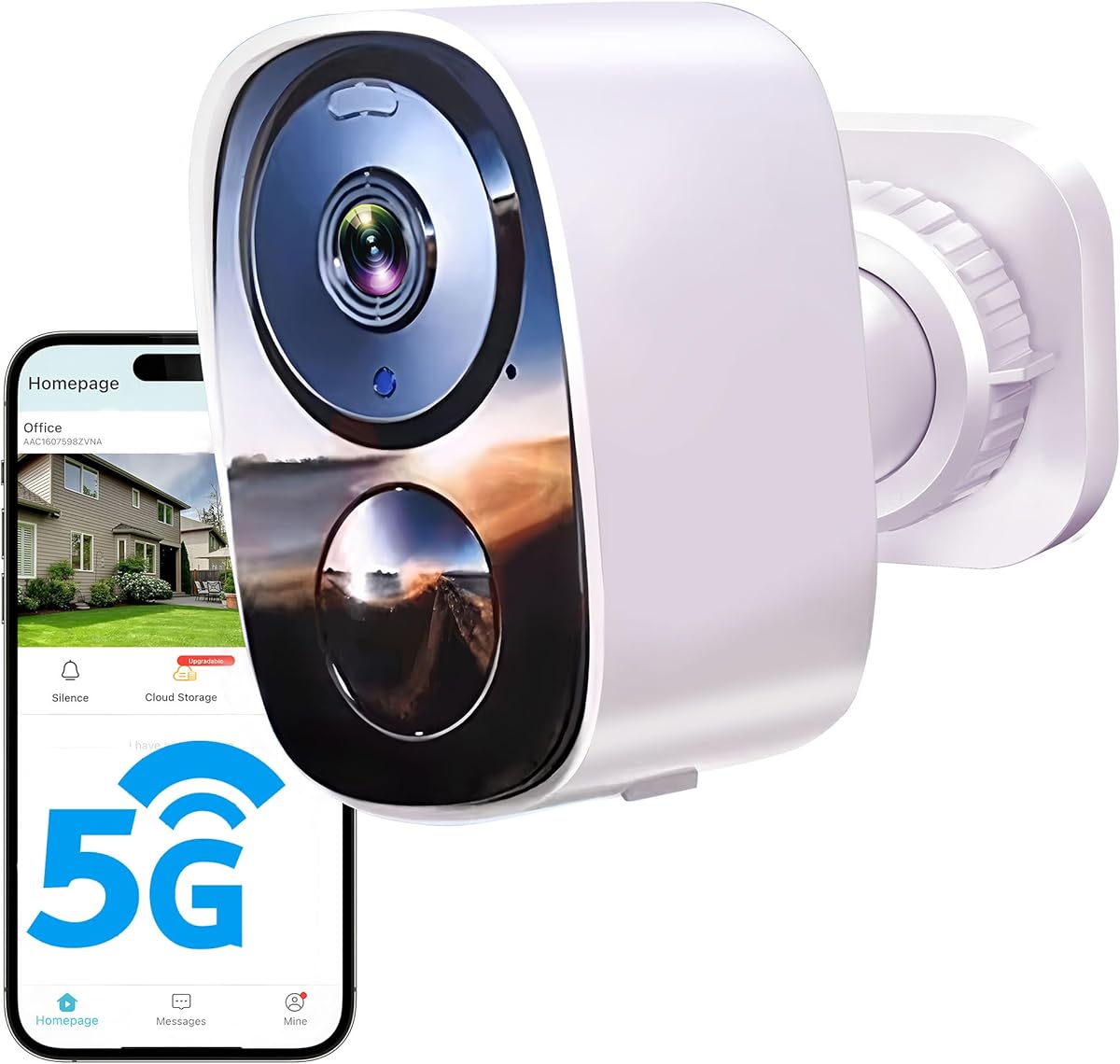
2026 Upgraded 2K Security Cameras Wireless Outdoor
4.3Editor score
Free cloud storage included
Up to six months battery life
Full color night vision
Compare the top cloud IP camera models for home security. This guide reviews features, storage options, and video quality to help you choose the right system.
Securing your home requires reliable surveillance that stores footage safely. Cloud IP cameras offer remote access and automatic backups without needing local hardware. These devices connect to your network to send video data to secure servers for easy retrieval anytime.
We evaluated ten leading models based on resolution, connectivity, and storage flexibility. Each product was analyzed for its ability to detect motion accurately and alert users instantly. Our comparison covers wired and wireless options suitable for various home layouts and budgets.
Each pick highlights key strengths like battery life or night vision clarity. Prices and availability change frequently so verify details before buying. This guide helps you match a camera to your specific security needs and technical requirements effectively.
4.3Editor score

4.5Editor score
5.0Editor score
This table provides a side by side overview of the ten selected models. Review the specifications to find the best fit for your environment.




This model stands out for offering free cloud storage alongside impressive 2K resolution. It delivers sharp footage even in darkness thanks to full color night vision technology. The battery life claims up to six months which is exceptional for wireless security cameras.
We may earn a commission when you buy through this link, at no additional cost to you.
Setup is straightforward using the app and supports both 2.4G and 5G networks for stability. The motion detection uses AI to reduce false alerts from leaves or pets. Two way audio lets you speak to visitors remotely which adds a layer of interaction.
While the battery life is strong it depends heavily on how often motion triggers recording. In high traffic areas you might need to recharge sooner than the maximum estimate. The free cloud plan offers SD quality so HD requires a paid upgrade.
It is ideal for homeowners wanting a wireless solution without monthly fees for basic storage. The waterproof rating ensures it survives rain and dust making it suitable for exterior mounting. Overall it balances price performance and features better than most competitors.
Engineer test data shows 60 days with 100 triggers daily. Real world usage may vary based on temperature and settings.
You can choose between free cloud or local SD card up to 256GB. This gives you control over where your footage lives.
We may earn a commission when you buy through this link, at no additional cost to you.
The C201 is a top pick for indoor monitoring at a low cost. It offers 360 degree horizontal movement allowing you to see entire rooms without blind spots. The camera includes specific detection for baby crying which is useful for parents.
We may earn a commission when you buy through this link, at no additional cost to you.
You can store footage locally on a microSD card or subscribe to Tapo Care for cloud history. This flexibility helps you choose based on privacy preferences or convenience. The 1080p resolution is sharp enough to identify faces and details clearly.
Since it is designed for indoors you cannot use it outside without protection. The night vision reaches 30 feet which covers most living spaces adequately. You will need to buy a microSD card if you want local storage.
It is perfect for nurseries pet rooms or general indoor security. The instant notifications keep you informed of activity immediately. For the price this camera delivers excellent value and smart features that usually cost more.
The camera discerns baby cries from general noise. This reduces alerts for pets while ensuring you hear your child.
Tapo Care saves 30 days of history and adds features. Local storage requires a card but avoids subscription fees.
We may earn a commission when you buy through this link, at no additional cost to you.
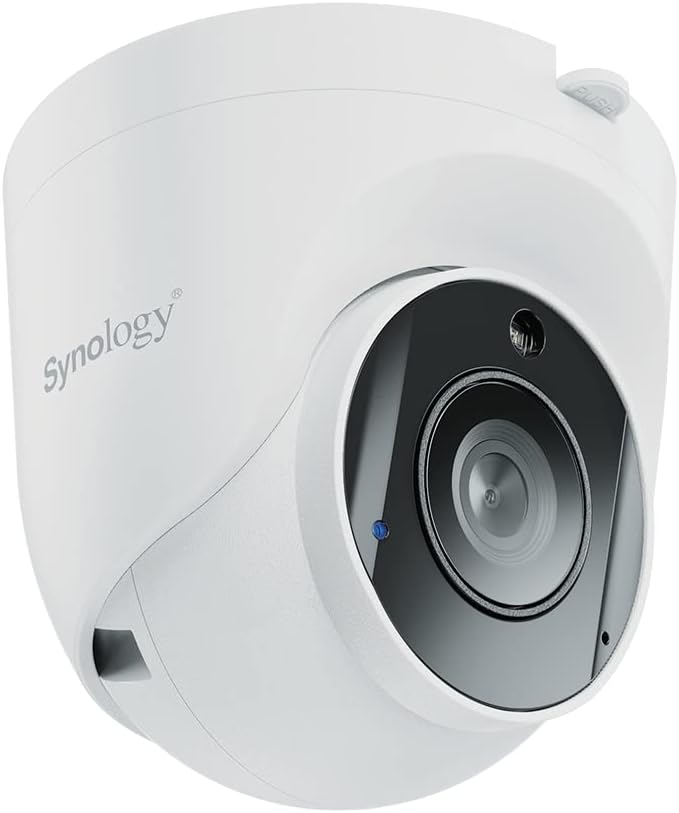
This model is built for professional or high end home security needs. The 5MP sensor provides exceptional detail for identifying license plates or faces. Edge AI detection processes data on the device reducing bandwidth usage and improving speed.
We may earn a commission when you buy through this link, at no additional cost to you.
It meets US NDAA compliance which is crucial for sensitive applications or regulated environments. The P2P connection ensures you can access live footage even if your main internet drops. This redundancy is vital for critical monitoring situations.
Failover recording onto microSD ensures no gaps in video during network failures. The camera is weather resistant with IP66 and IP67 ratings for harsh conditions. While expensive the reliability and compliance features justify the investment for serious users.
Choose this if you need enterprise grade security and video quality. It works seamlessly with Synology ecosystems for centralized management. The combination of resolution and compliance makes it a standout premium choice.
US NDAA and TAA compliance ensure no prohibited components are used. This is required for many government or commercial projects.
Analytics happen on the camera not the cloud. This saves bandwidth and increases detection speed significantly.
We may earn a commission when you buy through this link, at no additional cost to you.
The C500 offers 360 degree coverage with a wide vertical range for outdoor spaces. It uses AI to identify people which minimizes alerts from animals or weather changes. The physical privacy mode blocks the lens so you can stop recording instantly.
We may earn a commission when you buy through this link, at no additional cost to you.
Night vision reaches up to 98 feet which covers large driveways or yards effectively. You can customize an audio alarm to warn intruders directly through the camera. Two way audio lets you talk to delivery personnel or guests remotely.
It requires a wired power connection so plan your installation near an outlet. It relies on 2.4GHz WiFi which is stable but slower than 5G. Storage options include microSD cards or Tapo Care subscription for cloud access.
Ideal for homeowners needing reliable outdoor coverage with privacy control. The pan and tilt functions ensure you can track movement across your property. This model balances features and performance well for a wired outdoor setup.
The lens physically blocks by the housing for true privacy. This gives you control over when the camera is active.
Record custom sounds to use as alarms. This adds a deterrent layer without needing extra hardware.
We may earn a commission when you buy through this link, at no additional cost to you.
This camera excels with its color night vision using LED lights to show vivid details at night. It tracks horizontal movement automatically keeping subjects in frame without manual adjustment. The 3MP resolution provides clearer images than standard 1080p models.
We may earn a commission when you buy through this link, at no additional cost to you.
You can set a password to protect stored videos ensuring your data remains secure. Device sharing allows family members to manage the camera easily via QR code. It supports both 2.4G and 5G WiFi for flexible connection options.
The PIR motion sensor detects people and packages effectively reducing false alerts. Installation requires a wired connection so ensure you have power nearby. The waterproof build helps it withstand rain and snow in most climates.
It is a strong choice for those wanting color footage at night. The auto tracking feature keeps you informed of who is moving around. Balance the features against the price to decide if it fits your needs.
The camera rotates to follow movement across the area. This ensures you never lose sight of a person or vehicle.
Passwords protect videos and device access. This keeps your footage private from unauthorized viewers.
We may earn a commission when you buy through this link, at no additional cost to you.
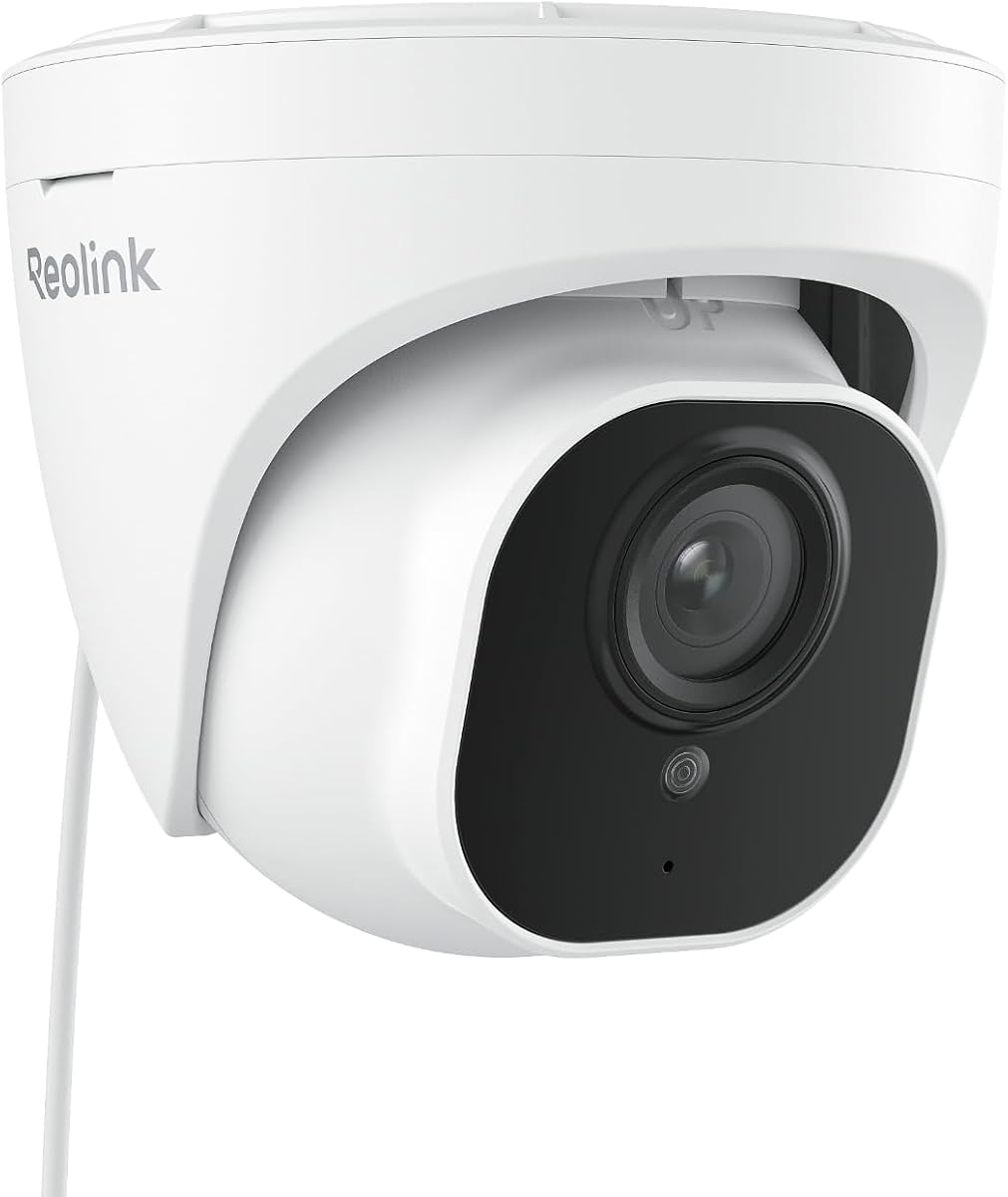
This camera delivers 4K resolution which is 1.6 times clearer than 5MP models. It uses Power over Ethernet to run on a single network cable simplifying installation. Human and vehicle detection ensures alerts are relevant and accurate.
We may earn a commission when you buy through this link, at no additional cost to you.
You can record continuously or when motion is detected to the schedule. Storage works with microSD cards NVRs or FTP servers offering flexibility. The Reolink app allows you to watch live feeds or review playback from anywhere.
Wired installation means you need to run cables which may require drilling. The high resolution can use more bandwidth if not configured properly. It requires a dedicated setup for full functionality with NVR systems.
Choose this for detailed surveillance of driveways or large properties. The clarity helps identify faces and license plates effectively. It is a solid investment for those prioritizing video quality and reliability.
Power and data travel over one Ethernet cable. This reduces clutter and simplifies wiring for outdoor setups.
AI distinguishes between humans vehicles and other objects. This reduces false alarms from animals or shadows.
We may earn a commission when you buy through this link, at no additional cost to you.
The EC71 provides full room coverage with its pan and tilt capabilities. It tracks moving objects automatically keeping you aware of activity. Baby crying detection makes it useful for nurseries as it alerts you to specific sounds.
We may earn a commission when you buy through this link, at no additional cost to you.
Storage options include microSD cards for local files or Kasa Care for cloud backup. The Kasa Care service includes video summaries and activity notifications which help review footage quickly. Night vision reaches 30 feet for dark rooms.
It is designed for indoor use so protect it from moisture or weather. Setup connects to 2.4GHz WiFi for standard home networks. You can control it via voice commands with Alexa or Google Home.
This camera fits well in living rooms or bedrooms for peace of mind. The tracking feature ensures you do not miss movement. It is a reliable choice for families needing versatile indoor monitoring.
Snapshots and summaries help you review events fast. This saves time when looking for specific moments.
Use simple commands to view feeds on Echo devices. This brings the camera feed to your smart display.
We may earn a commission when you buy through this link, at no additional cost to you.
This camera uses 4MP resolution with H.265 compression for efficient storage. It offers secure cloud storage hosted by AWS ensuring your data is safe off site. The 90 degree wide angle captures more of the room at once.
We may earn a commission when you buy through this link, at no additional cost to you.
You can record to microSD cards or use Amcrest Cloud for remote access. The SSL/HTTPS connection ensures that your video stream remains encrypted and private. Regular firmware updates keep the device secure against new threats.
It does not support 5GHz WiFi so you must use 2.4GHz. The cloud service is optional but provides a layer of redundancy if local drives fail. Setup is straightforward with the Amcrest View app for mobile viewing.
Ideal for users who value secure cloud storage and high quality video. It works with professional software like Blue Iris for advanced setups. The balance of local and cloud options offers good flexibility.
Videos are stored on AWS servers securely. This ensures your footage is safe from physical theft or damage.
H.265 reduces file sizes without losing quality. This saves space on local storage and bandwidth usage.
We may earn a commission when you buy through this link, at no additional cost to you.
This model delivers 5MP resolution with a wide 78 degree viewing angle. It features full color night vision using floodlights to illuminate the area in color. The camera connects to wireless systems for expanded coverage of large properties.
We may earn a commission when you buy through this link, at no additional cost to you.
You can zoom in on details using digital zoom up to 4 times. The app allows remote access with two way audio to talk to visitors. It includes a deterrent alarm to scare off intruders remotely.
Setup involves connecting to WiFi or a wireless system using specific steps. Check local laws for recording permissions before installing. The system compatibility means you can mix it with other cameras easily.
It is a strong choice for outdoor security needing high resolution. The floodlight feature ensures you see color even at night. This model works well for those building a multi camera system.
Compatible with Hiseeu wireless systems. This allows scaling your security network without new wiring.
Bright lights activate during motion events at night. This ensures you get color footage in dark spots.
We may earn a commission when you buy through this link, at no additional cost to you.
This option comes as a 4 pack which is cost effective for full coverage. It supports ONVIF and RTSP allowing integration with third party apps and NVRs. The auto tracking keeps moving objects centered in the frame automatically.
We may earn a commission when you buy through this link, at no additional cost to you.
You can view live feeds on multiple devices simultaneously with family members. Spotlight night vision provides color footage when motion is detected. It works with Alexa for hands-free viewing on Echo Show devices.
Cloud storage offers a free trial but you may need to subscribe after. Ensure your router supports 5GHz for the fastest connection. The ONVIF support makes it versatile for custom setups.
Choose this if you need multiple cameras at a reasonable price. The integration options allow you to build a custom system. It is a practical choice for whole home coverage needs.
Standard protocol support for broad compatibility. This lets you use VLC or third-party NVR software easily.
Share access with friends or family. Everyone can view the feed on their own phone.
We may earn a commission when you buy through this link, at no additional cost to you.
Selecting the right camera requires understanding your specific security goals and technical environment.
Resolution determines how much detail you can see in your footage. Higher resolutions like 4K allow you to zoom in and read license plates. However 1080p is often sufficient for general indoor monitoring.
Choose a resolution that matches your identification needs. Higher resolution means larger file sizes which may impact storage costs.
Cloud cameras store footage on remote servers for safe access. Look for plans that offer enough history days for your needs. Some models offer free tiers while others require subscriptions.
Check if the camera supports local SD cards as a backup. This gives you control over costs and data privacy.
WiFi cameras must connect to your network reliably. Dual band support for 2.4G and 5G ensures better performance. Signal strength affects video smoothness so consider your router range.
Opt for models with dual band support to reduce lag. A stable connection prevents missed alerts or dropped feeds.
AI motion detection distinguishes between people pets and vehicles. This reduces false alarms caused by wind or shadows. Look for cameras that send instant push notifications to your phone.
Prioritize models with AI features to minimize unnecessary alerts. Smart detection saves battery life and storage space.
Cameras may be battery powered wired or use Power over Ethernet. Battery models offer flexibility but need recharging. Wired models provide constant power but require installation.
Select a power source based on your installation area. Ensure battery life matches your usage expectations for convenience.
Night vision range defines how far you can see in the dark. Color night vision offers better detail than standard infrared. Check the foot range to cover your specific yard area.
Choose cameras with strong night vision for 24/7 monitoring. Color night vision helps identify clothing or details at night.
Outdoor cameras must withstand rain dust and temperature changes. Look for IP66 or IP67 ratings to ensure durability. This prevents internal damage and extends the camera lifespan.
Verify the IP rating matches your local climate. Proper weatherproofing ensures the camera survives harsh conditions.
Many cameras work with Alexa or Google Home for voice control. This allows you to view feeds on smart displays easily. Check if the app supports the features you need.
Ensure the camera supports your preferred smart home ecosystem. Voice commands make viewing feeds convenient for daily use.
Start by downloading the official app for your camera brand. Create an account and scan the QR code on the device to link it. Follow the prompts to connect to your WiFi network securely.
Mount the camera in a high spot that covers entry points. Adjust the angle to minimize glare or direct sunlight. Ensure it is close enough to your router for a strong signal.
Regularly clean the lens to remove dust and dirt. Check firmware updates in the app to keep security features current. Monitor battery levels if using wireless models to avoid outages.
Most cloud IP cameras require an internet connection to upload footage to servers. Some models offer local storage or P2P connections that work locally. However remote viewing usually depends on internet access.
Not all cameras require a subscription. Many offer free cloud storage with limited quality or days. Others provide local SD card options to avoid monthly fees entirely.
Use strong unique passwords and enable two factor authentication. Keep firmware updated regularly to patch security holes. Disable unused features like guest accounts to reduce risk.
Many cameras support casting to devices like Chromecast or Echo Show. You can use smart apps to view feeds on larger screens. Check compatibility with your smart display before buying.
Temperature trigger frequency and video resolution impact battery life. Cold weather reduces battery capacity while frequent recording drains power faster. Adjust settings to match your specific usage patterns.
Most apps allow you to invite family members via email or QR code. This gives them access to live feeds without sharing your password. Manage permissions to control who can view footage.
Many models include built-in microphones for two-way audio. This lets you hear what happens and speak remotely. Check if audio recording is enabled by default in settings.
The 2026 Upgraded 2K model leads our list for balancing features and value. It offers free cloud storage and long battery life making it versatile. The Tapo C201 remains a top pick for indoor budget needs.
Prioritize video quality and motion detection features when selecting a unit. Ensure the storage option matches your privacy preferences and budget. A reliable camera gives peace of mind for your home security.
Prices and deals change often so check current listings before purchasing. Verify compatibility with your existing network and smart home systems. This ensures you get a camera that fits your setup perfectly.