
BUFFALO LinkStation 210
3.9Editor score
6TB capacity with included drives
Secure closed system design
Free personal cloud access
This guide compares the top ten Buffalo NAS devices for home and business storage, covering features, performance, and reliability to help you choose the right
Finding reliable network attached storage is essential for securing your digital assets. Buffalo NAS devices offer robust solutions for home and office environments. They provide centralized storage, easy sharing, and built-in security features for peace of mind.
We evaluated ten distinct models based on capacity, speed, and ease of use. Our analysis covers everything from budget-friendly home clouds to enterprise-grade business servers. Each unit was assessed for performance, reliability, and value proposition.
Each pick highlights specific strengths to help you make an informed decision. Detailed reviews explain real-world performance and key limitations. Please note that availability and pricing fluctuate frequently across retailers.
3.9Editor score

4.8Editor score
4.3Editor score
The following table provides a side-by-side comparison of the top ten Buffalo network storage solutions. It highlights key specifications and core features to help you quickly identify the model that best fits your specific storage needs and budget requirements.


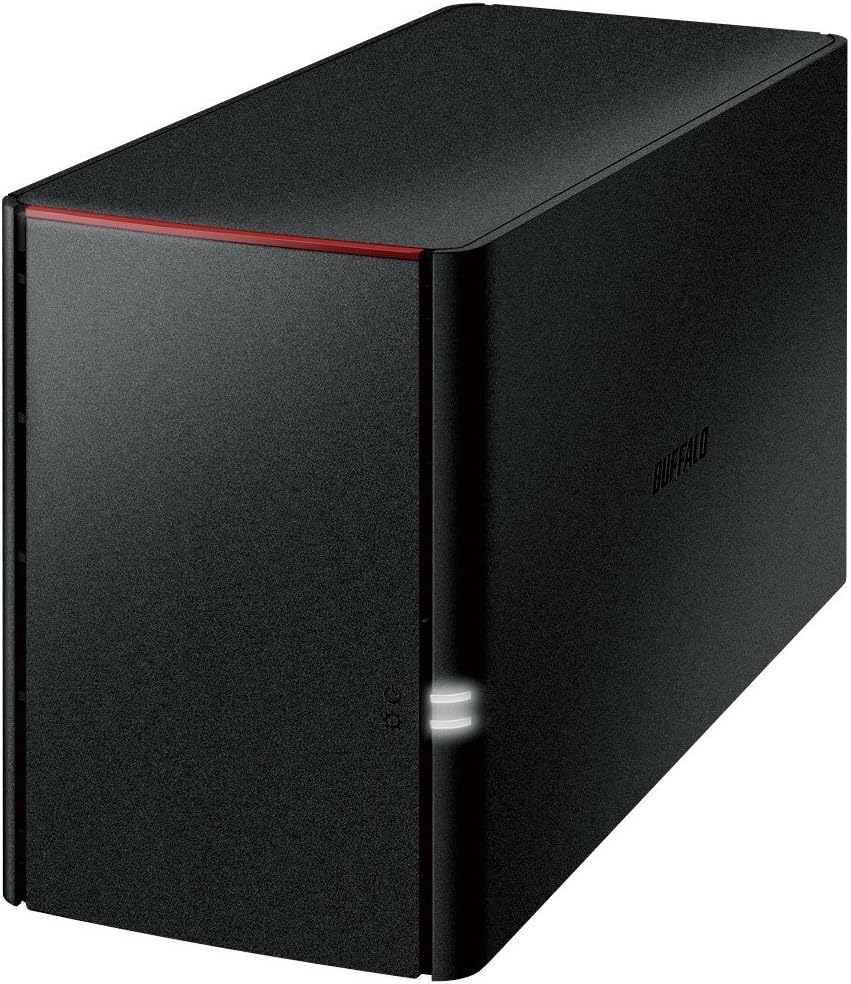


The LinkStation 210 offers a straightforward entry point into network storage. With six terabytes of included capacity, it serves well for basic home backup needs. Its rating reflects solid performance for the price category.
We may earn a commission when you buy through this link, at no additional cost to you.
This device excels at providing centralized storage without subscription costs. You can store videos and photos securely while accessing them from multiple devices. The closed system design minimizes vulnerabilities from third-party applications.
Users may find the single bay limiting if they need to expand later. Transfer speeds are standard for gigabit networks which may not satisfy power users. However, for general home use these trade-offs are acceptable.
This model is ideal for families needing simple backup and sharing. If you want a set-and-forget solution without monthly fees this is a strong candidate.
Enjoy remote access to your files without paying monthly subscription fees for cloud storage services.
Connect directly to your router to share files across all your computers and mobile devices effortlessly.
We may earn a commission when you buy through this link, at no additional cost to you.
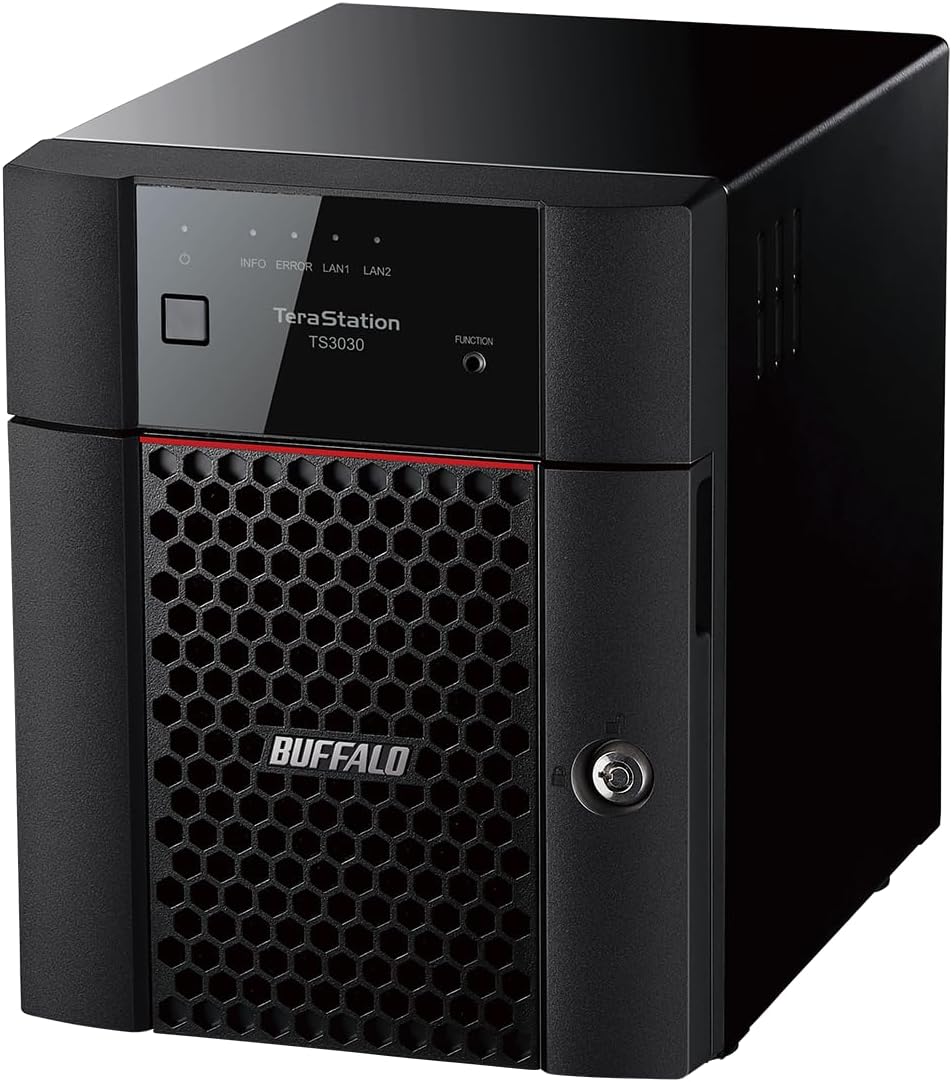
This TeraStation model brings professional grade capabilities to the desktop. It provides twenty four terabytes of raw storage which is ample for large media libraries. The 2.5GbE port ensures fast file movement across the network.
We may earn a commission when you buy through this link, at no additional cost to you.
Data protection is a key focus with drive encryption and flexible backup options. You can sync with major cloud providers to create a hybrid safety net. The included drives are pre-tested to ensure reliability out of the box.
The cost is higher than entry models but justified by the capacity. The size may be significant for small home office desks. Users needing robust backup will find this balance worthwhile.
Small businesses or power users needing bulk storage should consider this unit. It offers a professional feature set with simplified setup for value conscious buyers.
Choose between RAID 5 for balance or RAID 6 for maximum redundancy to match your data protection needs.
Benefit from a three year warranty that includes hard drive coverage for long term peace of mind.
We may earn a commission when you buy through this link, at no additional cost to you.
Optimized for small offices the SoHo 220 balances capacity and simplicity. It comes with four terabytes of storage pre-configured for safety. The direct copy feature allows USB backups without needing a computer.
We may earn a commission when you buy through this link, at no additional cost to you.
Security features like SSL encryption keep your business data safe during transfers. You can create individual access restrictions to protect sensitive files. US based support is available around the clock for assistance.
While the capacity is limited compared to larger units it suits small teams well. The lack of faster ethernet ports may be a bottleneck for heavy usage. For small offices this reliability is often enough.
This unit fits well for small businesses needing shared storage and backup. It is an excellent choice for those prioritizing security and ease of use.
Use the USB port to back up your devices directly without requiring a computer to be online.
Ensure your data remains private with individual access restrictions on folders and secure file sharing.
We may earn a commission when you buy through this link, at no additional cost to you.
This is a full scale professional storage solution designed for heavy loads. It offers thirty two terabytes of storage and a 10GbE port for massive speeds. Snapshots allow instant recovery from data corruption or ransomware attacks.
We may earn a commission when you buy through this link, at no additional cost to you.
The advanced hardware and firmware ensure stability under pressure. You can integrate with cloud services for a robust hybrid cloud strategy. The included drives are NAS grade for consistent reliability over time.
The setup may be complex for non-technical users. You likely need compatible networking gear to utilize the 10GbE port. However for businesses needing performance this unit delivers exceptional value.
Organizations requiring high speed and massive capacity should prioritize this model. It stands out as the most capable option in this list for demanding environments.
Use snapshots to recover data near instantaneously with little to no system disruption during incidents.
Enjoy native 10GbE connectivity for high speed file transfers without needing cable upgrades.
We may earn a commission when you buy through this link, at no additional cost to you.
This model is optimized for server room efficiency and rack mounting. It provides eight terabytes of storage with flexible cloud integration options. The 2.5GbE port ensures you get faster transfers than standard gigabit speeds.
We may earn a commission when you buy through this link, at no additional cost to you.
Data protection is handled through strong encryption and flexible backup features. You can sync with various cloud providers to safeguard your important files. The drives are included and pre-configured for immediate use.
The capacity is limited compared to desktop counterparts but fits better in racks. You must have a cabinet to mount this unit properly. For IT managers needing space efficiency this is a strong choice.
This unit is ideal for small IT environments needing rackmount storage. It offers professional features in a compact form factor with good value.
Save space in your server room with a professional rackmount chassis designed for easy installation.
Sync with Dropbox, S3, and Azure to create a hybrid cloud for extra security and scalability.
We may earn a commission when you buy through this link, at no additional cost to you.
This device runs Windows Server IoT 2025 out of the box. It is designed for small businesses already invested in the Microsoft ecosystem. You get included NovaBACKUP software for professional level PC backups.
We may earn a commission when you buy through this link, at no additional cost to you.
Cloud service integration with Azure and OneDrive simplifies your workflow. The lack of CAL requirements makes it cost effective for small teams. You can rely on the included drives for immediate deployment.
The capacity is restricted to four terabytes which may limit growth. Managing a Windows Server OS requires more technical expertise than Linux based units. But for Windows shops this integration is valuable.
Choose this unit if you need seamless Windows Server compatibility. It removes the complexity of installing an OS on a standard NAS device.
Save money by avoiding Client Access License fees that typically accompany Windows Server installations.
Utilize the included NovaBACKUP software for versatile and professional level server backups easily.
We may earn a commission when you buy through this link, at no additional cost to you.
The LinkStation 220 is a classic model known for stability. It provides four terabytes of storage with standard gigabit networking. Its ARMADA CPU ensures reliable operation for daily backup tasks without lag.
We may earn a commission when you buy through this link, at no additional cost to you.
It supports DLNA for easy streaming to compatible devices on your network. The USB 2.0 port allows for simple external drive backups. This model is straightforward and avoids unnecessary complexity.
Hardware specs are older compared to modern units which may limit speed. It lacks advanced cloud integration features found in newer models. For basic storage this reliability remains a strong asset.
This is a good option for users wanting simple stable storage. It fits well in legacy environments where new features are not critical.
Stream music and videos directly to DLNA compatible devices without needing a PC.
Connect with Gigabit LAN for consistent and reliable data transfers across your network.
We may earn a commission when you buy through this link, at no additional cost to you.
This TeraStation model offers an economical storage solution for small offices. It allows you to plug directly into your router for instant network storage. Business level backup software is bundled to protect your data effectively.
We may earn a commission when you buy through this link, at no additional cost to you.
You get a free personal cloud to access files from any device. The drives come pre-configured to ensure you are safe right away. It is designed to be easy to use for non-technical staff.
The capacity is limited but sufficient for essential business files. The interface is simple which may feel lacking for power users. However for basic needs this value is hard to beat.
Select this unit for a straightforward small office storage solution. It simplifies the process of creating shared storage and backups quickly.
Set up your network storage instantly by simply plugging the device into your router or switch.
Utilize bundled PC and server backup software to keep your critical business data safe.
We may earn a commission when you buy through this link, at no additional cost to you.
This series focuses on ease of use for mobile and PC users. It provides four terabytes of storage with a mirroring function to protect files. The compact design fits easily on small desks or shelves.
We may earn a commission when you buy through this link, at no additional cost to you.
You can access your content from smartphones and tablets without hassle. The LAN port ensures stable wired connections for your network. It is designed to be straightforward for personal data management.
The warranty is one year which is shorter than other models. It lacks some advanced enterprise features found in higher end units. For personal backup this simplicity is often all that is needed.
This device suits individuals looking for a simple personal network drive. It is an excellent choice for protecting photos and documents easily.
Use the mirroring function to ensure your important family photos and music are always backed up safely.
Access your stored files conveniently from your smartphone or tablet without needing a PC.
We may earn a commission when you buy through this link, at no additional cost to you.
While primarily an external drive this duo offers robust desktop storage. It uses USB 3.2 for universal connectivity across PCs and Macs. You can swap a drive without powering down the device in case of failure.
We may earn a commission when you buy through this link, at no additional cost to you.
It supports Time Machine for automatic backups on Mac computers. The drives are NAS grade for better longevity than standard consumer drives. It serves well for single user backup and server backup needs.
It lacks network sharing features compared to true NAS devices. You cannot share files over the network as easily without extra steps. For USB storage this reliability is a significant advantage.
Choose this for premium desktop storage where network access is not critical. It is a great solution for local backup and large media archives.
Replace a failed hard drive quickly without powering down the device to minimize downtime.
Schedule automatic backups for Mac computers using built-in Time Machine support.
We may earn a commission when you buy through this link, at no additional cost to you.
Selecting the right network storage requires understanding your specific capacity and performance needs. This guide outlines the key factors to consider before making a purchase.
Assess how much data you currently store and how much you plan to add in the future. Models range from 4TB to 32TB which dictates whether you can grow your storage later.
Choose a capacity that exceeds your current needs by at least 20 percent to allow for expansion.
Look for models with Gigabit or faster ports like 2.5GbE or 10GbE if you transfer large files often. Faster ports reduce wait times during backups and file access.
Ensure your router and cables support the chosen speed to get the most out of your hardware.
RAID modes protect data against drive failure. RAID 1 mirrors data while RAID 5 balances space and security. Pre-configured setups simplify installation.
Select a mode that matches your risk tolerance for data loss versus usable storage space.
Check if the device supports hybrid cloud sync with services like Dropbox or Azure. This adds an extra layer of security for critical files.
Use cloud sync to ensure your data is safe even if your local device is damaged or lost.
Strong encryption like 256-bit drive encryption keeps your files private from unauthorized users. SSL encryption ensures safe file transfers over the network.
Prioritize models with closed system designs to reduce vulnerability to external software threats.
Many models include bundled software for automated PC and server backups. This simplifies the process of protecting your computer data.
Look for included tools that offer scheduled backups to keep your data current without manual effort.
A robust warranty covers hardware failures and data recovery services. Most Buffalo units offer three year warranties with US based support.
Check if the warranty includes hard drive coverage to save on replacement costs during the term.
Decide between desktop and rackmount based on your workspace. Desktop units are easier to place while rackmount models save space in server rooms.
Ensure you have the physical space and necessary mounting hardware before selecting the form factor.
Connect your NAS directly to your router using an Ethernet cable for the best performance. Ensure the device is placed in a well ventilated area to prevent overheating during long periods of use.
Install the management software provided on your computer to configure drives and access settings. Set up user accounts and folder permissions to control who can view or edit your files.
Regularly update the firmware to keep security patches current and improve system stability. Check drive health status through the management tool to catch potential failures early.
Most Buffalo NAS models do not require a monthly subscription fee. You own the hardware and storage space which allows you to back up files without recurring costs. Some cloud features may require external service fees but the NAS itself remains free.
Yes, most Buffalo NAS units are compatible with both Windows and macOS systems. You may need to format the storage differently for Mac compatibility depending on the model. Check specific product notes for the latest macOS version support.
If your NAS is configured with RAID, the system will continue to operate without data loss. You can replace the failed drive and rebuild the RAID array to restore redundancy. Always keep an up to date backup of critical data regardless of RAID.
Buffalo provides US based technical support for most NAS devices. They offer assistance with installation and troubleshooting via phone or email. Check the warranty card for specific contact details and support hours.
Expansion depends on the specific model you choose. Some units have multiple bays allowing you to add more drives. Always check the maximum supported capacity before purchasing to ensure future flexibility.
You can access your files remotely using the built in personal cloud or mobile apps. These features allow secure connections from anywhere without needing to set up a complex server. Follow the app instructions to link your account for access.
The top picks offer a range of options from budget friendly home storage to high end business solutions. The LinkStation 210 and TeraStation 5420DN stand out for value and performance respectively.
Prioritize capacity and speed based on your actual usage patterns. A model that fits your current needs while allowing room for growth will serve you best in the long run.
Always verify current availability and warranty terms before purchasing. Prices and specs can change so checking the latest details ensures you get the best deal possible.