
Tapo 1080P Indoor Security Camera
4.4Editor score
Affordable Price
Free Person Detection
Two-Way Audio
Local Storage Support
Discover the top 10 Airbnb security cameras for October 2026. This guide compares features, privacy, and storage to help hosts secure their properties.
Securing your rental property is essential for host peace of mind and guest safety. A reliable security camera helps monitor entry points and deter theft without invasive surveillance.
We evaluated ten top-rated models based on video quality, night vision, storage options, and smart alerts. Our comparison focuses on features that matter most for short-term rental environments.
Each pick highlights key strengths and trade-offs to suit different property sizes and budgets. Note that prices and availability change frequently, so check current listings before purchasing.
4.4Editor score

4.7Editor score

4.5Editor score
This side-by-side comparison outlines the core specifications of each model to help you decide quickly. We highlight video resolution, storage flexibility, and connectivity options for each unit.




This window camera set is designed for hosts who need quick setup without damaging walls. It features 3MP resolution for sharp details and includes two-way audio for guest communication.
We may earn a commission when you buy through this link, at no additional cost to you.
The magnetic mount allows you to place it on windows easily. You can choose between local microSD storage or cloud options depending on your preference for data access.
While it lacks a published user rating, the features suggest strong utility for monitoring entry points. The color night vision is a significant upgrade over traditional black-and-white models.
Ideal for apartments or properties where drilling is not an option, this model provides essential security at a reasonable entry cost. Always ensure your internet connection is stable.
The peel-and-stick magnetic mount simplifies positioning without tools.
Choose local SD cards or cloud subscriptions for recording.
We may earn a commission when you buy through this link, at no additional cost to you.
The Tapo C100 is a highly rated indoor camera that balances cost and performance. It offers 1080p video and reliable motion alerts to keep your rental monitored.
We may earn a commission when you buy through this link, at no additional cost to you.
Users appreciate the straightforward setup and clear image quality. The two-way audio feature allows you to address guests or delivery personnel directly from your phone.
Its main limitation is that it requires a power outlet, limiting placement options. However, for indoor spaces like living rooms or hallways, it is an excellent choice.
Hosts on a tight budget will find this model delivers essential security without monthly fees. It is particularly useful for monitoring common areas or checking on pets.
1080p resolution ensures clear footage for identifying visitors.
Connect to WiFi and pair via the mobile app quickly.
We may earn a commission when you buy through this link, at no additional cost to you.
Ring's latest Indoor Cam stands out for its privacy features and reliability. With a manual privacy cover, hosts can ensure no recording occurs when guests are present.
We may earn a commission when you buy through this link, at no additional cost to you.
The 1080p video and color night vision provide excellent clarity. Pre-Roll records a few seconds before motion triggers so you capture the full context of an event.
While it requires a subscription for cloud storage, the device itself is robust. The two-way talk and Alexa integration make it a seamless part of a smart home.
For Airbnb hosts prioritizing guest trust and high-quality video, this camera is a top choice. It is easy to move between properties or rooms as needed.
Flip the cover to disable mic and camera instantly.
Use Alexa to control views and get alerts easily.
We may earn a commission when you buy through this link, at no additional cost to you.
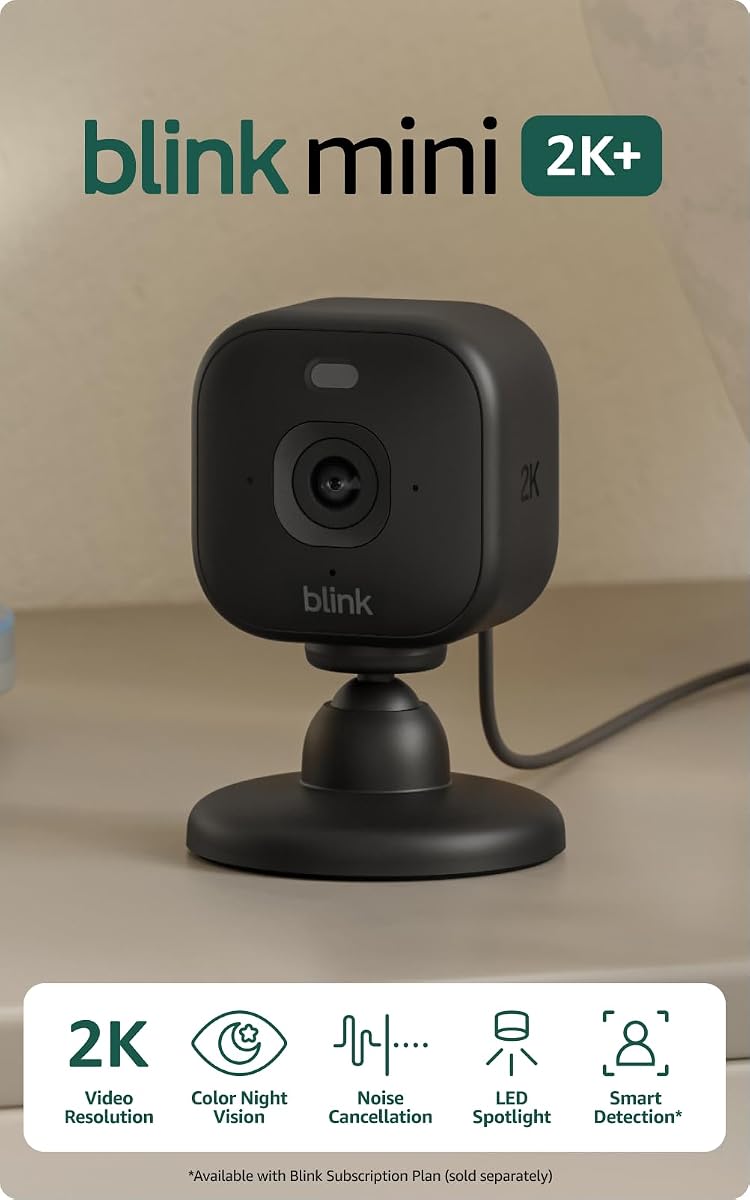
This Blink Mini kit provides enhanced clarity with 2K resolution. The improved audio clarity helps hear conversations clearly, which is vital for monitoring noisy environments.
We may earn a commission when you buy through this link, at no additional cost to you.
It includes two cameras, making it easy to cover multiple areas like a living room and entryway. Motion detection alerts are reliable, though advanced features require a plan.
The design is compact and fits discreetly on shelves or mounts. It is a solid choice for those already invested in the Blink ecosystem.
Hosts looking for better-than-1080p resolution will appreciate this upgrade. Just ensure you have access to power outlets for continuous monitoring without battery swaps.
Capture fine details like text or faces with 2K.
Noise cancellation ensures clear communication via the app.
We may earn a commission when you buy through this link, at no additional cost to you.
The GMK system offers four wireless cameras, perfect for covering large Airbnb properties. Each unit is battery-powered and weather-resistant for indoor or outdoor use.
We may earn a commission when you buy through this link, at no additional cost to you.
Installation is simple without wiring. The 2K video provides clear footage, and the app allows easy management of all four feeds in one place.
Battery life is decent, but frequent motion may require recharging. It is versatile for patios, backyards, or main living areas.
For hosts who need broad coverage without running cables, this kit is a strong solution. Ensure your WiFi signal reaches outdoor placement spots for best results.
No wiring needed for quick setup anywhere.
IP65 rating withstands rain and dust well.
We may earn a commission when you buy through this link, at no additional cost to you.
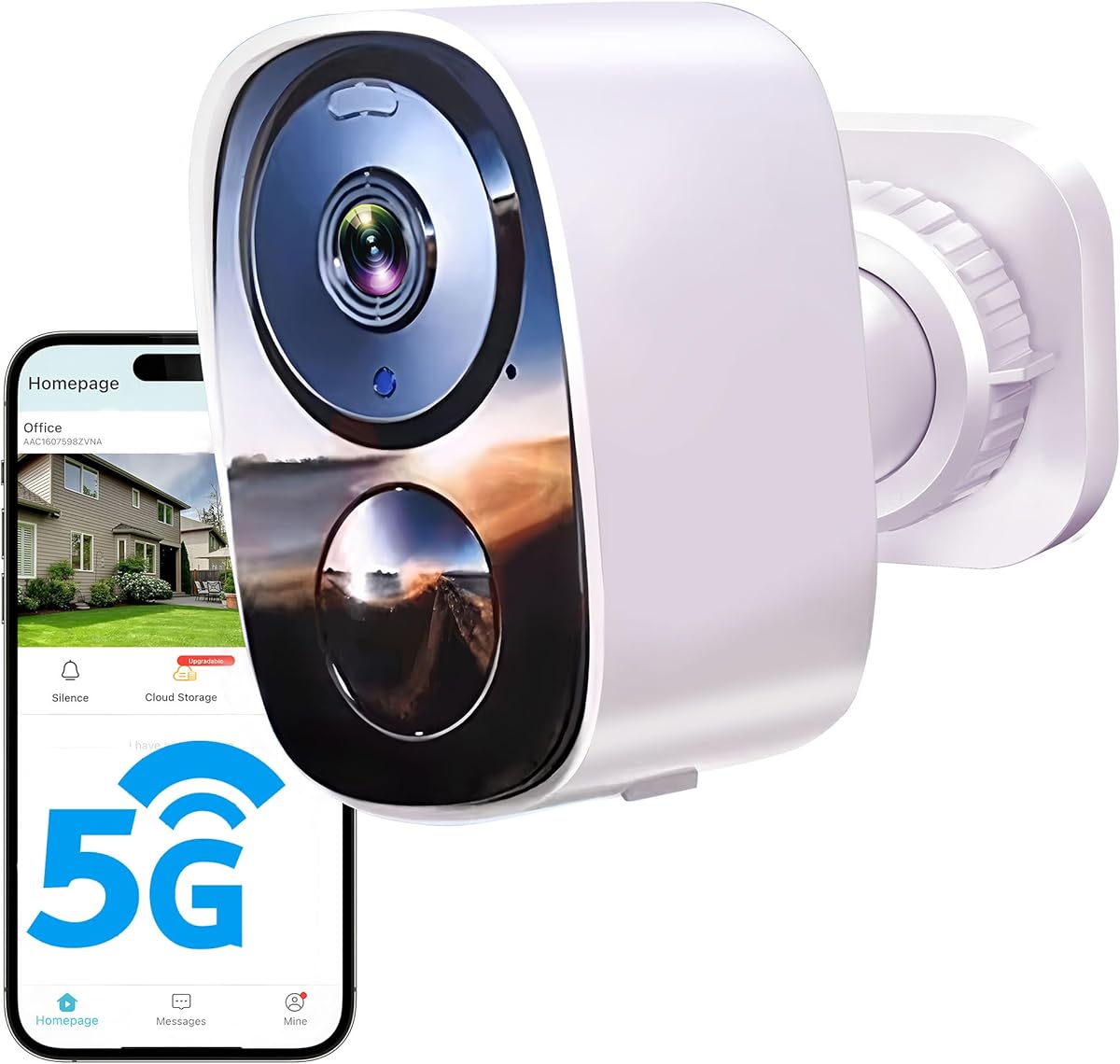
This model offers free cloud storage, a rare feature in 2026. It records 2K video and uses AI to detect motion accurately while saving money on subscriptions.
We may earn a commission when you buy through this link, at no additional cost to you.
The battery life can last months on a single charge. Dual-band WiFi support ensures a stable connection even in crowded signal areas.
While the brand is less known, the specs are competitive. It includes a spotlight and siren for active deterrence against intruders.
Hosts wanting free storage will find this appealing. However, verify the free plan limits to ensure it meets your retention needs.
Enjoy free cloud storage to save on recurring costs.
Smart algorithms reduce false alarms significantly.
We may earn a commission when you buy through this link, at no additional cost to you.
The Blink Outdoor 4 boasts a two-year battery life, reducing maintenance. It comes with three cameras and a Sync Module Core for basic local storage.
We may earn a commission when you buy through this link, at no additional cost to you.
It provides 1080p HD video and reliable motion detection. The Sync Module allows for some local clip storage without a full subscription.
This model is perfect for remote properties where changing batteries is inconvenient. However, advanced features like person detection need a paid plan.
Hosts seeking a long-term solution with minimal maintenance will appreciate this. Just note that full cloud backups require a subscription service.
Enjoy up to two years on lithium batteries.
Setup anywhere with easy wireless connectivity.
We may earn a commission when you buy through this link, at no additional cost to you.
The eufy E30 delivers stunning 4K video quality locally. It avoids monthly fees by storing data on SD cards or HomeBase units for total privacy.
We may earn a commission when you buy through this link, at no additional cost to you.
AI auto-tracking ensures the camera follows movement automatically. The color night vision with built-in spotlight is a standout feature for indoor security.
While it requires HomeBase for some features, the camera itself is robust. It is ideal for hosts who prioritize data privacy and high resolution.
Premium features like tracking and 4K are unmatched in this list. Ensure your HomeBase is set up correctly to unlock full local storage.
Capture ultra-detailed footage with 4K resolution.
Store locally to avoid monthly subscription costs.
We may earn a commission when you buy through this link, at no additional cost to you.
The Ring Stick Up Cam is a versatile hybrid suitable for any placement. Its weather-resistant build allows outdoor use while the design fits indoor needs too.
We may earn a commission when you buy through this link, at no additional cost to you.
It offers color night vision and reliable motion alerts via the Ring app. The rechargeable battery allows flexible placement away from power sources.
Integration with other Ring devices creates a complete security network. The two-way talk and Alexa support enhance control and convenience.
Hosts wanting a single model for mixed use will value this flexibility. Just remember that full feature access requires a subscription plan.
Mount on walls or place flat anywhere needed.
See clear colors even in dark conditions.
We may earn a commission when you buy through this link, at no additional cost to you.
The C31 offers 360-degree coverage, replacing multiple cameras. It supports local storage to keep data private and avoid monthly cloud subscriptions.
We may earn a commission when you buy through this link, at no additional cost to you.
With IP66 weatherproofing, it handles outdoor conditions well. The auto-tracking feature ensures nothing moves out of frame unnoticed.
It requires continuous power, so placement needs an outlet. For large open spaces, one camera covers more ground than standard models.
Hosts wanting wide-angle surveillance will love the 360 design. Just ensure you update the app to get the best performance.
Pan and tilt to cover every angle of the room.
Save video locally to avoid subscription costs.
We may earn a commission when you buy through this link, at no additional cost to you.
Choosing the right camera depends on your property layout and security needs. We break down the key factors to consider.
Higher resolution like 2K or 4K ensures you can identify faces and license plates clearly. 1080p is acceptable for general monitoring but may struggle with fine details.
Prioritize at least 2K for better clarity in rental settings.
Local storage like SD cards or HomeBase avoids monthly fees and keeps data private. Cloud storage offers remote access but usually requires a subscription.
Choose local options if you want to avoid recurring costs.
Battery-powered cameras offer flexibility for placement away from outlets but need recharging. Plug-in models provide continuous power and recording without maintenance.
Use battery for outdoor or hard-to-reach spots and plug-in for indoor areas.
Color night vision enhances details in low light compared to standard infrared. Look for models with spotlights or wide apertures for better darkness performance.
Ensure your camera sees clearly even in unlit entryways.
Built-in microphones and speakers let you communicate with guests or delivery personnel remotely. This feature helps deter intruders and answer questions.
Select models with noise cancellation for clearer conversations.
AI detection for people or vehicles reduces false alarms from pets or shadows. This keeps your alerts relevant and reduces notification fatigue.
Look for customizable motion zones to focus on key areas.
Physical privacy covers or manual disable switches ensure guests feel safe when you are not monitoring. Transparency is key for building trust with renters.
Choose cameras with easy-to-use privacy controls.
Ensure the camera works with your existing smart home hub like Alexa or Google Assistant. Integration simplifies alerts and allows voice control for monitoring.
Check compatibility before purchasing to avoid connectivity issues.
Install the camera in a visible location like an entryway or living room. Avoid pointing it directly at private spaces like bathrooms to respect guest privacy.
Check your internet connection regularly to ensure live feeds and alerts function properly. Test motion detection sensitivity to avoid too many false alerts.
Update the firmware and app periodically to benefit from security patches and new features. Keep lenses clean to maintain image quality over time.
Yes, cameras are legal if disclosed in the listing and placed in common areas. Never place them in private spaces like bedrooms or bathrooms. Transparency is legally required.
Not all. Many models support local SD card storage without fees. Cloud features usually require a subscription, but you can often use basic monitoring for free.
Look for models with 1 to 6 months of battery life. Some high-end options like Blink Outdoor 4 can last up to two years on lithium batteries.
Yes, all the listed cameras connect to a mobile app. This allows you to check live feeds and receive alerts from anywhere with an internet connection.
Disclose cameras in your listing and use models with privacy covers. Avoid recording audio in private zones and limit video to entryways or public areas.
Most cameras support 2.4GHz WiFi, while newer models support 5GHz or dual-band. Ensure your router broadcasts the required frequency for stable connectivity.
The Ring Indoor Cam offers the best overall features with a privacy cover, making it ideal for guest trust. The Tapo C100 is a great budget option for basic indoor monitoring.
Prioritize models with local storage if you want to avoid monthly fees. Battery-powered units provide flexibility for outdoor placement without wiring issues.
Always check current prices and availability as they can change quickly. Selecting the right camera will enhance security while respecting your guests' privacy and comfort.