
Samsung 40 ViewFinity S8
4.3Editor score
5K2K WUHD Resolution
Thunderbolt 5 Support
Built-in KVM Switch
AI Ready Monitors are redefining how we interact with our screens by integrating intelligent features directly into the hardware. These displays go beyond simple image output to offer optimized visuals, smart connectivity, and enhanced productivity tools tailored to modern workflows.
We have carefully evaluated ten leading models available this month to find the ones that truly deliver on their promises. Our analysis focuses on resolution, refresh rates, color accuracy, and the specific AI tools that make these monitors stand out from standard display options.
Each pick in this list highlights unique strengths whether you need gaming performance, creative color precision, or smart home integration. Keep in mind that availability and specific feature sets can evolve quickly so check the latest details before making your final decision.
4.3Editor score

4.4Editor score

4.4Editor score
As an Amazon Associate we earn from qualifying purchases.
This side-by-side comparison highlights the key specifications and unique AI capabilities of each monitor to help you identify which model aligns best with your specific work or gaming needs.


The Dell 27 Monitor S2725QS stands out as a top choice for users seeking a balance of visual fidelity and eye comfort. With a 4K UHD IPS panel and a 120Hz refresh rate, it delivers crisp visuals suitable for both professional work and leisure activities.
We may earn a commission when you buy through this link, at no additional cost to you.
Its ComfortView Plus technology significantly reduces harmful blue light emissions without compromising color accuracy, making it ideal for long hours of screen time. The ultra-thin bezels contribute to a clean aesthetic that fits well in modern office environments.
While it lacks the extensive smart OS features found in some competitors, its focus on core display performance ensures reliability and clarity. The AMD FreeSync Premium support also helps minimize tearing during dynamic content viewing.
This monitor is best suited for professionals and creatives who prioritize image quality and eye health over smart TV capabilities. It offers a refined experience that enhances productivity through superior visual comfort.
ComfortView Plus ensures reduced eye strain during extended use without sacrificing the vividness of your content.
The 120Hz refresh rate provides smooth scrolling and fluid motion for both video playback and general computing tasks.
We may earn a commission when you buy through this link, at no additional cost to you.
The LG 27UP850K-W offers stunning image quality with a 4K UHD display and HDR400 support. Its 95% DCI-P3 color gamut makes it a strong contender for creators who need accurate color representation.
We may earn a commission when you buy through this link, at no additional cost to you.
Beyond display quality, this monitor includes WebOS allowing direct access to streaming apps. The USB Type-C port supports data transfer and up to 90W power delivery which simplifies cabling for laptops.
The ergonomic stand allows for flexible adjustments to ensure a comfortable viewing position. While the smart features add convenience they may require some setup time to fully utilize.
Ideal for multimedia consumers and professionals who want a hybrid solution combining monitor functionality with smart TV features.
The high DCI-P3 coverage ensures that your designs and videos look true to life on screen.
Connect your laptop with one cable for video data and power to keep your desk tidy.
We may earn a commission when you buy through this link, at no additional cost to you.
The Samsung 40 ViewFinity S8 delivers a panoramic viewing experience with its 5K2K resolution and curved design. This monitor is perfect for those who need extensive screen real estate for multitasking.
We may earn a commission when you buy through this link, at no additional cost to you.
Thunderbolt 5 support allows for rapid data transfer and up to 140W charging ensuring your devices stay powered while working. The built-in KVM switch lets you control two computers with a single keyboard and mouse.
Ergonomic adjustments like tilt and swivel ensure comfort during long sessions. HDR10+ support enhances contrast and brightness for a more immersive visual experience.
This premium monitor is designed for power users and professionals who demand high performance and connectivity options.
The large screen and KVM switch make it easy to manage multiple workflows simultaneously without switching inputs.
Thunderbolt 5 ensures your setup is ready for next-generation data speeds and power requirements.
We may earn a commission when you buy through this link, at no additional cost to you.
The Samsung 32 Smart M7 leverages Vision AI to tailor visuals to your specific needs adjusting brightness and contrast for comfort. It functions as a standalone device with direct access to streaming content and cloud gaming.
We may earn a commission when you buy through this link, at no additional cost to you.
Active Voice Amplifier uses AI to enhance dialogue clarity in noisy environments which is great for shared spaces. The 3D Map View helps manage smart home devices conveniently from your screen.
Security is a priority with Samsung Knox protecting your monitor data. The design is sleek and white fitting well into modern home offices.
Choose this model if you want a versatile screen that combines entertainment streaming with productivity tools.
AI Picture Optimizer adjusts the display settings automatically to suit your current activity whether gaming or working.
Manage your connected devices directly from the monitor interface with ease and clarity.
We may earn a commission when you buy through this link, at no additional cost to you.
The LG 27U730SA-W is designed for productivity with WebOS allowing remote access to your PC and cloud services. Brightness Control automatically adjusts the screen based on ambient light conditions for better comfort.
We may earn a commission when you buy through this link, at no additional cost to you.
The 65W USB-C PD port can power most laptops while transmitting video which reduces desk clutter. The virtually frameless design enhances immersion and looks sleek on any desk.
You can use AirPlay 2 and Bluetooth to mirror devices easily without extra cables. The included remote offers quick access to menus for convenient adjustments.
This monitor is ideal for remote workers and home office setups that require flexible connectivity and smart features.
WebOS enables you to access your files and applications without needing a physical PC connected nearby.
Built-in sensors detect light sources and modify brightness to ensure optimal visibility day and night.
We may earn a commission when you buy through this link, at no additional cost to you.
The Samsung 32 M8 uses AI Upscaling to enhance lower-resolution content to near 4K quality on the screen. It supports HDR10+ for better brightness and contrast in videos and games.
We may earn a commission when you buy through this link, at no additional cost to you.
You can use a SlimFit Camera for video calls which integrates seamlessly with the system. The SolarCell Remote charges via light or typing eliminating the need for batteries.
Accessibility tools are included for low vision users such as screen magnification and color switching. The ergonomic stand allows for height and tilt adjustments for comfort.
This model is excellent for users who prioritize upscaling technology and environmental sustainability features.
The NQM AI Processor optimizes streaming content to look sharper and more detailed on the 4K display.
The solar-powered remote reduces waste and offers a convenient way to control the monitor.
We may earn a commission when you buy through this link, at no additional cost to you.
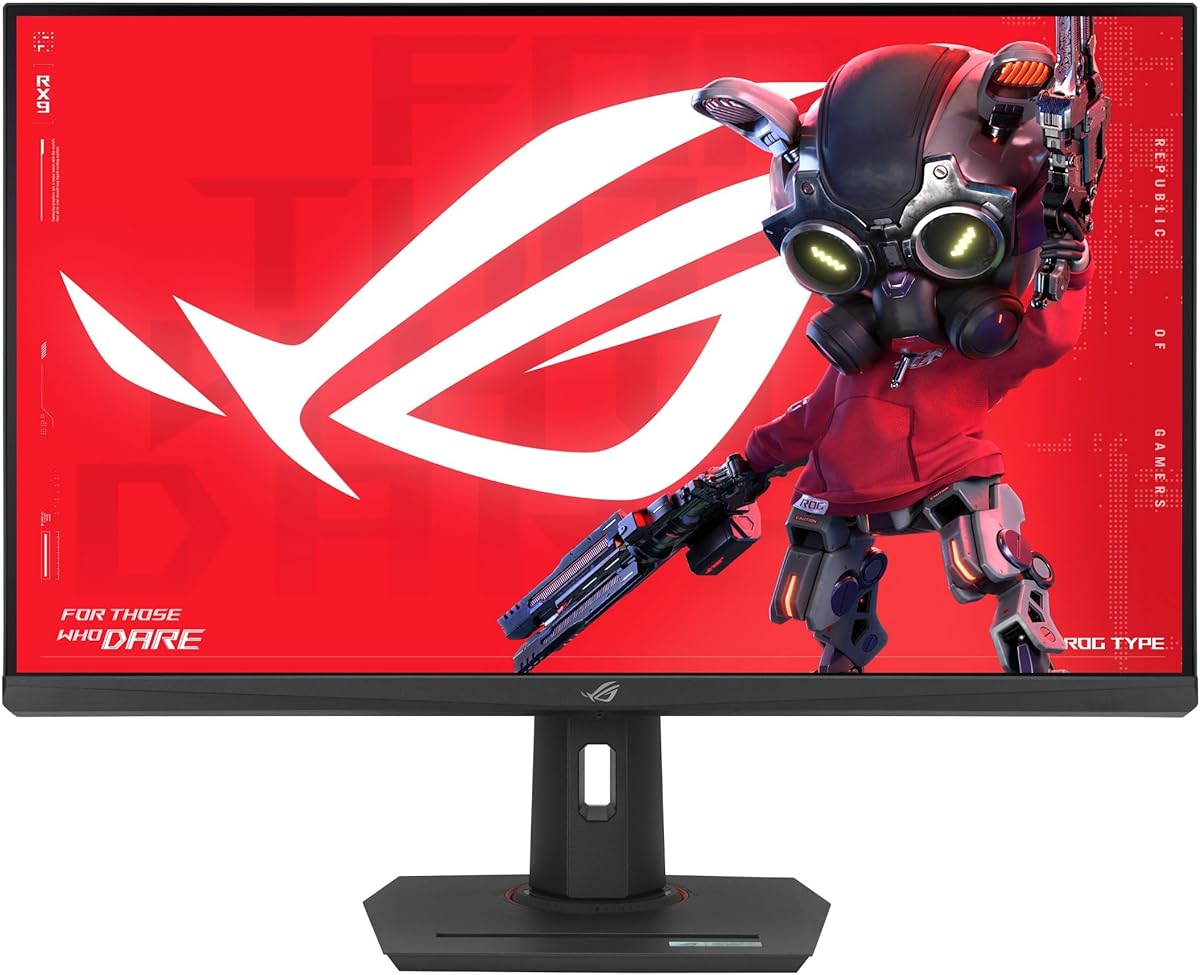
The ASUS ROG XG27ACS is built for competitive gaming with a 180Hz refresh rate and 1ms response time. It supports G-SYNC compatible features to prevent screen tearing during fast-paced action.
We may earn a commission when you buy through this link, at no additional cost to you.
DisplayWidget Center makes it easy to adjust settings without pressing physical buttons. The USB Type-C hub supports video transmission and connects peripherals for a tidy setup.
Fast IPS technology ensures vibrant colors and wide viewing angles which is great for immersive gameplay. It also includes a complimentary Adobe Creative Cloud subscription.
Perfect for gamers who need high frame rates and low latency without sacrificing image quality.
The 180Hz rate provides incredibly smooth motion for competitive shooters and fast-paced games.
ELMB Sync combines motion blur reduction with variable refresh rate to eliminate ghosting effectively.
We may earn a commission when you buy through this link, at no additional cost to you.
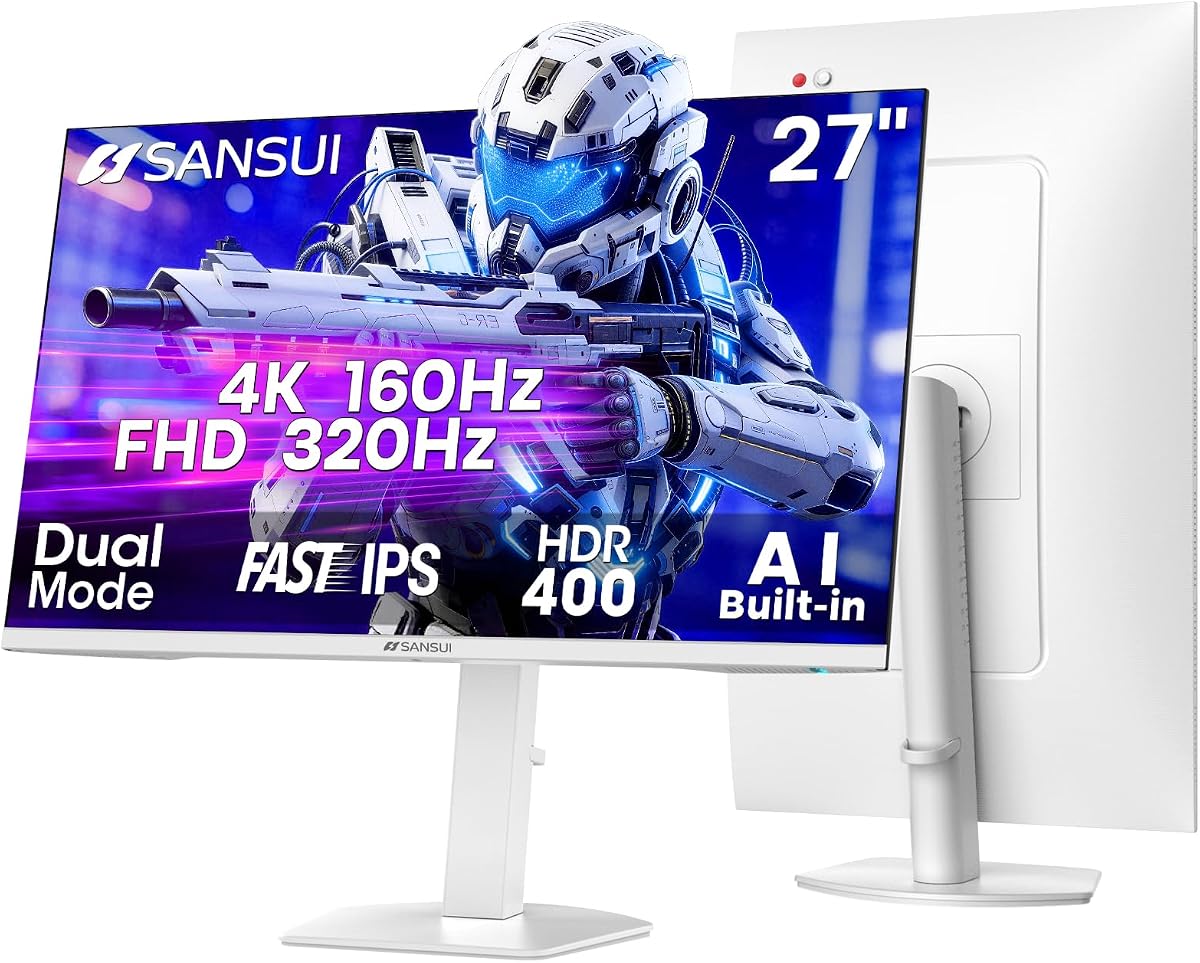
The SANSUI 27 Gaming Monitor offers flexibility with dual mode support allowing you to switch between 4K and FHD resolutions. AI Crosshair helps improve aiming accuracy in supported games without external software.
We may earn a commission when you buy through this link, at no additional cost to you.
It features AI PQ and AI DBL Eye Care Technology to optimize visuals and reduce strain during long sessions. The stand supports pivot and height adjustments for ergonomic positioning.
With HDMI 2.1 and DP 1.4 inputs you get versatile connectivity options for modern consoles and PCs. The built-in speakers add convenience for casual use.
This is a strong choice for budget-conscious gamers seeking high refresh rates and smart assist features.
Switch between 4K at 160Hz for visuals or FHD at 320Hz for speed depending on your needs.
AI features like Crosshair and Sniper Scope enhance your in-game performance directly from the monitor.
We may earn a commission when you buy through this link, at no additional cost to you.
The ASUS ROG XG32UCG combines 4K resolution with high refresh rates in dual mode to suit various gaming styles. It boasts an ultra-fast 0.3ms response time for sharp visuals and quick reactions.
We may earn a commission when you buy through this link, at no additional cost to you.
ROG Gaming A.I technology includes features that enhance your gaming experience through intelligent adjustments. DisplayWidget Center allows for easy settings management using your mouse for convenience.
It includes a complimentary Adobe Creative Cloud access and a 3-year warranty which adds value to the purchase. USB-C with DP Alt mode simplifies connectivity for laptops.
Ideal for serious gamers who want premium performance and reliable support for their investment.
The minimum 0.3ms response time ensures minimal delay between action and display for competitive play.
Advanced gray-scale tracking technology ensures uniform color gradation for precise and accurate images.
We may earn a commission when you buy through this link, at no additional cost to you.
The SANSUI 34 Curved Gaming Monitor offers an immersive UWQHD experience with a 200Hz refresh rate at a competitive price. Its curved design helps wrap the screen around your vision for better focus.
We may earn a commission when you buy through this link, at no additional cost to you.
AI built-in features include AI Blue light reduction and Crosshair support which enhance eye comfort and gameplay. HDMI 2.1 and DP 1.4 inputs provide connectivity for current-gen consoles.
The stand supports tilt and is VESA compatible for flexible mounting. It supports VRR to keep motion smooth during intense gaming sessions.
This monitor is a great budget option for users who want high refresh rates and ultrawide screens without overspending.
The 1500R curve provides a natural viewing field that reduces neck strain and increases focus.
You get 200Hz and ultrawide resolution features often found in much more expensive models.
We may earn a commission when you buy through this link, at no additional cost to you.
Selecting an AI Ready Monitor involves considering various technical and functional aspects that align with your daily usage patterns and requirements.
Resolution determines the clarity and detail of the images you see. Monitors come in 4K UHD, 1440p, and Full HD options. IPS panels offer better color accuracy while VA panels provide higher contrast.
Choose a resolution that matches your workload and panel type that suits your primary use whether gaming or editing.
Refresh rate measured in Hertz impacts how smoothly motion appears on screen. Higher rates like 144Hz or 160Hz are essential for gaming. Response time affects input lag and motion clarity.
Prioritize higher refresh rates for competitive gaming and lower response times to avoid ghosting.
AI Ready Monitors often include features like AI upscaling or brightness adjustment. Smart TV integration allows you to stream content without a PC. These features add versatility but may require learning.
Ensure the AI tools provide tangible benefits like improved clarity or reduced eye strain.
Connectivity options determine how you link devices to the monitor. USB-C with power delivery simplifies laptop setups. HDMI and DisplayPort ensure compatibility with consoles and PCs.
Check that the monitor has enough ports to support your devices without needing extra hubs.
An ergonomic stand allows you to adjust height tilt and pivot for comfort. Poor ergonomics can lead to neck strain during long sessions. Some models include VESA mounts for flexibility.
Look for stands that offer full adjustability to maintain a healthy posture while working.
Color gamut defines the range of colors the display can produce. High coverage like DCI-P3 is important for creative work. HDR support enhances contrast and brightness for dynamic content.
Opt for high gamut coverage if you need precise color accuracy for professional tasks.
Eye comfort features like low blue light modes reduce strain during extended use. Flicker-free technology prevents visual fatigue. These features are critical for office workers and developers.
Verify that the monitor includes certified eye care technologies if you spend long hours at the screen.
Budget dictates which features you can access. Higher-end models offer better build quality and more features. Warranty policies protect your investment against defects.
Balance your financial constraints with the need for long-term reliability and support.
Begin by connecting the power cable and video inputs securely. Use the included stand to position the monitor at eye level to prevent strain.
Navigate the on-screen display menu to adjust settings like brightness and color temperature. Enable AI features if you want the monitor to optimize visuals automatically.
Clean the screen gently with a microfiber cloth to avoid scratches. Avoid harsh chemicals and keep the device in a well-ventilated area to prevent overheating.
An AI Ready Monitor includes built-in intelligent processing capabilities that optimize image quality or user settings automatically. These features may include upscaling, brightness adjustment, or noise reduction to enhance the viewing experience.
Not necessarily. Many smart monitors have operating systems that allow streaming apps and gaming without a PC. However, connecting a computer provides full productivity capabilities beyond media consumption.
AI features provide convenience by adjusting settings based on real-time conditions like ambient light. However, advanced users might prefer manual control for precise color calibration in professional environments.
Yes, most modern AI Ready Monitors include HDMI 2.1 ports compatible with current consoles. This ensures high refresh rates and 4K support for a smooth gaming experience on your setup.
Use a soft microfiber cloth to wipe the screen gently without applying too much pressure. Avoid using water directly on the panel to prevent moisture damage to the sensitive internal components.
USB-C connectivity allows you to transmit video data and power through a single cable. This simplifies setups for laptops by reducing cable clutter and keeping your workspace organized efficiently.
We have explored ten top AI Ready Monitors that offer unique blends of performance and smart features. Whether you need high refresh rates for gaming or smart OS for streaming there is a model for your needs.
Prioritize factors like resolution, ergonomics, and specific AI tools when making your selection. Align these choices with your primary usage scenarios to get the most value from your investment.
Remember that availability and features may change over time. Always verify current specs and offers before purchasing to ensure you are getting the latest technology available.