
LG 24G411A-B
4.5Editor score
144Hz overclock refresh rate
HDR10 vivid color support
G Sync compatible gaming
Finding the right display can transform your gaming experience significantly. A quality monitor ensures smooth motion and accurate colors for immersive play.
We evaluated ten top models based on refresh rates and panel types. Each selection offers G Sync compatibility for seamless frame synchronization.
Every pick highlights unique strengths to match different needs. Prices may fluctuate so check current listings before making a final decision.
4.5Editor score

4.7Editor score

4.4Editor score
As an Amazon Associate we earn from qualifying purchases.
This side by side comparison highlights key specifications across all ten selected monitors to help you identify the best fit for your setup.


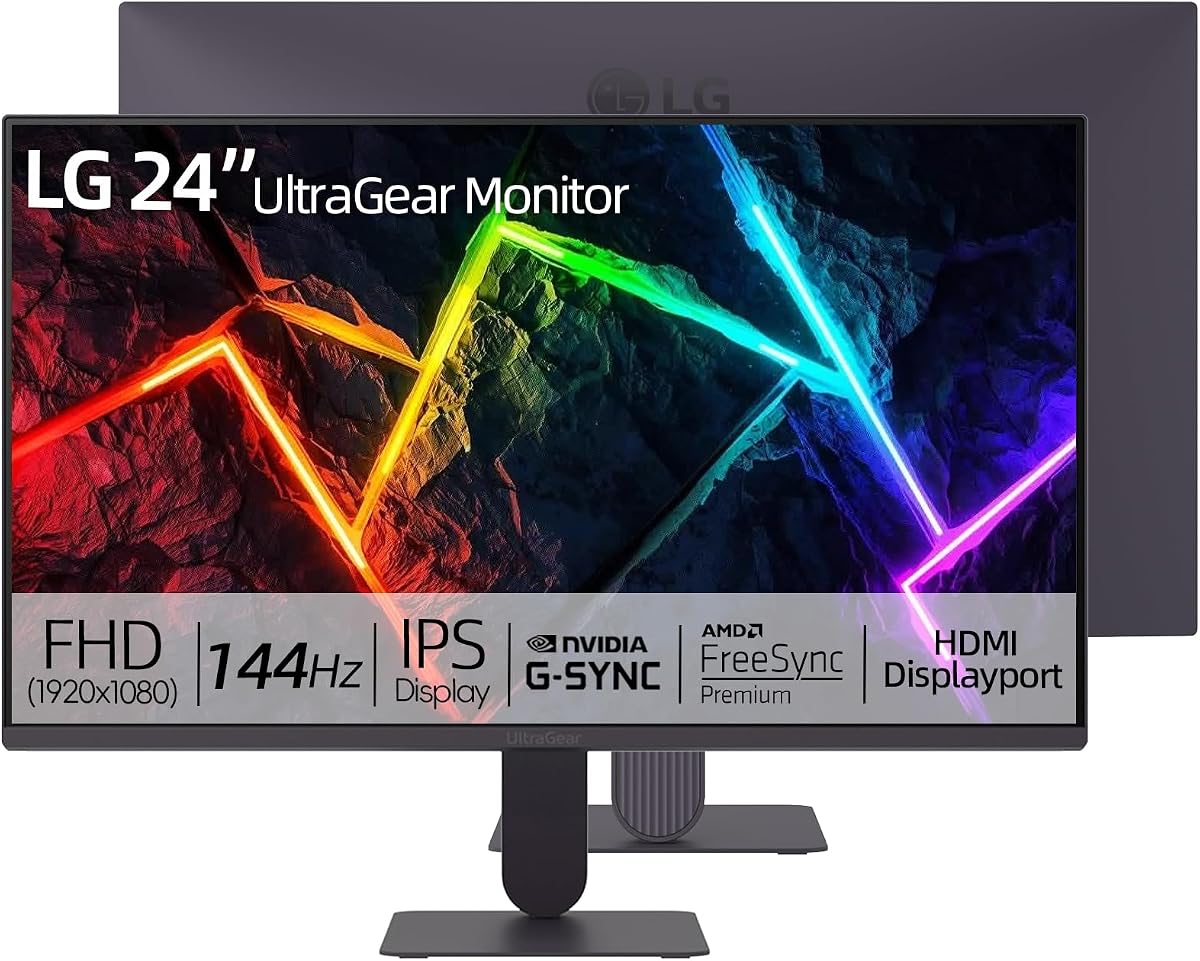


This monitor delivers excellent performance for competitive gaming with a 144Hz refresh rate. Its IPS panel ensures vibrant visuals and wide viewing angles.
We may earn a commission when you buy through this link, at no additional cost to you.
The 1ms MBR technology keeps motion crisp during fast action. Dynamic Action Sync reduces lag for precise reactions.
While the stand is fixed tilt only the bezel design minimizes distraction. Colors remain accurate for both games and media.
Ideal for budget conscious gamers seeking smooth G Sync compatibility without sacrificing visual fidelity.
The 144Hz rate ensures fluid motion without screen tearing during intense sessions.
IPS technology combined with HDR10 delivers rich tones for immersive environments.
We may earn a commission when you buy through this link, at no additional cost to you.
This model stands out with a massive 240Hz refresh rate for ultra smooth visuals. It excels in reducing motion blur significantly.
We may earn a commission when you buy through this link, at no additional cost to you.
The Fast IPS technology maintains color accuracy while enabling quick response times. FreeSync Premium ensures compatibility across systems.
TÜV certification helps reduce eye strain during long sessions. The design prioritizes function over extensive adjustability.
Perfect for competitive players needing every millisecond advantage without compromising on color quality.
The high refresh rate provides a clear edge in fast paced multiplayer games.
Certified low blue light keeps eyes fresh during extended play.
We may earn a commission when you buy through this link, at no additional cost to you.
This monitor combines elite speed with practical ergonomics for serious gamers. The 240Hz rate paired with Fast IPS offers stunning clarity.
We may earn a commission when you buy through this link, at no additional cost to you.
ASUS ELMB Sync eliminates ghosting effectively. The height adjustable stand improves comfort over long sessions.
While costs are higher the build quality and features justify the investment. It supports both G Sync and FreeSync seamlessly.
Top choice for users wanting premium specs and physical adjustability in a 24 inch form.
ELMB Sync keeps high speed action sharp without sacrificing refresh rates.
Height adjustment allows tailored viewing to reduce neck strain.
We may earn a commission when you buy through this link, at no additional cost to you.
This monitor offers reliable 144Hz performance for smooth gameplay. Built in audio adds convenience for casual users.
We may earn a commission when you buy through this link, at no additional cost to you.
Dynamic Action Sync keeps input lag low. The slim design maximizes screen real estate.
While speakers lack depth they suffice for quick chats. G Sync ensures stable frame delivery.
A solid choice for those wanting simplicity and core gaming features without extra frills.
Built in speakers reduce cable clutter for a cleaner desk setup.
144Hz refresh keeps animations fluid during rapid scenes.
We may earn a commission when you buy through this link, at no additional cost to you.
This model delivers 200Hz refresh rates for ultra smooth visuals across tasks. Anti glare coating aids in bright rooms.
We may earn a commission when you buy through this link, at no additional cost to you.
Multiple ports support various devices easily. Colors are consistent and vibrant for mixed media use.
G Sync compatibility ensures stable performance. The panel adapts well to different lighting conditions.
Great for multitaskers needing high speed and color accuracy without specific gaming constraints.
Multiple ports allow easy switching between console and PC gaming.
99% sRGB covers most content creation needs accurately.
We may earn a commission when you buy through this link, at no additional cost to you.
With top user ratings this monitor excels in visual fidelity. The IPS panel offers 99% sRGB coverage for accuracy.
We may earn a commission when you buy through this link, at no additional cost to you.
Dynamic Action Sync keeps input lag minimal. VESA mounting supports flexible setups.
While the stand limits adjustment the screen quality stands out. HDR10 enhances contrast in supported titles.
Ideal for users prioritizing color precision and smooth frame delivery.
IPS technology ensures consistent colors from every viewing angle.
High ratings reflect reliable performance in real world use.
We may earn a commission when you buy through this link, at no additional cost to you.
A perfect rating highlights exceptional user satisfaction with this model. HDR10 brings nuanced color gradations to life.
We may earn a commission when you buy through this link, at no additional cost to you.
Black Stabilizer improves visibility in dark game areas. Slim bezels maximize immersion.
VESA mounts allow flexible positioning. The panel delivers vibrant tones for media and games.
Best for enthusiasts wanting true color experiences and high user approval.
HDR10 adds richness to shadows and highlights for realism.
Black Stabilizer helps spot enemies in low light scenes.
We may earn a commission when you buy through this link, at no additional cost to you.
This model balances speed with eye comfort features effectively. Fast IPS ensures quick response and vibrant visuals.
We may earn a commission when you buy through this link, at no additional cost to you.
ELMB Sync reduces ghosting for clarity. Low Blue Light helps reduce strain.
VESA mounting offers setup flexibility. Colors remain consistent across wide angles.
A solid option for gamers prioritizing speed and long session comfort.
200Hz rates paired with eye care tech suit marathon sessions.
ELMB Sync keeps moving objects sharp during action.
We may earn a commission when you buy through this link, at no additional cost to you.
A sleek design complements any desk setup without distraction. High user scores reflect reliable performance.
We may earn a commission when you buy through this link, at no additional cost to you.
144Hz ensures smooth visuals for all games. HDR10 adds depth to scenes.
Slim bezels enhance immersion. VESA mounting supports wall or arm setups.
Best for those prioritizing style alongside consistent gaming features.
Slim bezels focus attention on the content without distractions.
Perfect ratings confirm consistent quality in daily use.
We may earn a commission when you buy through this link, at no additional cost to you.
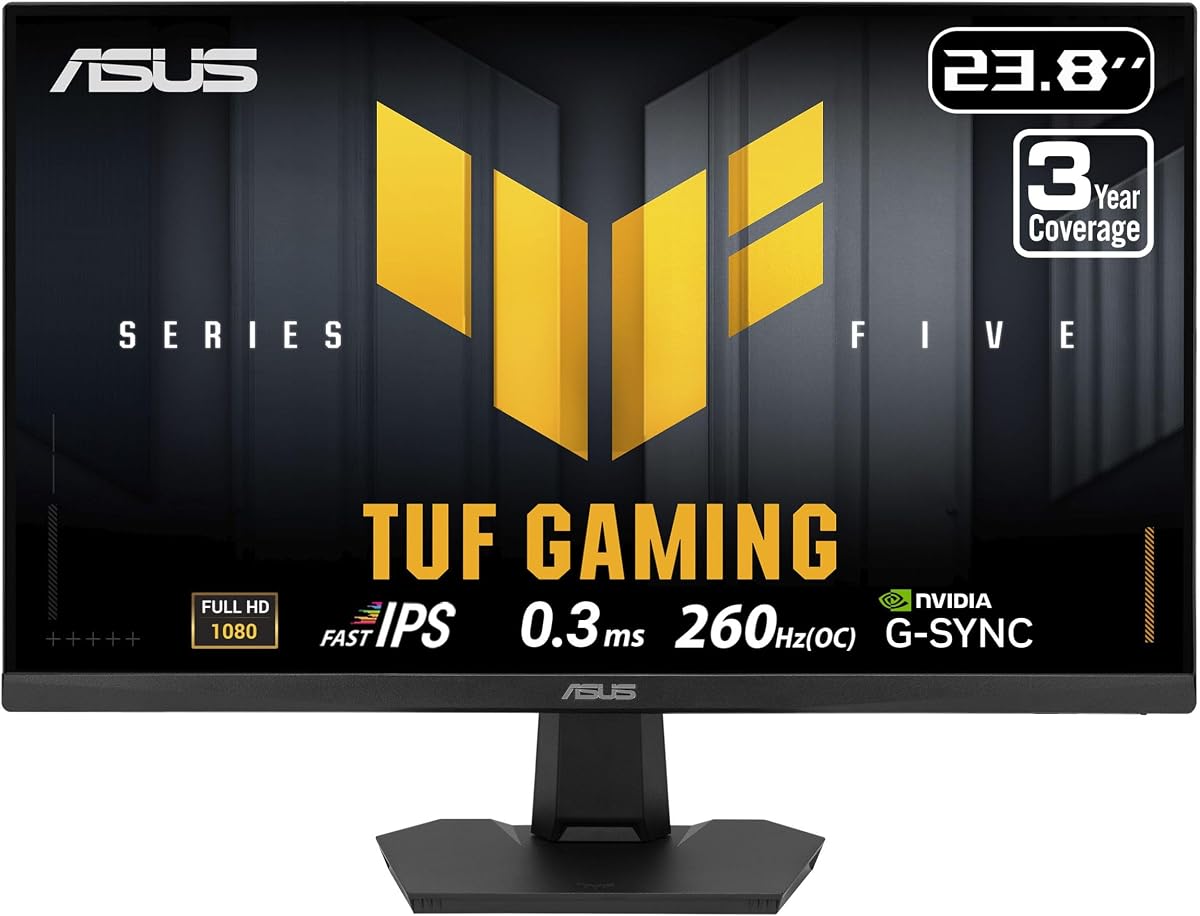
This monitor pushes speed limits with 260Hz refresh rates. ELMB Sync ensures clarity at high frame rates.
We may earn a commission when you buy through this link, at no additional cost to you.
Smart gaming tools enhance the experience. Built in speakers add convenience.
Adobe Creative Cloud bonus adds value for creators. The panel offers vivid colors.
Perfect for pros seeking the highest refresh rates on a 24 inch panel.
260Hz sets a new standard for competitive fluidity.
Adobe subscription extends utility beyond gaming to creation.
We may earn a commission when you buy through this link, at no additional cost to you.
Selecting the right monitor involves balancing specs with your specific gaming needs.
Higher refresh rates like 144Hz or 240Hz provide smoother motion and reduce blur. Look for models that match your hardware capabilities.
Prioritize 144Hz or higher for competitive gaming.
Fast response times such as 1ms or lower minimize ghosting. This ensures clearer visuals during rapid movement.
Choose under 1ms for the best clarity.
IPS panels offer better color and viewing angles. They are ideal for mixed use including media and gaming.
Select IPS for balanced performance.
G Sync and FreeSync eliminate screen tearing by matching refresh rates. Ensure compatibility with your graphics card.
Verify G Sync support for NVIDIA users.
Adjustable stands improve comfort during long sessions. Look for height or tilt options if space allows.
Prioritize height adjustment for posture.
Multiple HDMI and DisplayPort ports offer flexibility for consoles and PCs. Ensure your cables support the refresh rate.
Check port specs to match your setup.
High sRGB coverage ensures vibrant and true colors. This matters for both gaming immersion and content work.
Look for 99% sRGB coverage.
Tools like Black Stabilizer or Crosshair can aid performance. Consider what extra tools fit your play style.
Focus on features you will actually use.
Set the refresh rate in your OS settings to match the monitor's capabilities. Enable G Sync in your graphics control panel.
Clean the screen gently with a microfiber cloth. Avoid harsh chemicals that could damage the coating.
Adjust brightness and contrast based on your room lighting. Use dark modes at night to reduce eye strain.
Most modern G Sync Compatible monitors work with AMD FreeSync technology. Check specific validation lists for guaranteed compatibility on your GPU.
For competitive gaming 144Hz is the standard. Higher rates like 240Hz offer more fluidity if your system can drive them.
Many models in this list support standard VESA mounts. Verify the specific size like 100x100mm before buying an arm.
Enable G Sync or FreeSync in your graphics settings. This synchronizes the display refresh with frame output.
IPS panels provide excellent color and angles. They now match response times of older panels making them great for gaming.
Use DisplayPort for high refresh rates and G Sync. HDMI works well too but check version compatibility.
Yes 24 inches is ideal for close viewing and fast reactions. It offers a dense pixel density for crisp text.
Regularly update GPU drivers to ensure new features work. This helps with compatibility and performance optimizations.
The top picks include the Dell 24 240Hz and ASUS TUF models for speed. The LG 24G411A-B stands out for value.
Prioritize refresh rate and sync technology based on your PC power. Ergonomics matter for long sessions.
Always check current availability and specs before buying. Technology evolves quickly so stay informed.