
Amazon eero PoE Gateway
4.4Editor score
10-port PoE switch design
Supports 10 GbE speeds
Integrated router capabilities
Discover the top Eero Ethernet Switch options for reliable connectivity. We compare features, speeds, and performance to help you choose the right network
Finding the right Eero Ethernet Switch is essential for building a robust home or business network. A good switch expands your wired connections while maintaining high-speed performance and stability across all devices.
We evaluated ten top-rated products based on port counts, power capabilities, and overall reliability. This guide helps you understand which switch fits your specific networking needs and Eero ecosystem requirements.
Each pick highlights key strengths and potential limitations for informed decision-making. Please note that product availability and specifications may change over time, so verify details before purchasing.
4.4Editor score

4.8Editor score

4.7Editor score
This side-by-side comparison highlights key specifications across all ten products. Review the port types, management features, and design elements to find the ideal switch for your network.



The Amazon eero PoE Gateway stands out as a comprehensive networking solution for those seeking high-speed wired and wireless connectivity. With its unique combination of router and PoE switch capabilities, it simplifies complex network setups significantly.
We may earn a commission when you buy through this link, at no additional cost to you.
Its two 10 GbE ports deliver wired speeds up to 9.4 Gbps, ensuring that data-intensive tasks like 4K streaming or large file transfers remain smooth. Additionally, the eight 2.5 GbE PoE ports support up to eight eero PoE 6 access points, reducing cable clutter.
While the investment is substantial, the integrated power supply and automatic security updates provide long-term value. Users should note that full management features require a subscription, but the core performance remains robust without it.
This device is ideal for power users or businesses needing a unified network backbone. If you prioritize speed and simplicity in your home office setup, this gateway delivers reliable performance.
The 140W power supply enables efficient power delivery to connected PoE devices without extra adapters.
High-speed ports ensure your network remains capable as internet plans and device demands increase over time.
We may earn a commission when you buy through this link, at no additional cost to you.
The TP-Link TL-SG105 offers a simple and reliable way to expand your wired network without breaking the bank. Its compact size and metal design make it suitable for desktop or wall mounting in various environments.
We may earn a commission when you buy through this link, at no additional cost to you.
With five Gigabit ports supporting auto-negotiation, this switch ensures that connected devices operate at their optimal speed. The fanless design guarantees silent operation, which is perfect for home offices or living spaces.
Although it lacks managed features like VLANs, the built-in traffic optimization helps maintain quality for video calls. The only limitation is the port count, which may not suffice for larger setups.
Ideal for basic needs, this switch is a great starting point for anyone needing extra Ethernet connections. Its reliability and ease of use make it a strong budget-friendly choice.
No software installation is required, making this switch ready to use right out of the box.
Innovative technology reduces power consumption while maintaining full Gigabit speeds for connected devices.
We may earn a commission when you buy through this link, at no additional cost to you.
The NETGEAR 8 Port PoE Switch strikes an excellent balance between affordability and advanced features. It provides eight Gigabit ports with PoE+ capability, making it versatile for both home and small business use.
We may earn a commission when you buy through this link, at no additional cost to you.
The Easy Smart Managed interface allows users to configure VLANs and prioritize traffic without needing a full enterprise switch. This level of control helps optimize network performance for specific applications like VoIP.
With a 62W power budget, it can power multiple PoE devices simultaneously, such as cameras or access points. The fanless design ensures it operates quietly even during peak usage times.
This switch is perfect for those who need more control than an unmanaged unit offers but don't require enterprise-grade hardware. Its reliability and feature set make it a top contender.
The intuitive interface makes network configuration accessible even for users with limited technical expertise.
A 62W budget ensures sufficient power for multiple PoE devices without overloading the system.
We may earn a commission when you buy through this link, at no additional cost to you.
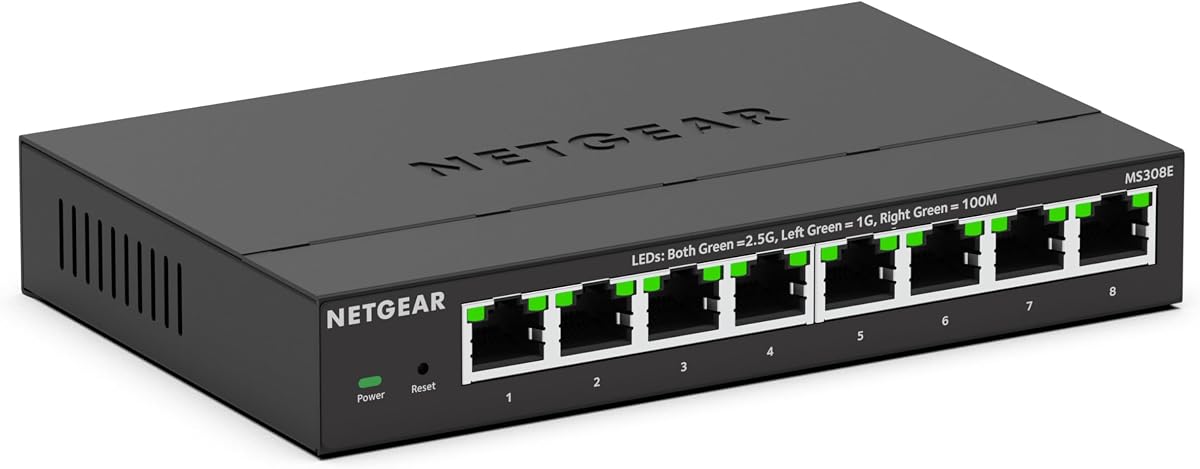
The NETGEAR 8-Port 2.5G Switch is designed for users needing faster than Gigabit speeds without upgrading to full 10G infrastructure. It features eight Multi-Gig ports that auto-negotiate speeds based on connected devices.
We may earn a commission when you buy through this link, at no additional cost to you.
Its Easy Smart Managed interface offers VLAN configuration and QoS settings, allowing for better traffic control. This makes it suitable for environments where specific data streams need prioritization over others.
While the price is higher than standard Gigabit switches, the performance boost justifies the cost for heavy users. However, users outside the U.S. and Canada should check regional compatibility before purchasing.
This switch is ideal for future-proofing a network that anticipates higher bandwidth needs. Its balance of speed and manageability makes it a strong choice for tech-savvy users.
2.5G ports provide a significant performance leap over standard Gigabit switches for modern networks.
Managed features allow users to customize network settings to fit specific operational needs.
We may earn a commission when you buy through this link, at no additional cost to you.
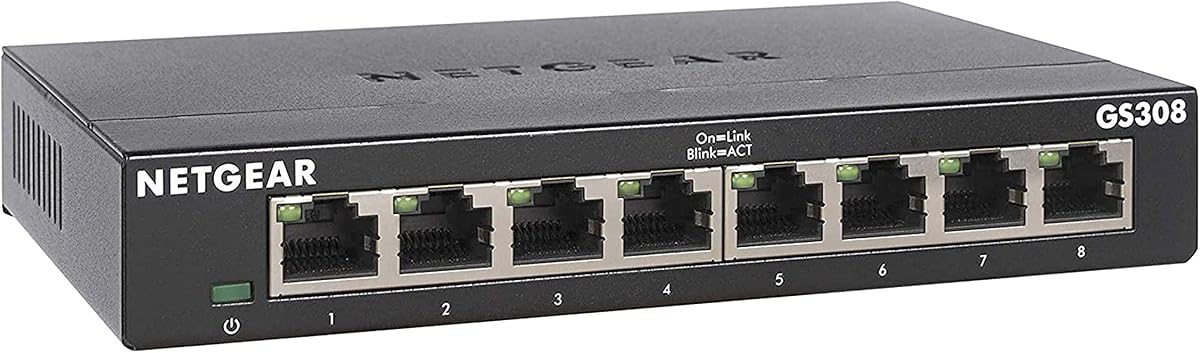
The NETGEAR 8-Port Gigabit Switch is a straightforward solution for expanding your wired connections. It provides eight ports that auto-negotiate speeds, ensuring compatibility with a wide range of devices.
We may earn a commission when you buy through this link, at no additional cost to you.
Its unmanaged design means zero configuration is required, making it ideal for users who want simplicity. The metal casing ensures durability, while the fanless design keeps it quiet during operation.
While it lacks advanced features like VLANs, it excels at basic connectivity tasks. The energy-efficient mode helps reduce power consumption without affecting performance during normal use.
This switch is perfect for homes or small offices needing reliable wired connections. Its high rating reflects consistent performance and ease of use in everyday scenarios.
No software or configuration is needed to get connected, saving time and effort.
A compact metal design provides longevity and fits well in various environments.
We may earn a commission when you buy through this link, at no additional cost to you.
The NETGEAR 5-Port Gigabit Switch combines compact design with useful management features. It offers five ports that support VLAN configuration, allowing for network segmentation without enterprise costs.
We may earn a commission when you buy through this link, at no additional cost to you.
The Easy Smart Managed interface is intuitive, enabling users to prioritize traffic and monitor port status easily. This makes it suitable for small businesses needing a bit more control than unmanaged switches provide.
Although it has fewer ports than eight-port models, its small size fits discreetly on desks. The fanless design ensures it remains silent even when actively transferring data across connections.
This device is ideal for users needing light management features in a small package. Its reliability and flexibility make it a smart choice for expanding small networks.
Simple tools allow users to organize network traffic efficiently without complex setups.
The compact form factor ensures it fits comfortably in limited workspace environments.
We may earn a commission when you buy through this link, at no additional cost to you.
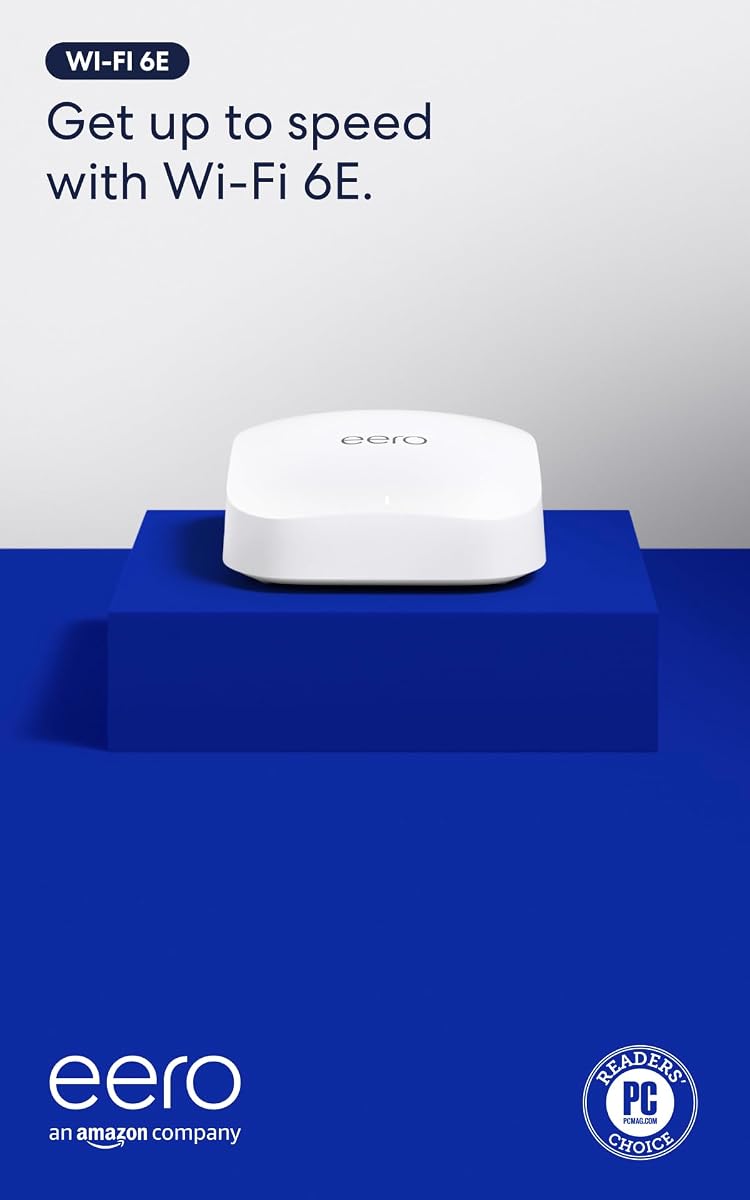
The Amazon eero Pro 6E serves as a powerful gateway that integrates seamlessly with Eero Ethernet switches. Its support for Wi-Fi 6E offers access to the 6 GHz band, reducing congestion significantly.
We may earn a commission when you buy through this link, at no additional cost to you.
With wired speeds up to 2.5 Gbps, it ensures that connected devices can utilize high-speed internet plans fully. The TrueMesh technology helps route traffic intelligently to avoid dead spots.
While setup is straightforward via the app, advanced security features require a subscription. However, the core performance remains excellent for streaming and gaming without extra costs.
Ideal for users building an Eero-centric network, this router complements switches like the eero PoE Gateway. It provides a reliable backbone for modern high-bandwidth home networks.
Support for Wi-Fi 6E ensures you benefit from the latest wireless standards for better speeds.
TrueMesh tech automatically finds the best paths for data, enhancing overall stability.
We may earn a commission when you buy through this link, at no additional cost to you.
The Amazon eero 6 provides essential Wi-Fi 6 performance at an accessible price point. It covers up to 1,500 square feet, making it suitable for average-sized homes needing reliable wireless coverage.
We may earn a commission when you buy through this link, at no additional cost to you.
Its built-in Zigbee hub eliminates the need for separate smart home controllers. This simplifies setups for users with compatible devices like lights or sensors around the house.
While it supports up to 900 Mbps, it works well with standard high-speed plans. The mesh technology ensures consistent connectivity even when moving between different rooms.
This router is an excellent pairing for users with standard Eero switches needing basic wired expansion. It balances cost and performance effectively for typical household internet needs.
A built-in Zigbee hub streamlines your smart home setup without extra hardware purchases.
Mesh routing ensures you stay connected with strong signals throughout your home.
We may earn a commission when you buy through this link, at no additional cost to you.
The Amazon eero PoE 7 represents the cutting edge of wireless access points for high-speed networks. It offers multi-gigabit wired speeds and supports the latest Wi-Fi 7 standards for maximum performance.
We may earn a commission when you buy through this link, at no additional cost to you.
With a low-profile design and PoE support, it installs cleanly without extra power cables. The TrueChannel software actively avoids interference, ensuring stable connections even in crowded wireless environments.
While expensive, it supports over 200 devices, making it ideal for businesses or large homes. Its performance is unmatched for users needing maximum bandwidth capacity.
This AP pairs perfectly with high-speed switches like the eero PoE Gateway. It is the top choice for those seeking the absolute latest in network technology and reliability.
Wi-Fi 7 support ensures you stay ahead of the curve with future-ready connectivity.
Proprietary software handles interference proactively to keep speeds consistent.
We may earn a commission when you buy through this link, at no additional cost to you.
The Amazon eero 7 brings Wi-Fi 7 performance to more users at an affordable price. It supports internet plans up to 2.5 Gbps and covers up to 2,000 square feet efficiently.
We may earn a commission when you buy through this link, at no additional cost to you.
Its dual-band design uses advanced features like multi-link operation to improve throughput. The two auto-sensing 2.5 GbE ports ensure that wired connections also benefit from higher speeds.
While it lacks tri-band, the performance remains strong for most homes. Backward compatibility means existing Eero devices work seamlessly with this new router.
Ideal for users wanting to upgrade to Wi-Fi 7 without huge costs, it works well with Eero Ethernet switches. This combination ensures your entire network is ready for the future.
Get the benefits of Wi-Fi 7 without breaking the bank on hardware.
Existing Eero hardware integrates easily, protecting your current ecosystem investments.
We may earn a commission when you buy through this link, at no additional cost to you.
Selecting the right switch involves understanding your network needs, port requirements, and management preferences. This guide breaks down the key factors to consider before making a decision.
The number of ports determines how many devices you can connect simultaneously. Ensure the switch has enough ports for all your wired devices, including computers and printers.
For Eero ecosystems, consider switches with PoE support to power access points directly without extra adapters.
Most switches offer standard Gigabit speeds, but newer models support Multi-Gigabit for faster throughput. Choose based on your internet plan and internal file transfer needs.
Higher speeds are essential if you use NAS drives or stream 8K video content regularly.
Unmanaged switches are plug-and-play devices ideal for simple setups. Managed switches offer features like VLANs and QoS for better traffic control and network optimization.
Choose a managed switch if you need to prioritize specific traffic or segment your network for security.
PoE switches deliver power over Ethernet cables, reducing the need for separate power outlets for devices like cameras or APs. This simplifies installation in hard-to-reach areas.
Ensure the total power budget is sufficient to support all connected PoE devices simultaneously.
Consider whether you need a desktop unit or a wall-mountable design. Compact metal cases are durable and fit well in offices or living rooms.
Fanless designs are preferable for quiet environments like bedrooms or home offices.
If you use Eero hardware, native switches like the eero PoE Gateway offer deeper integration. They may provide unique features that third-party switches cannot match.
Check if your chosen switch works well with existing routers and mesh nodes.
Investing in switches with higher specs ensures your network remains capable as needs grow. Look for warranties that cover hardware defects for peace of mind.
Select a model that balances current needs with anticipated upgrades in connectivity standards.
Energy-efficient switches adjust power usage based on load, reducing electricity costs. This is beneficial for switches running 24/7 in large networks.
Always check for standards like IEEE 802.3az to confirm efficiency features.
First, connect the switch to your router using a high-quality Ethernet cable. Ensure the cable supports the required speeds, such as Cat6 for Gigabit or Multi-Gigabit connections.
Next, plug your devices into the available ports. For PoE devices, connect them directly to PoE ports to receive both data and power through a single cable.
Finally, place the switch in a well-ventilated area to prevent overheating. Avoid covering the vents or placing it in direct sunlight to maintain optimal performance.
Yes, PoE switches are ideal for powering Eero access points like the eero PoE 6 or 7. They eliminate the need for individual power adapters, simplifying cable management.
You can mix them, but be aware that managed features won't extend to unmanaged units. Ensure the network settings are compatible to avoid connectivity issues.
Cat5e cables support Gigabit speeds, but Cat6 offers better durability and performance for future upgrades. Always use high-quality cables for reliable connections.
Not directly, but it improves overall network stability. A reliable wired connection ensures your router has stable backhaul to distribute Wi-Fi efficiently.
Most switches support up to 254 devices theoretically, but practical limits depend on your router and network traffic. Choose a switch with enough ports for your current needs.
Eero switches integrate via the eero app for easy management. Follow the app instructions to configure settings and monitor your network effectively.
2.5G switches offer faster speeds than standard Gigabit models, suitable for high-speed internet plans. They help maximize performance for data-intensive tasks.
Yes, managed switches like the NETGEAR models are suitable for small office setups. They provide necessary control for VLANs and security segmentation.
Choosing the right Eero Ethernet Switch depends on your specific connectivity requirements and network complexity. Whether you need simple expansion or advanced management, there is a suitable option.
Prioritize port counts and speed capabilities to ensure your network remains capable. Consider PoE support if you plan to expand with wired access points or cameras.
Always verify current availability and features before purchasing to ensure the switch meets your needs. The right choice will keep your network running smoothly for years.