
TP-Link AC1200 Gigabit Dual Band WiFi Router (Archer A6)
4.5Editor score
Dual band speeds up to 1200 Mbps
Four gigabit ethernet ports included
Beamforming technology for extended range
This guide compares the top long range wifi routers for 2026 covering speed coverage and features to help you choose the right device for your home network
Finding a reliable long range wifi router is essential for modern homes filled with smart devices. These routers ensure your internet connection reaches every corner of your property without signal drops or buffering issues during critical tasks.
We compared ten top rated models based on performance specifications and user reviews. Our analysis covers coverage area speed capabilities and advanced features like mesh compatibility and security protocols to find the best options for different budgets.
Each pick highlights specific strengths such as gaming optimization or large home coverage. Note that prices and availability change frequently so check the latest details before making your final purchase decision for your network upgrade.
4.5Editor score

4.3Editor score
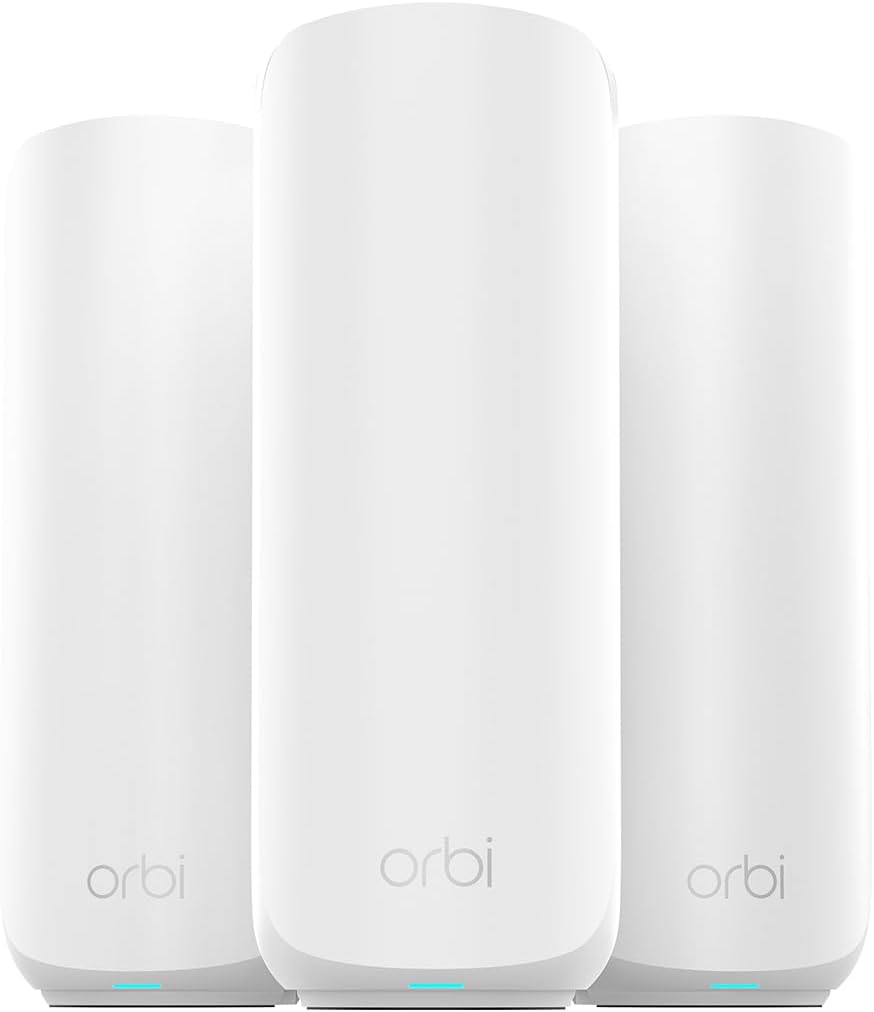
4.2Editor score
This comparison table provides a quick overview of the key specifications and features for each of the ten selected long range wifi routers to help you identify the best fit for your needs.






The TP-Link BE6500 Dual-Band WiFi 7 Router stands out as a top choice for those seeking future-proof performance. It offers excellent speeds and reliability for modern homes.
We may earn a commission when you buy through this link, at no additional cost to you.
Its Multi-Link Operation technology ensures lower latency and better reliability across bands. This makes it ideal for streaming and gaming without interruptions.
While it is a premium option, the investment pays off in longevity and speed. Most users will find the coverage sufficient for medium to large homes.
Anyone looking to upgrade to the latest wireless standards should consider this router. It balances performance and features well for demanding networks.
MLO allows simultaneous data transfer across bands reducing latency significantly.
HomeShield provides comprehensive network protection and parental controls out of the box.
We may earn a commission when you buy through this link, at no additional cost to you.
This router brings the benefits of the 6 GHz band to your home network. It is perfect for reducing congestion in busy households.
We may earn a commission when you buy through this link, at no additional cost to you.
The extra band allows high-speed devices to operate without interference from older devices. This improves overall network stability and speed.
Users may need to upgrade devices to take full advantage of the 6 GHz band. However, the future-proofing is valuable for tech enthusiasts.
Families with many connected devices will appreciate the increased capacity. It offers a solid bridge between WiFi 6 and 7.
This band offers near-zero latency and faster speeds for compatible devices.
High-speed memory ensures smooth processing of data streams for many devices.
We may earn a commission when you buy through this link, at no additional cost to you.
The Archer AX73 is designed to provide reliable coverage for larger living spaces. Its high-power FEM ensures signals reach through walls effectively.
We may earn a commission when you buy through this link, at no additional cost to you.
With support for MU-MIMO and OFDMA, it handles multiple devices well. The USB port adds flexibility for local file storage.
It is a great option for those who want WiFi 6 performance without breaking the bank. It is easy to set up and manage.
Users looking for a balance of range and speed will find this model suitable. It is a solid upgrade for most standard internet plans.
This enhances signal range and stability in larger homes with multiple rooms.
USB 3.0 port allows easy connection of external drives for network storage.
We may earn a commission when you buy through this link, at no additional cost to you.
This router supports multi-gigabit internet plans with its dedicated 2.5G port. It prevents the router from becoming a bottleneck for fast connections.
We may earn a commission when you buy through this link, at no additional cost to you.
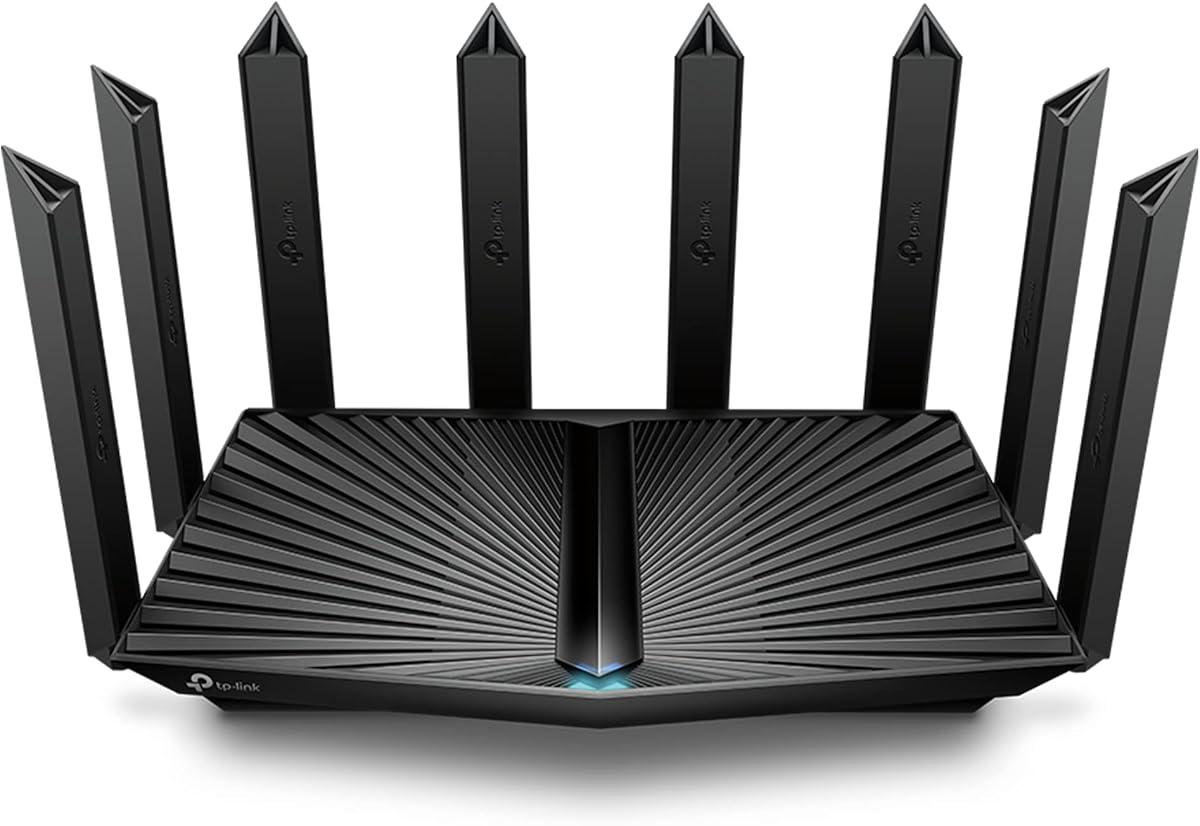
The eight antennas provide strong and consistent coverage across large areas. Voice control adds convenience for managing guest networks quickly.
If you have a fast internet plan, this router ensures you utilize the full speed. It handles heavy traffic well with low latency.
Ideal for tech-savvy users needing robust performance and wired speed. It is a reliable choice for high-demand networks.
Allows connection to faster modems to fully utilize multi-gigabit internet plans.
Alexa integration enables easy voice commands for network management tasks.
We may earn a commission when you buy through this link, at no additional cost to you.
The Nighthawk RS90 brings WiFi 7 technology to a more accessible price point. It offers solid speeds for most modern homes.
We may earn a commission when you buy through this link, at no additional cost to you.
Its dedicated 2.5 Gig WAN port ensures it can handle fast internet plans. The app makes setup and daily management straightforward.
While it does not have a third band, it performs well for most users. It is a great entry point into WiFi 7.
Households wanting new tech without the premium price tag should consider this. It balances cost and performance effectively.
This model lowers the barrier to entry for adopting the latest wireless technology.
The Nighthawk app provides simple controls for network settings and diagnostics.
We may earn a commission when you buy through this link, at no additional cost to you.
This model is a powerhouse for those needing maximum speed and coverage. The tri-band design ensures dedicated lanes for high-demand devices.
We may earn a commission when you buy through this link, at no additional cost to you.
With multiple 2.5G LAN ports, it supports wired setups for gaming or NAS drives. The range covers most large single-story homes well.
The price is higher than other models but justified by the performance. It handles heavy multi-device usage without congestion.
Ideal for users with fast internet plans and high-performance needs. It is a robust choice for demanding environments.
Three bands allow simultaneous high-speed connections without interference.
Several 2.5G ports enable fast wired connections for various devices.
We may earn a commission when you buy through this link, at no additional cost to you.
This mesh system offers extensive coverage for very large homes. It eliminates dead zones effectively by using multiple units.
We may earn a commission when you buy through this link, at no additional cost to you.
The WiFi 7 technology ensures fast speeds throughout the house. The dedicated backhaul helps maintain high performance across all nodes.
While expensive, it is one of the few options providing WiFi 7 mesh. It is worth the investment for multi-story properties.
Perfect for users needing whole-home seamless coverage. It simplifies network management and extends range effortlessly.
Three units provide coverage for homes up to 6000 square feet.
Dedicated connections between units ensure fast speeds without slowdowns.
We may earn a commission when you buy through this link, at no additional cost to you.
The Deco X55 offers a budget-friendly way to achieve whole-home coverage. It is simple to set up and manage for most users.
We may earn a commission when you buy through this link, at no additional cost to you.
Its AI-driven mesh ensures the best connections are made dynamically. This reduces manual configuration needs and keeps things running smoothly.
While it lacks the latest WiFi 7 features it is sufficient for most homes. It provides reliable performance for general internet use.
Anyone needing a simple mesh solution should look at this model. It balances price and performance for typical households.
The system automatically adjusts settings to provide the best possible performance.
Each unit supports many devices ensuring smooth operation for smart homes.
We may earn a commission when you buy through this link, at no additional cost to you.
The Archer BE550 delivers massive speeds for those with the fastest internet. It supports all the latest WiFi 7 standards including 320 MHz channels.
We may earn a commission when you buy through this link, at no additional cost to you.
The tri-band design ensures there is no bottleneck for high-demand devices. It also includes advanced security features for a private network.
Cost is high and it requires new devices for full benefits. But for enthusiasts it offers top-tier performance.
Tech users seeking the fastest possible single-router solution will appreciate it. It is a great choice for future-proofing.
Wide channels allow for significantly faster data transfer rates.
Separate network for smart devices improves overall home security.
We may earn a commission when you buy through this link, at no additional cost to you.
The Archer A6 provides a cost-effective solution for smaller homes or basic needs. It is a great choice for those on a tight budget.
We may earn a commission when you buy through this link, at no additional cost to you.
It handles standard internet plans well and supports streaming without issues. The inclusion of gigabit ports is a plus for this price.
While not the fastest or farthest reaching it meets the needs of many. It is reliable and easy to set up.
Anyone needing a simple and cheap upgrade should consider this. It is a solid value for average internet speeds.
This router offers great value for money without sacrificing basic functionality.
Compatibility with OneMesh extenders allows for easy range expansion if needed.
We may earn a commission when you buy through this link, at no additional cost to you.
Choosing a long range wifi router involves understanding several key factors to ensure it meets your specific needs. This guide explains what to look for.
Current routers support WiFi 6 6E or the latest WiFi 7. Newer standards offer higher speeds and better performance for many devices.
Estimate the square footage you need to cover. For larger homes consider mesh systems or routers with strong antenna gain.
Modern homes have many devices. Ensure the router supports MU-MIMO and OFDMA for efficient traffic handling.
Check for gigabit or multi-gigabit ports if you use wired connections. This avoids bottlenecks for fast internet plans.
Look for built-in security options and support for WPA3. These protect your network from vulnerabilities effectively.
User-friendly apps and clear interfaces make setup easier. Consider if you need advanced controls or simple management.
Check if the router supports mesh or extension. This helps if you need to add coverage later.
Place your router in a central and elevated location. Avoid walls or metal objects that block signals to maximize range.
Update the firmware regularly to maintain security and performance. Check the manufacturer app for the latest updates.
Monitor connected devices via the app to ensure only trusted devices access your network. Reboot the router occasionally for best results.
WiFi 7 offers higher speeds and lower latency than WiFi 6. It supports more advanced features like Multi-Link Operation. This helps in congested environments.
Yes a router connects to a modem to access the internet. The modem provides the internet connection while the router distributes it.
You can use a range extender or a mesh system. Place these devices halfway between the router and the area needing coverage.
It is beneficial for future-proofing and high-speed needs. If you have compatible devices it offers better performance and stability.
Look for WPA3 encryption and built-in firewalls. Some routers offer additional subscription-based protection for enhanced security.
Most routers work with any ISP as long as you have a compatible modem. Check your ISP requirements before purchasing.
We reviewed ten top options ranging from budget to premium. Each offers unique strengths for different home sizes and needs.
Prioritize coverage and speed based on your specific household requirements. A high-end model is ideal for demanding users.
Prices and features change often so verify details before buying. Check the latest options to get the best value.