
Lenovo 15.6 FHD Laptop 2026 Edition
4.6Editor score
Intel N150 Quad Core
8GB LPDDR5 RAM
128GB UFS Storage
Finding the right Lenovo Thinkpad laptop means balancing power, portability, and durability for your specific workflow. These machines are known for robust build quality and reliable performance.
We compared ten models based on processor speed, memory capacity, screen quality, and connectivity options. Each entry represents a distinct tier in the Thinkpad lineup for various needs.
Every pick highlights key specifications and ideal use cases to help you decide quickly. Please note that product availability and pricing can change frequently across retailers.
4.6Editor score

4.4Editor score

5.0Editor score
As an Amazon Associate we earn from qualifying purchases.
This comparison table lists all ten selected Lenovo Thinkpad laptops side by side with their core specifications to help you find the right match for your work.



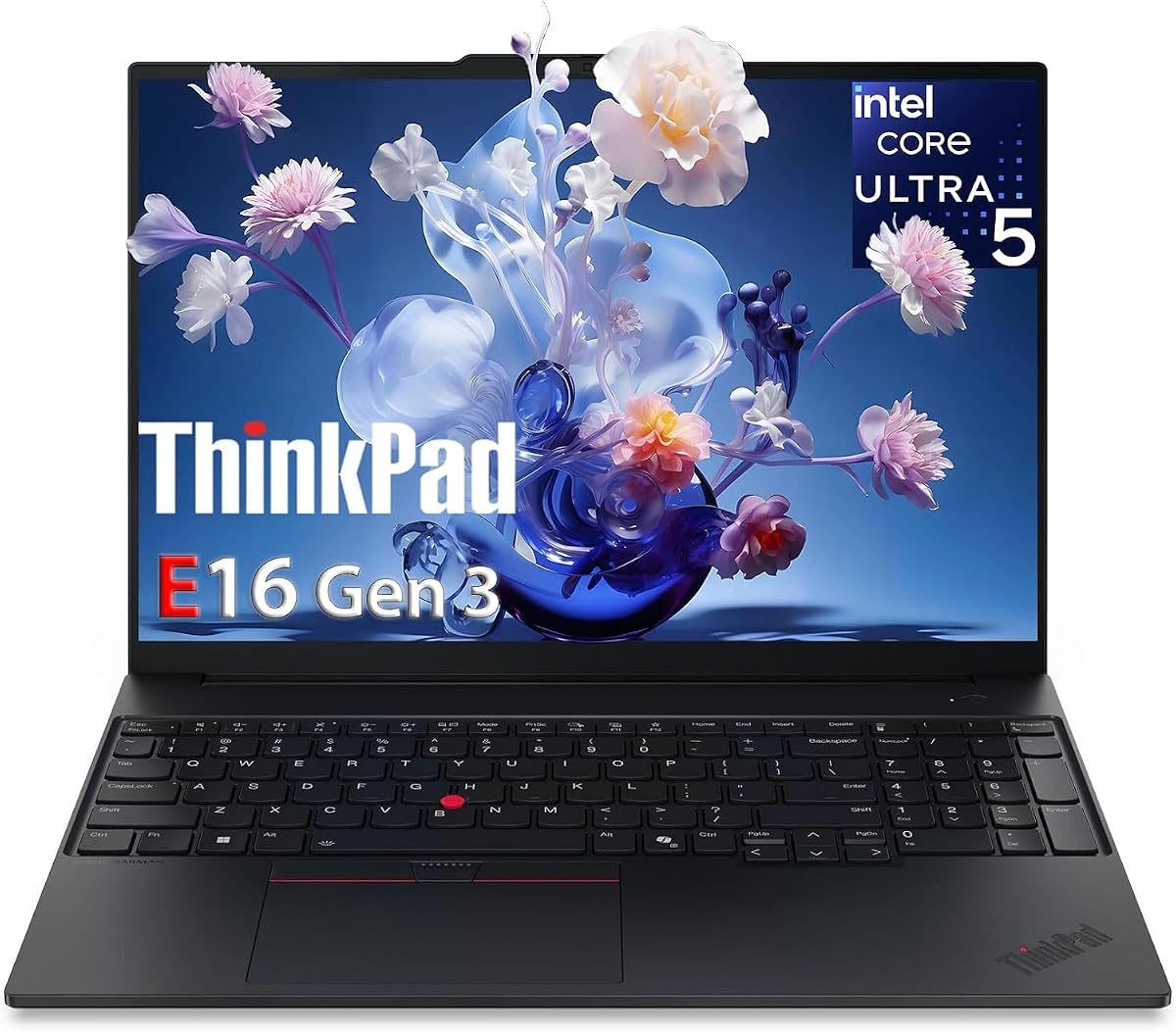


This Lenovo ThinkPad E16 Gen 3 delivers robust business performance with its new Intel Ultra 5 225H processor. It earns top marks for multitasking and productivity tools.
We may earn a commission when you buy through this link, at no additional cost to you.
The 16GB DDR5 RAM and 512GB SSD ensure quick file access and smooth operation across multiple apps. Integrated AI Boost helps with data analysis efficiently.
While the display is clear, it lacks wide color accuracy for creative work. The weight is standard for a 16 inch business machine but may feel bulky.
Buy this if you need a reliable daily driver for office work and secure connectivity. It offers a great balance of speed and modern security features.
The integrated NPU accelerates AI tasks locally, reducing reliance on cloud services for faster processing times.
Fingerprint reader and TPM 2.0 chip protect sensitive data with industry standard encryption protocols effectively.
We may earn a commission when you buy through this link, at no additional cost to you.
The AMD Ryzen 7 7735HS provides excellent multi-core performance for demanding applications. This model is ideal for users preferring AMD architecture over Intel options.
We may earn a commission when you buy through this link, at no additional cost to you.
With 16GB DDR5 RAM and a PCIe SSD, system responsiveness is high. The Radeon 680M graphics handle light creative tasks better than integrated Intel graphics.
The lack of touch might be a downside for some interactive users. It remains a solid choice for traditional business computing needs.
Choose this for high performance computing at a reasonable price point. The included hub adds value for connectivity.
Integrated Radeon graphics allow for smooth video playback and light design work without a dedicated GPU.
The bundled 5-in-1 Hub expands port options immediately, saving time on accessory purchases.
We may earn a commission when you buy through this link, at no additional cost to you.
This P14s model features the AMD Ryzen AI 7 PRO 450 processor with massive 32GB RAM and 1TB SSD. It is designed for professional workflows like CAD and engineering.
We may earn a commission when you buy through this link, at no additional cost to you.
ISV certification ensures stability for heavy software like AutoCAD and SOLIDWORKS. The 14 inch screen is compact yet sharp for detailed work.
The cost is higher than entry models but justified by professional reliability and speed. Wi-Fi 7 offers future proof wireless connectivity.
Pick this if you need certified performance for engineering or media creation. It is a powerful tool for demanding professionals.
ISV certification guarantees compatibility with industry specific software to reduce crashes during critical tasks.
1TB SSD offers ample space for large project files and databases without needing external drives.
We may earn a commission when you buy through this link, at no additional cost to you.
The ThinkPad L16 combines a 16 inch touchscreen with high specs like 32GB DDR5 RAM and 1TB storage. It suits users needing precise touch input.
We may earn a commission when you buy through this link, at no additional cost to you.
Intel Ultra 5 225U offers balanced efficiency for office tasks. The numeric keypad aids data entry for finance or inventory management.
Touchscreen may attract fingerprints which might be annoying. The size is great for multitasking but reduces portability slightly.
Buy this if you need a large interactive screen and high storage. It is a flexible workstation for varied business tasks.
The responsive touchscreen allows for intuitive navigation and annotation during presentations or design reviews.
The built-in numeric keypad speeds up spreadsheet work and financial calculations significantly.
We may earn a commission when you buy through this link, at no additional cost to you.
This E16 variant offers reliable power with Intel Ultra 5 225H and 16GB DDR5 RAM. It is built for daily office use with quick charging features.
We may earn a commission when you buy through this link, at no additional cost to you.
Battery life supports full workdays without needing an outlet. The backlit keyboard is excellent for low light environments.
Webcam is standard 720p which is fine for basic meetings. The focus is on reliability rather than premium visuals.
Ideal for professionals seeking a balance of price and performance. It gets the job done efficiently.
Extended battery capacity ensures productivity during travel without frequent charging interruptions.
Fingerprint reader provides fast and secure login access to protect corporate data.
We may earn a commission when you buy through this link, at no additional cost to you.
This higher spec E16 offers 32GB RAM and 1TB SSD for heavy multitasking. It supports up to three external 4K displays for expansive setups.
We may earn a commission when you buy through this link, at no additional cost to you.
Ideal for analysts or traders needing multiple screens. The connectivity includes Thunderbolt 4 and Gigabit Ethernet for stable networks.
The high price limits it to power users who need extra resources. It is a robust workstation in a laptop form factor.
Choose this if you run complex virtual machines or data sets. It minimizes lag during intensive operations.
Support for three 4K displays allows for a massive virtual workspace ideal for coding or trading.
Gigabit Ethernet ensures reliable wired connections for critical data transfers.
We may earn a commission when you buy through this link, at no additional cost to you.
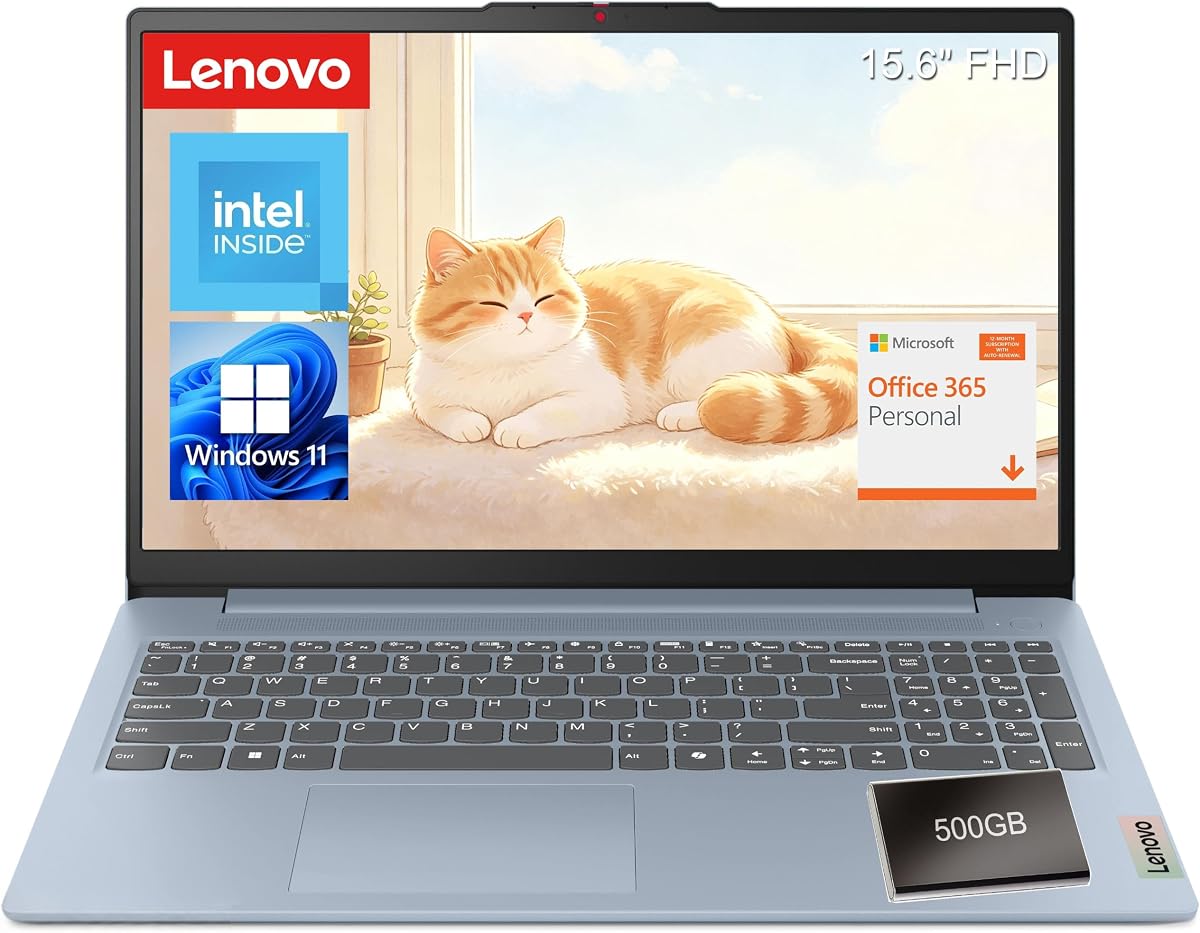
This affordable laptop features an Intel N150 processor and 8GB RAM for basic tasks. It includes an external hard drive to offset the limited internal storage.
We may earn a commission when you buy through this link, at no additional cost to you.
Perfect for students or home users needing a simple device. The slim design makes it easy to carry in bags.
Performance is suitable for browsing and media but not heavy apps. The external drive adds practical value for saving files.
Buy this for essential computing on a tight budget. It delivers good value for everyday needs.
Lightweight chassis allows for easy transport to classes or coffee shops.
The bundled 500GB external drive helps manage files since internal space is small.
We may earn a commission when you buy through this link, at no additional cost to you.
This laptop comes with a 1-Year Microsoft Office 365 Personal subscription making it ready for work. It features an Intel N150 processor for light productivity.
We may earn a commission when you buy through this link, at no additional cost to you.
The privacy shutter protects the camera when not in use. It is a great choice for home office setups or students.
Performance is adequate for word processing and web tasks. The included software saves extra costs right away.
Ideal for budget buyers needing full office tools immediately. It simplifies the setup process significantly.
Complimentary subscription means you can start working on documents and spreadsheets right out of the box.
Hardware camera shutter ensures visual privacy during sensitive video calls.
We may earn a commission when you buy through this link, at no additional cost to you.
This renewed ThinkPad L14 offers business durability at a lower price. It features a Ryzen 5 PRO processor and Windows 11 Pro for security.
We may earn a commission when you buy through this link, at no additional cost to you.
Trackpoint and business ports make it a solid work machine. The DDR4 RAM is slightly older but sufficient for general tasks.
As a renewed item, check warranty terms carefully before buying. It is a smart choice for those on a tight budget.
Buy if you want enterprise features without the high cost. It remains reliable for daily office work.
The classic TrackPoint allows precise cursor control without moving hands from the keyboard.
Windows 11 Pro includes BitLocker and Remote Desktop for professional management.
We may earn a commission when you buy through this link, at no additional cost to you.
This T14s model brings the classic ThinkPad build in a compact 14 inch form. It has a 512GB SSD and 16GB RAM for decent speed.
We may earn a commission when you buy through this link, at no additional cost to you.
It is lightweight and portable for commuters. The backlit keyboard adds utility for evening work sessions.
Being older generation means slower speeds compared to modern chips. Still it holds up well for standard tasks.
Choose this for a portable professional laptop at a low price. It balances size and utility well.
Light and thin design makes it easy to slide into a backpack.
512GB SSD provides ample space for documents and applications on this older model.
We may earn a commission when you buy through this link, at no additional cost to you.
Selecting the right Thinkpad requires considering your daily tasks, software requirements, and portability needs.
Look for Intel Core i5/i7 or AMD Ryzen 5/7 for reliable business performance. Newer Ultra or AI processors offer better efficiency.
Prioritize multi-core count for multitasking and virtualization workloads.
At least 16GB RAM is recommended for smooth multitasking and modern office applications.
SSD storage should be 512GB or more to ensure fast boot times and ample file space.
Choose IPS panels for wide viewing angles and color consistency. Higher resolution helps reduce eye strain.
Consider touchscreen only if you frequently interact directly with the screen for notes or navigation.
14 inch models are lighter and easier to carry than 16 inch versions. Consider weight if you travel often.
Compact designs may trade off larger batteries or extra ports for better mobility.
Check for Thunderbolt 4, USB-C, HDMI, and Ethernet ports to match your peripheral needs.
Wi-Fi 6E or 7 ensures fast wireless speeds and stable connections in busy offices.
Thinkpads are known for excellent keyboards and trackpoints for precise cursor control.
Look for backlit keys and spill resistant designs to protect against accidental damage.
Ensure the model has a fingerprint reader, TPM chip, and privacy shutter for data safety.
Enterprise features like BitLocker and hardware encryption protect sensitive business information effectively.
Windows 11 Pro is ideal for businesses needing advanced security and remote management tools.
Check if Office 365 subscriptions are included to save on software costs.
Always handle the device by the base to avoid damaging the screen. Use a clean microfiber cloth to wipe dust off the display.
Keep software updated via Windows Update to maintain security patches and performance stability. Use the Lenovo Vantage app for hardware diagnostics.
Use the original charger to prevent battery issues. Store the laptop in a cool dry place when not in use to extend lifespan.
The ThinkPad E16 Gen 3 is a top choice for general business due to its balance of performance, security features, and reasonable price. It handles daily tasks efficiently.
Yes, Thinkpads undergo MIL-STD-810H testing for shock and durability. Many models like the T and P series are built specifically for frequent travel.
For standard office tasks like browsing and documents, 8GB is minimum but 16GB is recommended for smooth performance. Heavy multitasking requires 32GB.
Thinkpad keyboards are widely praised for tactile feedback and spill resistance. They are excellent for long typing sessions.
Most business oriented Thinkpad models like E, T, and L series come with Windows 11 Pro. Consumer models may come with Home version.
Some models allow RAM upgrades while others have it soldered. SSDs are usually replaceable but you should check the specific model manual before purchase.
We covered ten Thinkpad options ranging from budget to premium to fit various workloads. The E16 Gen 3 and P14s stand out for performance and reliability.
Prioritize specs like RAM and screen size based on your daily tasks. Ensure security features match your organization's requirements before buying.
Always verify current prices and availability before finalizing your purchase. These laptops represent solid investments for professional use.