
Franklin MDE-1200
3.7Editor score
80,000 headwords included
Built-in grammar test tools
Interactive word games provided
This guide compares the top electronic dictionaries and thesaurus devices for students and professionals seeking portable offline language tools and features.
Electronic dictionaries and thesaurus devices offer portable language support without relying on internet connections. These devices combine definitions, synonyms, and grammar tools to help users build vocabulary and improve communication skills efficiently.
We evaluated ten leading models based on dictionary size, translation capabilities, and user interface design. Our comparison highlights key features like offline access, spelling correction, and educational tools to help you choose the right device for your needs.
Each product section details specific strengths and potential limitations based on verified specifications. Prices and availability may change over time, so please check current listings before making a final purchase decision.
3.7Editor score

3.9Editor score

3.9Editor score
The following table provides a side-by-side overview of the top ten electronic dictionaries and thesaurus devices available this month.





The Franklin MES-2400 stands out as a versatile digital talking dictionary designed for language learners of all ages. With a rating of 3.9, it offers reliable offline translation for English, Spanish, Italian, German, and French.
We may earn a commission when you buy through this link, at no additional cost to you.
Its standout feature is the ability to pronounce words and phrases in a true native human voice. This aids pronunciation accuracy significantly for students and professionals alike. The device also includes a tactile keypad that simplifies navigation without distractions.
While it is not a high-end tablet, its focus on learning means fewer distractions. Some users may find the language selection limited compared to modern apps, but offline access ensures reliability anywhere.
This device is ideal for travelers or students who need quick, offline access to translations and definitions. It is a practical tool for building language proficiency without relying on internet connectivity.
Words are spoken clearly to help learners master correct pronunciation and usage patterns.
Translate between supported languages instantly without needing Wi-Fi or cellular data.
We may earn a commission when you buy through this link, at no additional cost to you.
The Franklin MDE-1200 offers a robust English dictionary and thesaurus in one portable device. With 80,000 headwords and 250,000 definitions, it provides extensive support for expanding vocabulary and fluency in English.
We may earn a commission when you buy through this link, at no additional cost to you.
This model includes built-in English grammar and test tools like verb conjugation and irregular verbs. It is particularly useful for students preparing for standardized tests such as TOEFL or SAT. The interface is simple and focused on learning.
As a budget option, it lacks translation features found in other models. The screen is functional but not as high-resolution as premium tablets. However, it excels as a dedicated English language reference tool.
Buyers seeking an affordable way to improve English skills without internet access will find this device valuable. It serves as a reliable study companion for students and professionals alike.
Built-in lessons on verbs and nouns help improve writing accuracy and fluency.
Interactive games like Hangman and Word Builder make learning engaging and fun.
We may earn a commission when you buy through this link, at no additional cost to you.
The Franklin DBE-1200 is a powerful bilingual device combining English and Spanish dictionaries with over one million translations. It is designed for users needing instant offline translation without relying on phone apps.
We may earn a commission when you buy through this link, at no additional cost to you.
It includes real definitions, a full dictionary, and a thesaurus. Phonetic spell correction helps with confusables like their versus they. It is ideal for students and teachers working in bilingual environments.
While it costs more than basic English-only models, the value of offline access justifies the price. The data is substantial for learning both languages. However, it does not support other languages beyond Spanish.
Travelers and professionals needing reliable Spanish-English translation will appreciate its functionality. It ensures communication and learning are not interrupted by lack of internet signal.
Switch languages instantly with no internet needed, perfect for travel or remote work.
Noun and verb inflections help build accurate grammar skills in both languages.
We may earn a commission when you buy through this link, at no additional cost to you.
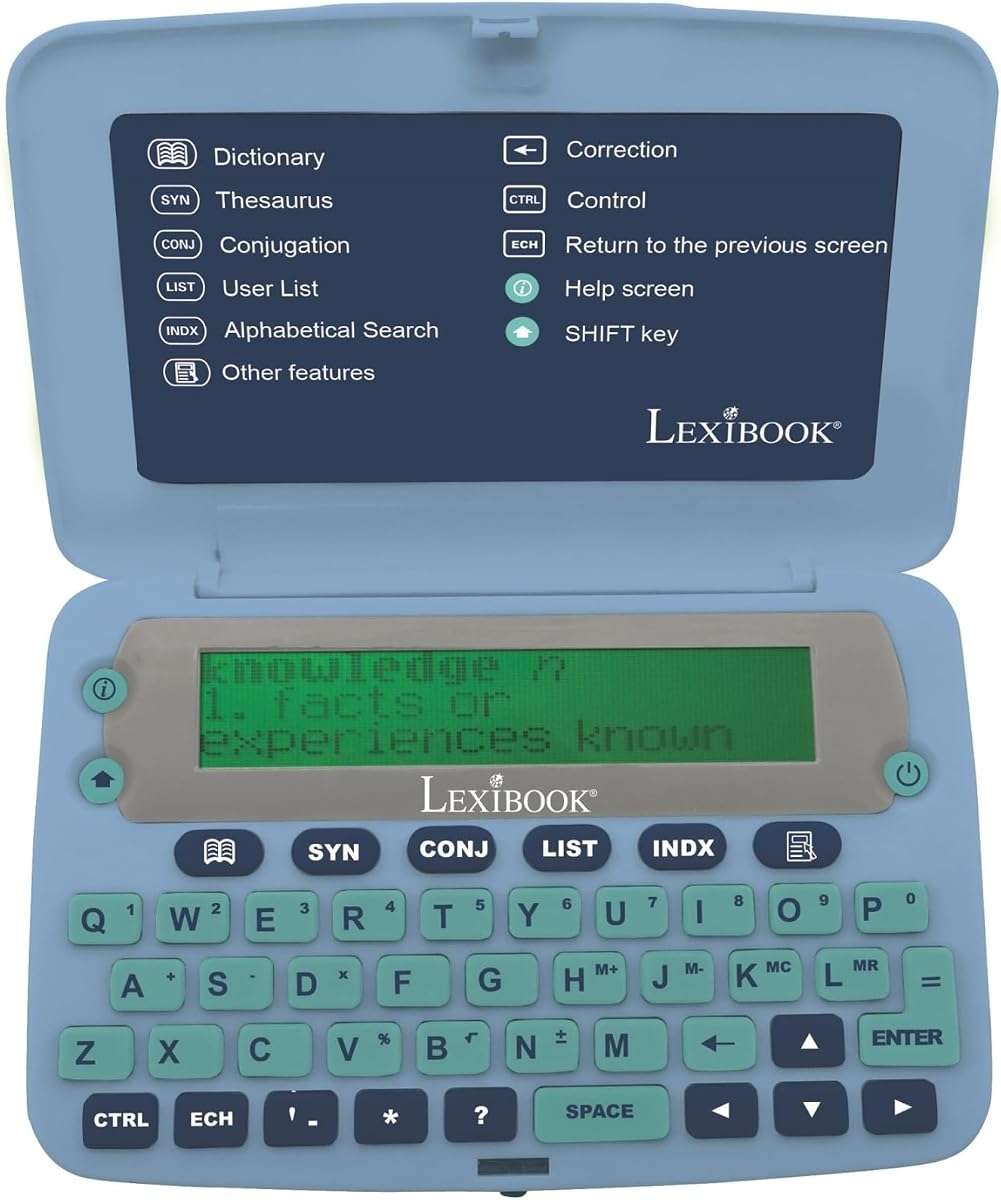
The LEXiBOOK D850EN features the Collins English Dictionary, 13th Edition with over 725,000 words. It is designed for users who want extensive definitions and clear readability on a larger screen.
We may earn a commission when you buy through this link, at no additional cost to you.
It includes over 7,000 verbs derived from four tenses. The ergonomic size with large buttons and magnifying function makes it accessible for various users. It also offers useful utility tools like a calculator.
Despite its robust dictionary, it has a lower rating compared to others. Some users may find the interface less intuitive. However, the sheer volume of words is a strong selling point for serious learners.
This model suits users who prioritize reading comfort and word count over advanced features. It is a solid resource for those deeply committed to expanding their English vocabulary.
Access the 13th Edition Collins English Dictionary for reliable and comprehensive definitions.
Large buttons and screen magnification make reading easier for all users.
We may earn a commission when you buy through this link, at no additional cost to you.
The LEXiBOOK D650EN provides 380,000 words with synonyms and verb conjugations. It serves as a compact reference tool for daily language needs without heavy hardware.
We may earn a commission when you buy through this link, at no additional cost to you.
Features include a memo list, currency converter, and crossword solver. It is helpful for users needing quick lookups and utility tools. The 3-line screen offers decent readability for its size.
While it does not match the database size of the 850EN, it remains practical. It is lighter and easier to carry for casual users. The interface is straightforward for quick word searches.
This device is suitable for everyday students or professionals needing a simple English reference. It balances portability with useful utility tools effectively.
Keep track of vocabulary words you want to study for later.
Useful for travelers needing quick unit conversions alongside language help.
We may earn a commission when you buy through this link, at no additional cost to you.
The Franklin Collins English Digital Dictionary Express Edition focuses on vocabulary expansion with 500,000 synonyms and antonyms. It is designed to help users master frequently misunderstood words with ease.
We may earn a commission when you buy through this link, at no additional cost to you.
It includes phonetic spell correction and confusables features. Users can create custom word lists for practice. The device also includes basic utility tools like a calculator and world clock.
With fewer definitions than the MDE model, it prioritizes synonyms. It is a budget-friendly option for those looking to improve vocabulary specifically. The design is compact and easy to carry.
This model is a good choice for writers or students focusing on synonyms. It helps refine language use without needing complex interfaces.
Over 500,000 synonyms and antonyms help you find the perfect word.
Create and track your own vocabulary lists for focused study sessions.
We may earn a commission when you buy through this link, at no additional cost to you.
The Franklin MWS-1840 combines Merriam-Webster definitions with speaking capabilities. It offers 274,000 comprehensive definitions and nearly half a million synonyms to expand writing vocabulary.
We may earn a commission when you buy through this link, at no additional cost to you.
It pronounces words out loud, aiding pronunciation. It also features an 83,000-word spelling verification list. Users can expand content via a Book Card slot.
As an older model, it lacks modern translation. However, its focus on speaking makes it unique for auditory learners. The high-quality dictionary data ensures accuracy.
This device is great for students who learn best by hearing words. It reinforces pronunciation and spelling through audio feedback effectively.
Listen to words pronounced to improve auditory language skills.
Use trusted definitions from one of the most respected dictionaries.
We may earn a commission when you buy through this link, at no additional cost to you.
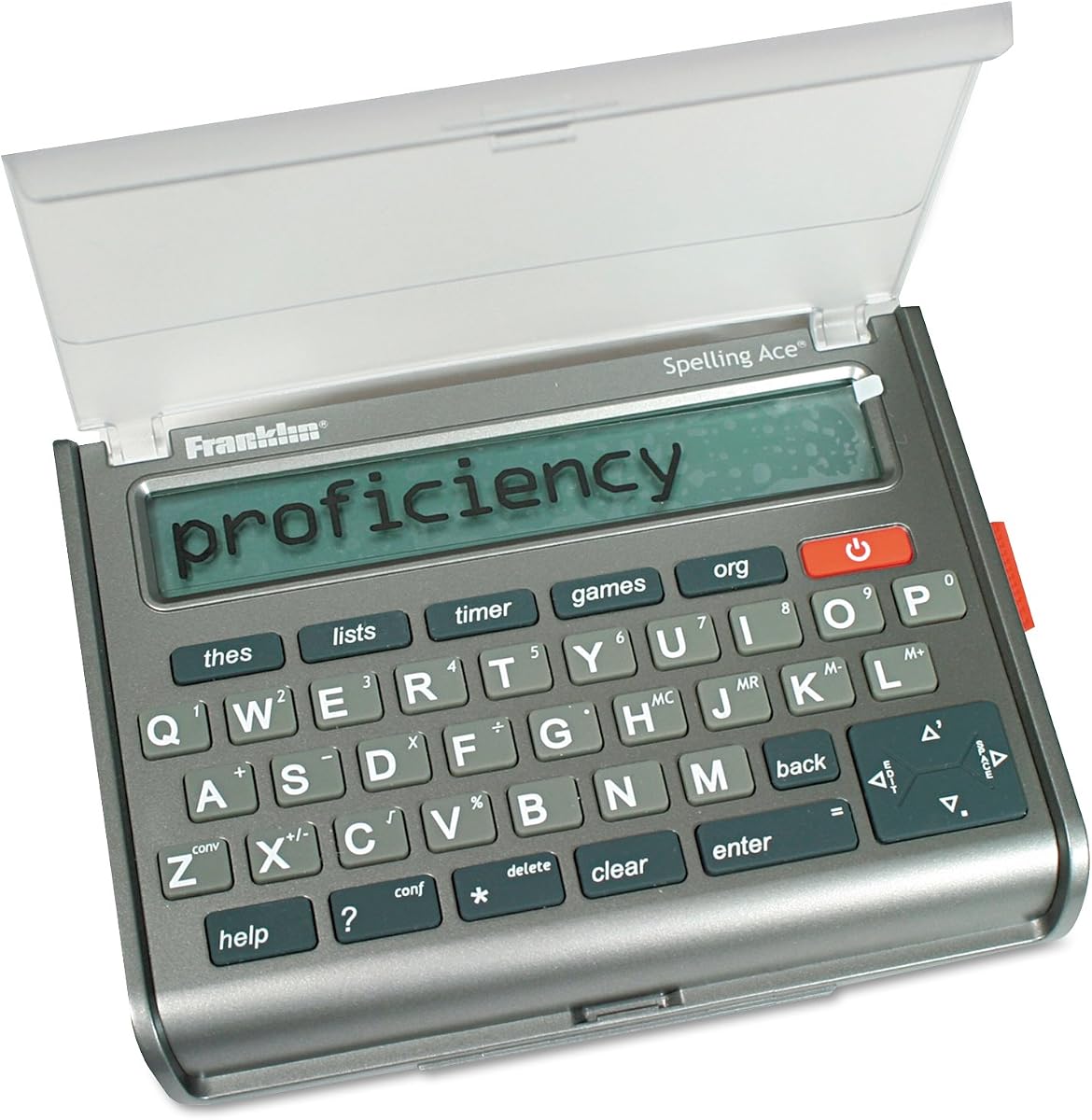
The Franklin SA-309 Spelling Ace focuses on solving word puzzles and learning spelling. It includes a crossword puzzle solver using a Merriam-Webster word list.
We may earn a commission when you buy through this link, at no additional cost to you.
Its word builder creates possible words from entered letters. It also includes a thesaurus with 500,000 synonyms and a confusables function. The classmates feature provides words in similar categories.
With a high rating of 4.2, it is appreciated by word game enthusiasts. It is less useful for general translation or grammar. It is a specialized tool for language games.
This device is ideal for puzzle lovers and students focusing on spelling accuracy. It makes word study engaging through interactive tools.
Get help with crosswords by searching words based on letter patterns.
Create words from scrambled letters to expand vocabulary creatively.
We may earn a commission when you buy through this link, at no additional cost to you.
The Merriam-Webster BookMan MWD-440 is a classic electronic pocket model. It provides basic dictionary and thesaurus access in a small package.
We may earn a commission when you buy through this link, at no additional cost to you.
It uses the trusted Merriam-Webster content. The interface is simple and easy to use. It is designed for quick lookups without advanced features.
Data may be outdated compared to modern devices. Availability and pricing can vary. It suits collectors or those preferring simple tools.
This model is best for nostalgic users or basic lookups. It offers a reliable brand in a compact form.
Compact design fits easily into any pocket for quick access.
Access trusted dictionary content from a well-known publisher.
We may earn a commission when you buy through this link, at no additional cost to you.
The Franklin MWD-1450 offers over 100,000 definitions with downloadable content capability. It is designed for users who want to expand their dictionary over time.
We may earn a commission when you buy through this link, at no additional cost to you.
It includes 9 games and learning exercises. The 5-line display provides decent readability. It uses the BookCard system for expansion.
Base data is smaller than other models. Users must purchase additional cards for more words. However, it offers a flexible platform for learners.
This model is good for students willing to invest in extra content. It allows growth of vocabulary through expansion cards.
Expand your vocabulary by adding new dictionary cards as needed.
Use built-in games to practice words and reinforce learning.
We may earn a commission when you buy through this link, at no additional cost to you.
Choosing the right device requires evaluating features like language support, dictionary size, and usability factors that match your learning or professional needs.
Determine if you need English-only support or bilingual/multilingual capabilities. English-only models are often cheaper and simpler. Multilingual devices support languages like Spanish or French which is crucial for travelers or students learning new languages. Always verify the specific languages supported before purchase.
Choose English-only for writing focus. Choose multilingual for translation needs.
Look at the number of headwords and definitions. Larger databases like 500,000 words offer more comprehensive coverage. Smaller databases might suffice for basic vocabulary. Ensure the definitions are up to date to avoid outdated terms.
Larger databases ensure better coverage for complex vocabulary needs.
Most dedicated devices work offline without Wi-Fi. This is vital for students or travelers who need reliability without data. Apps often require connection. Dedicated electronic dictionaries ensure access anywhere without signal issues.
Prioritize offline capability to ensure access anywhere.
Phonetic spell correction helps when you do not know the exact spelling. Confusables features explain similar words like their and they. These tools are essential for writers and students aiming to improve accuracy in writing tasks.
Phonetic tools help master spelling and prevent common writing errors.
Talking dictionaries pronounce words using native voices. This aids auditory learners and pronunciation practice. Check if the device supports audio features if you need to hear words clearly.
Choose talking models if pronunciation accuracy is a priority.
Screen size affects readability. Look for zoomable LCD screens if you have vision concerns. Large buttons help those with dexterity issues. Ergonomic designs make holding the device comfortable for long study sessions.
Prioritize readability features like large screens and buttons for comfort.
Prices vary based on features like translation and voice. Basic English dictionaries start around $40. Advanced translators may cost up to $160. Match your budget to your specific language learning requirements to avoid overspending.
Balance cost with the necessary features for your learning goals.
Insert batteries correctly to ensure consistent power. Use the keypad to type words quickly. Utilize search functions to find specific terms efficiently.
Store the device in a cool dry place to avoid damage. Use the protective case if available to prevent screen scratches.
Regularly update content if your device supports it. Clear old word lists periodically to maintain performance and save memory.
Electronic dictionaries work offline without needing Wi-Fi. They offer distraction-free study. However, apps have more languages. Choose based on your need for portability and connectivity.
A dictionary defines words and provides usage examples. A thesaurus lists synonyms and antonyms to help expand vocabulary. Many devices combine both for convenience.
Most dedicated devices do not connect to the internet. They rely on built-in data. This ensures privacy and offline access. Some models allow expandable content via cards.
Battery life varies by usage. Most devices last weeks on standard batteries. Using power-saving modes helps extend life. Always carry spare batteries for travel.
Yes, many models have simple interfaces and games for kids. They help build vocabulary and spelling. Avoid models with complex menus for younger children.
Some models allow adding user lists. Others use expandable cards. Check specs for memory features. User lists help track personal vocabulary goals.
We reviewed ten top devices including the Franklin MES-2400 for translation and the Franklin MDE-1200 for budget learning. Each model offers unique strengths for different needs.
Prioritize offline access and spelling tools if you need reliability. Consider voice features if pronunciation is important. Match the device to your specific language goals.
Prices and availability change. Check current listings to ensure the best value for your needs. Use these tools to enhance your language skills effectively.