
HP 14 inch 2027 Edition
4.5Editor score
Intel N150 CPU
Lightweight 3.24 lb
Anti-glare coating
Finding a laptop with an anti glare screen is essential for anyone who spends long hours in front of a display. These displays reduce reflections and eye strain, making them ideal for offices, classrooms, and bright environments.
We have evaluated ten top models based on display quality, performance, and value. Each entry features detailed analysis of specifications and user feedback to help you make an informed decision for your specific needs.
Every pick highlights unique strengths like battery life or processing power. Remember that availability and offers may shift often, so check current listings before finalizing your purchase to ensure you get the best deal available.
4.5Editor score

4.5Editor score

4.4Editor score
As an Amazon Associate we earn from qualifying purchases.
This side-by-side comparison highlights the key specifications of each model to help you quickly identify which device fits your workflow and budget requirements.




This Dell model offers a reliable starting point for users needing a laptop with an anti glare screen for daily tasks. It focuses on efficiency and comfort with software that protects eyes during long sessions. The design includes features that make typing and data entry smoother for students and office workers.
We may earn a commission when you buy through this link, at no additional cost to you.
The ComfortView software is a standout feature that minimizes harmful blue light emissions. This is crucial for anyone working late at night or in low light conditions. The lifted hinges provide an ergonomic angle that helps maintain posture while typing for hours. Additionally the separate numeric keypad aids those who frequently calculate numbers.
While the Intel Core 3 100U processor handles basic computing well it may struggle with intense workloads. The 8 GB of RAM is sufficient for web browsing and word processing but might feel limiting with many tabs open. However for entry level users this balance of cost and function makes it a practical choice.
This laptop is ideal for students or professionals who prioritize eye comfort and straightforward usability. If you need a machine that gets you through your to do list without fuss this model delivers. Check current availability to see if it fits your specific workflow requirements today.
ComfortView software helps reduce eye strain by filtering out blue light which is common during extended screen use.
Lifted hinges provide a better typing angle to reduce wrist strain during long work sessions.
We may earn a commission when you buy through this link, at no additional cost to you.
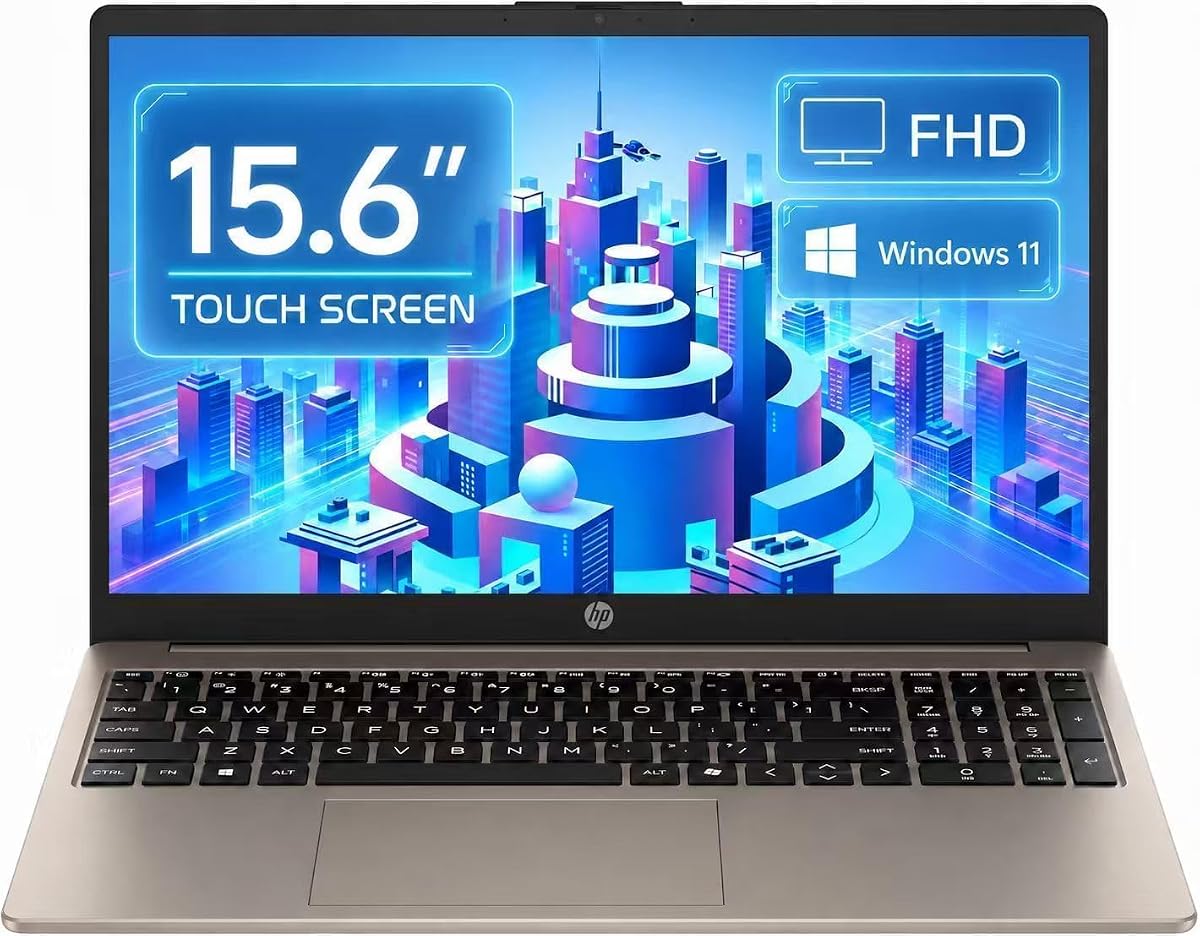
The HP Pavilion combines an anti glare screen with a responsive touchscreen for intuitive navigation. It offers robust memory and storage which are vital for multitasking and storing large media libraries. The high brightness ensures visibility in various lighting conditions making it suitable for different environments.
We may earn a commission when you buy through this link, at no additional cost to you.
With 16GB of RAM this laptop handles multiple browser tabs and applications without lag. The 1TB SSD provides fast boot times and ample room for files. The capacitive touchscreen allows direct interaction with apps and photos which simplifies daily tasks. Privacy shutter on the camera adds an extra layer of security for video calls.
The processor reaches speeds up to 3.8 GHz which supports smooth performance for everyday computing. However the battery life can fluctuate based on brightness and application load. Users should expect around 11 hours under ideal conditions but heavy use may reduce this. The fast charge adapter helps replenish power quickly when needed.
This device is a strong candidate for users who value touch interaction and ample storage. It fits well in home offices or classrooms where versatility is key. Ensure the screen size matches your portability needs before purchasing.
The touchscreen makes scrolling and selecting items more direct and user friendly.
A physical privacy shutter protects your video calls from unwanted viewing when not in use.
We may earn a commission when you buy through this link, at no additional cost to you.
This compact laptop delivers clear visuals with an anti glare coating perfect for work and entertainment. Its slim profile and low weight make it easy to carry between home office or school. The inclusion of cloud storage helps overcome local drive limits for essential documents.
We may earn a commission when you buy through this link, at no additional cost to you.
The display offers 250 nits brightness and vibrant visuals without harsh reflections. The Intel N150 CPU ensures efficient multitasking for basic needs. With Microsoft 365 included users get access to essential apps right away. The lightweight design reduces strain when traveling frequently.
The 128GB SSD is small but fast for system operations. Relying on cloud storage requires an internet connection for full functionality. The 4GB RAM is adequate for web browsing but not for heavy apps. This setup suits users who prioritize portability over local file retention.
It is an excellent choice for students or travelers who need a reliable secondary device. The anti glare screen ensures comfort during lectures or study sessions. Consider your storage needs carefully before committing to this model.
At 3.24 lbs and under one inch thick it fits easily in backpacks for on the go use.
1TB cloud storage extends capacity beyond the physical drive for important files.
We may earn a commission when you buy through this link, at no additional cost to you.
This HP model integrates AI features and a bright anti glare screen for modern workflows. The Ryzen 5 processor supports smooth multitasking for daily tasks. AI noise reduction ensures clearer communication during team calls by filtering background sounds. The dedicated Copilot key simplifies access to AI assistance.
We may earn a commission when you buy through this link, at no additional cost to you.
The 15.6 inch display features 300 nits brightness for clear views in bright rooms. AMD FreeSync technology improves visual performance by syncing refresh rates. The webcam shutter protects privacy when not in use. This combination of hardware and software aids productivity significantly.
Note that the Type-C port does not support charging or external monitors which limits connectivity options. You must use the HDMI or Type-A ports for peripherals. Despite this the included laptop cooler helps manage heat during extended sessions.
Ideal for remote workers who need reliable video call quality and responsive performance. The anti glare surface reduces eye fatigue during long meetings. Verify port requirements match your external devices before buying.
Advanced noise reduction tracks your voice and filters out background noises for focused calls.
AMD FreeSync ensures fluid visuals artifact free performance for streaming and light gaming.
We may earn a commission when you buy through this link, at no additional cost to you.
This premium option offers powerful processing for creating gaming and entertainment. The anti glare screen provides crisp visuals while the high speed memory allows quick switching between programs. Fast charge technology minimizes downtime when the battery runs low.
We may earn a commission when you buy through this link, at no additional cost to you.
The 13th Gen Intel Core processors advance real world computing efficiency. Intel Iris Xe graphics deliver impressive performance for creative work without a dedicated GPU. The 1TB SSD ensures rapid boot times and ample storage. Wi-Fi 6 support ensures faster and more stable wireless connections.
While powerful this laptop may not offer the longest battery life under heavy load. The premium features come at a higher cost which is suitable for professionals. Always check if the charger is included and compatible with your region.
It is the best fit for users needing robust performance for media and productivity. The anti glare coating ensures comfort during long creative sessions. Consider if the premium specs align with your specific needs.
Power down to go from 0 to 50 percent charge in about 45 minutes when needed.
Iris Xe graphics support vibrant visuals and smooth performance for entertainment and light creative tasks.
We may earn a commission when you buy through this link, at no additional cost to you.
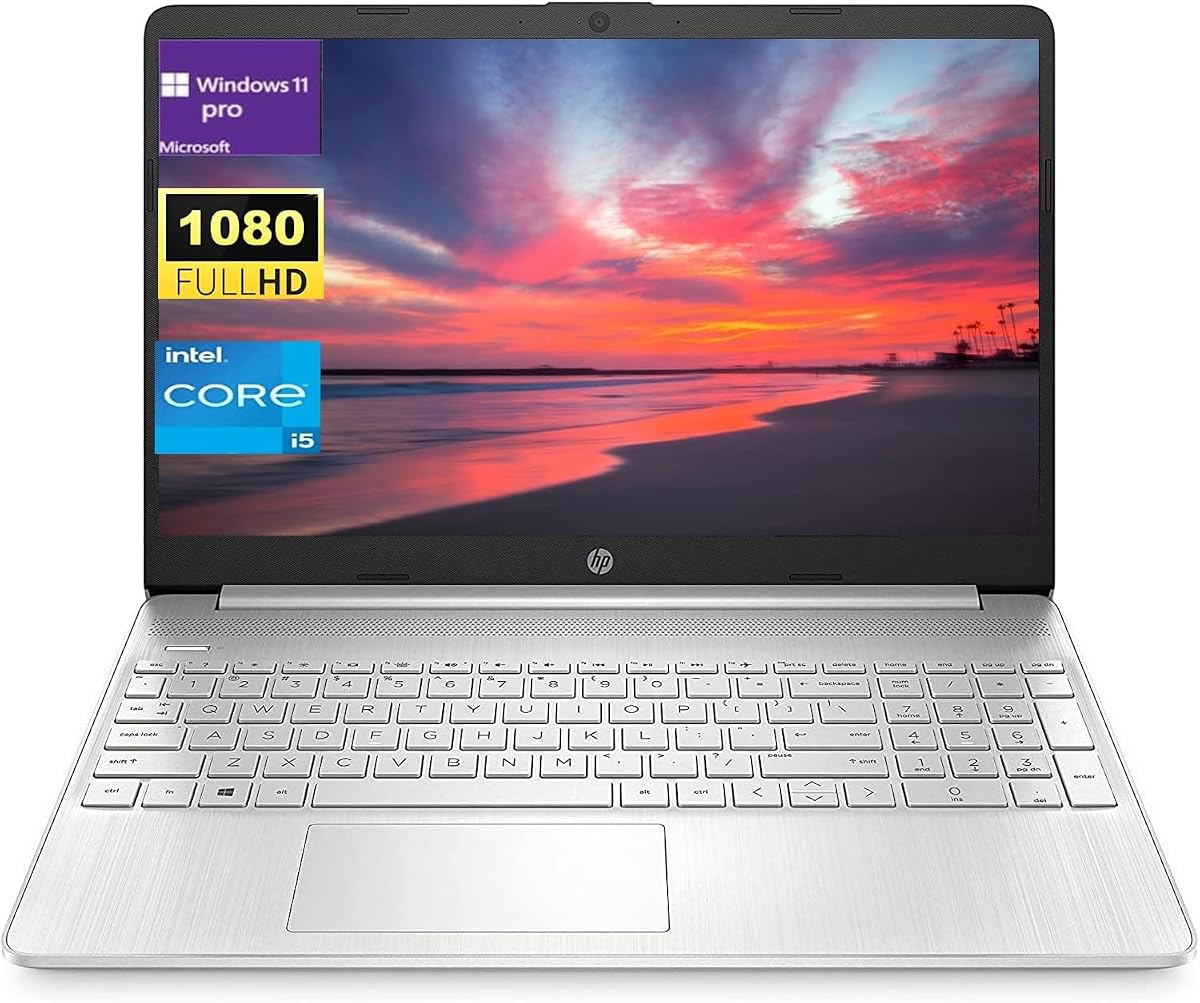
This laptop features Windows 11 Pro for enhanced business features and connectivity. The anti glare micro-edge display provides clear visuals for office tasks. The 512GB SSD offers reliable boot speeds and storage for documents. It is designed for stable performance during daily work.
We may earn a commission when you buy through this link, at no additional cost to you.
The 11th Gen Intel Core i5 processor handles standard tasks efficiently. Intel Iris Xe graphics support multimedia needs well. An SD card reader is included which is useful for photographers or data transfer. The 250 nits brightness ensures visibility indoors.
While 8GB of RAM manages multiple apps it may not suit heavy virtualization. The 11th gen processor is mature and reliable but newer options exist. However the inclusion of Windows 11 Pro adds significant value for business users.
It serves well for corporate environments or professionals needing Pro features. The anti glare surface keeps eyes comfortable during spreadsheets or coding. Check if your office requires specific security protocols included with Pro.
Windows 11 Pro offers enhanced security and management tools for professional use.
The built-in SD card reader simplifies importing photos or data from external media.
We may earn a commission when you buy through this link, at no additional cost to you.
This renewed Latitude model offers durable construction and a clear anti glare touch display. It features strong memory for multitasking and a reliable Intel processor. The renewed status often means a cost effective option with tested performance for business use.
We may earn a commission when you buy through this link, at no additional cost to you.
The 16GB of DDR4 memory ensures fluent operation throughout the day. The 14 inch screen reduces size while maintaining productivity. Touch functionality adds usability for presentations. Intel Xe graphics support daily entertainment and media needs efficiently.
Storage is limited to 256GB so external drives may be needed for large files. As a renewed item warranty terms may differ from new units. Ensure you check the specific seller's return policy for peace of mind.
It is suitable for organizations needing reliable hardware at a lower cost. The anti glare screen helps in office environments with overhead lighting. Prioritize memory needs over storage for this model.
16GB of RAM allows for smooth multitasking across many applications and browser tabs.
Renewed units offer tested functionality at a reduced price point for budget conscious buyers.
We may earn a commission when you buy through this link, at no additional cost to you.
This Lenovo model focuses on efficiency and durability for students and remote workers. The hybrid storage setup balances speed and capacity for media. The anti glare display reduces eye strain during long study sessions. Microsoft 365 is included for productivity needs.
We may earn a commission when you buy through this link, at no additional cost to you.
The MIL-STD-810H military grade testing ensures reliability in challenging conditions. The N150 processor handles web browsing and document editing well. LPDDR5 RAM supports smooth operation. The included privacy shutter on the webcam adds security for calls.
The HDD component provides extra space but may be slower than pure SSD. Users should manage files between drives for best performance. Fast charging helps maintain power throughout the day without long waits.
It is an ideal choice for home users needing reliable daily performance. The anti glare screen is perfect for bright rooms. Check port availability for your peripherals.
Military grade testing ensures the device can withstand daily wear and tear in various environments.
Combining UFS storage with an HDD offers a balance of speed and capacity for files.
We may earn a commission when you buy through this link, at no additional cost to you.
This laptop provides a spacious anti glare screen for detailed work and entertainment. The large display enhances multitasking by offering more real estate. It features a reliable processor and ample storage for personal files. The anti glare coating keeps views clear in bright areas.
We may earn a commission when you buy through this link, at no additional cost to you.
The AMD Ryzen 5 7430U supports smooth multitasking and entertainment. 16GB of RAM allows handling multiple programs simultaneously. The 1TB storage ensures plenty of room for media libraries. Brightness reaches 300 nits for good visibility indoors.
While great for desk use the larger screen size adds weight for travel. It is best suited as a main unit rather than a portable traveler. Ensure your workspace can accommodate the wider footprint comfortably.
It fits well for home offices where screen space is a priority. The anti glare surface helps reduce distractions from reflections. Consider your portability needs before selecting this size.
The 17.3 inch display provides extra space for spreadsheets or multiple windows.
300 nits brightness ensures content remains visible even in well lit environments.
We may earn a commission when you buy through this link, at no additional cost to you.
This model offers a large anti glare screen for productivity and home use. It features a modern processor and fast storage for efficient workflows. The design includes ergonomic touches to improve comfort during extended use. It supports external display needs for expanded setups.
We may earn a commission when you buy through this link, at no additional cost to you.
The AMD Ryzen 5 7430U provides responsive performance for tasks. 16GB RAM ensures smooth multitasking capabilities. The anti glare screen ensures clarity for study or work sessions. Lift-hinge design adds to the usability of the keyboard area.
Portability is limited due to the large screen and chassis. It is best positioned as a home desktop replacement. The USB-C port offers modern connectivity options for accessories. Check if the dimensions fit your desk setup.
It suits users needing a large workspace without buying a monitor. The anti glare screen reduces strain in various lighting. Prioritize desk space over portability for this choice.
The design lifts the hinge to improve typing comfort and visibility on the screen.
USB-C and USB-A ports allow versatile connections for peripherals and storage.
We may earn a commission when you buy through this link, at no additional cost to you.
Selecting a laptop with an anti glare screen involves considering display quality performance and specific needs. This section breaks down the essential factors to evaluate before buying.
Look for displays with at least 250 nits brightness to ensure visibility in well lit rooms. High resolution like Full HD (1920 x 1080) provides sharp text and images essential for reading.
Higher brightness and resolution combined with an anti glare coating ensure you can see clearly without eye strain.
An anti glare coating diffuses light to reduce reflections from windows or overhead lights. This feature is critical for reducing eye fatigue during long work sessions.
Check product descriptions for mentions of matte or anti glare finishes to avoid glossy screens that reflect too much light.
Choose a processor that matches your workload. Intel Core i5 or i7 and AMD Ryzen 5 or 7 offer a good balance for multitasking and general computing.
Avoid lower end processors if you plan on running multiple applications simultaneously to prevent lag.
8GB of RAM is the minimum for smooth operation in 2026. For better longevity consider 16GB especially if you use many browser tabs.
Solid State Drives (SSDs) are preferred over mechanical hard drives for faster boot times and reliability.
Battery life varies based on screen brightness and processor usage. Aim for models advertising 8 hours or more for a full day of work.
Keep in mind that anti glare screens do not inherently save battery but help maintain performance without glare.
Laptops with larger screens like 17 inches are less portable and heavier. Consider your need to carry the device daily.
A lighter chassis is essential if you commute frequently or carry the laptop to different locations.
Ensure the laptop has the necessary ports like HDMI USB-A and USB-C for your peripherals. Wi-Fi 6 support ensures faster wireless speeds.
Missing ports can require dongles which add clutter to your workspace and reduce convenience.
Modern laptops include webcams with physical shutters for privacy. Biometric login like fingerprint or facial recognition adds extra security.
Always verify if the device includes a camera shutter if you value privacy during video calls.
Clean the screen gently with a microfiber cloth to avoid scratching the anti glare coating. Do not use harsh chemicals or paper towels that could damage the matte finish.
Position your laptop at a comfortable angle to reduce neck strain. Use the built-in hinges to adjust the height if your device supports it.
Keep the vents clear of dust to maintain optimal performance. Overheating can reduce battery life and overall lifespan of the device.
An anti glare screen has a matte finish that reduces reflections from lights and windows. This feature improves visibility and reduces eye strain during long hours of use making it ideal for bright environments.
They may slightly diffuse colors compared to glossy screens but modern coatings minimize this effect. The benefit of reduced glare usually outweighs any minor loss in contrast for productivity tasks.
Use a soft dry microfiber cloth to wipe the screen gently. Avoid spraying liquid directly on the display and never use abrasive cleaners like window glass cleaners.
They are often standard on business and mid range models so the price difference is negligible. Some premium displays offer advanced coating technologies that might cost more but are not essential for all users.
Yes you can apply a third party anti glare film to glossy displays. However this may alter color accuracy and touch sensitivity depending on the film quality and application method.
Not all models feature this coating but many business and productivity focused laptops do. Always check the specifications for matte or anti glare keywords before purchasing.
We have reviewed ten distinct models ranging from budget friendly options to powerful premium devices. Each offers unique benefits such as large displays or lightweight designs suitable for different workflows.
Prioritize display brightness and processing power based on your specific use case. Whether for study or professional work the anti glare feature ensures comfort during extended sessions.
Always check current prices and availability before purchasing to ensure you get the best value. Technology evolves quickly so staying updated helps you find the right fit today.